Why the Difference in Privacy?
Understanding this split is crucial. Think of your main feed and Reels as a public broadcast—anyone can tune in, and their viewership is anonymous. This setup encourages people to watch freely without feeling like they're being watched back.
Stories, on the other hand, are designed to feel more personal and temporary, like a brief get-together. In that context, seeing the "guest list" makes sense. It’s a more intimate format.
This isn't an accident; it's a deliberate choice by Instagram to balance creator metrics with user privacy. For your permanent content like feed videos and Reels, you get the big-picture data—view counts, likes, and saves. But individual identities? Those stay under wraps.
The infographic below breaks down exactly what you can and can't see.
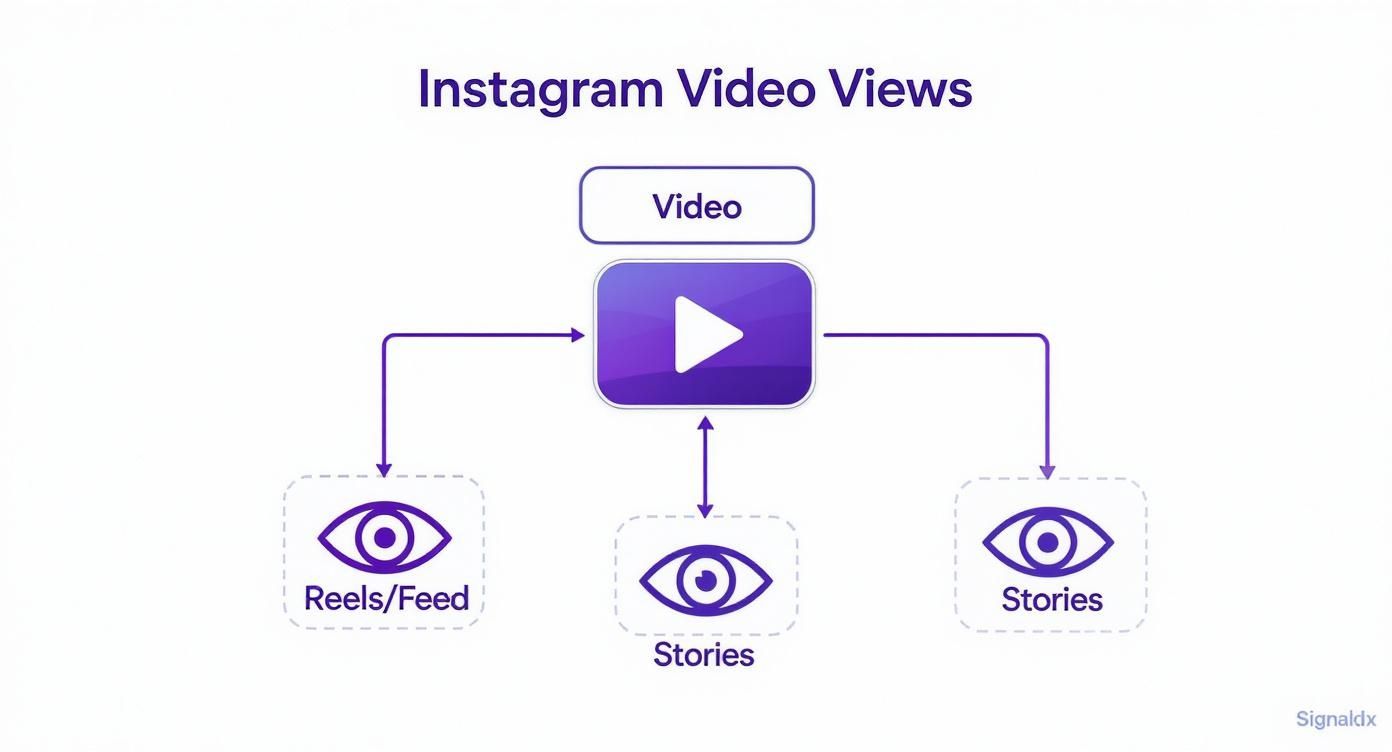
Viewer Data Visibility Across Instagram Content
To make it even clearer, here's a quick comparison of what viewer information you can access for each content type on Instagram.
Stories: You can see a complete list of everyone who viewed your Story, along with any poll votes, sticker interactions, or question responses.
Feed Videos: Instagram doesn’t show a viewer list for feed videos. Instead, you’ll see the total number of views, along with likes, comments, and saves.
Reels: Like feed videos, Reels don’t provide individual viewer names. You can access insights such as total plays, likes, comments, shares, and saves.
Instagram Live: While streaming live, you can see who joins and leaves your broadcast in real time. However, after the live ends, that detailed viewer list is no longer available.
As you can see, a full viewer list is reserved for the platform's more ephemeral and interactive formats like Stories and Live broadcasts.
This privacy-first approach for permanent content also applies to your main profile. We dive deeper into that in our guide covering whether Instagram shows who views your profile. For videos and Reels, your focus should be on the overall numbers, not the individual names.
Why Instagram Keeps Video Viewers Anonymous
Ever noticed how you can see exactly who watched your Instagram Story, but when it comes to Reels or feed videos, it’s just a number? That’s not an accident. It's a very intentional design choice that gets to the heart of how Instagram wants you to consume content.
Think of your Instagram feed like a giant, public art gallery. You’re free to wander around and look at any painting (or video) you want without the curator announcing your name to the room. This sense of anonymity is powerful—it removes social pressure.
Without worrying if your boss or your grandma will see you watching that cheesy dance video 10 times, you feel more comfortable exploring. This creates a much more relaxed and authentic viewing experience, which keeps people on the app longer and boosts overall engagement.
A Smart Play on Privacy and Engagement
This approach really works out for everyone. Viewers get the freedom to watch what they want without feeling watched themselves, and creators get the benefit of more organic views.
Here’s a breakdown of how this benefits both sides:
For the Viewer: You get a no-pressure environment. You can watch something purely for entertainment or information without having to publicly endorse it with a "like" or comment. Your viewing history is your own business.
For the Creator: You might not get a list of names, but you get something far more valuable for your growth strategy: a higher view count. When people don't hesitate to watch, your content gets a much better shot at being favored by the algorithm and pushed out to new audiences.
The core idea here is that anonymous views on permanent content (Reels and feed videos) are central to Instagram's growth model. The platform prioritizes mass engagement over individual accountability, which is the secret sauce for making content go viral.
So, while the answer to "does Instagram show who viewed your video" is a clear "no" for feed posts, it’s actually a feature, not a bug. It’s the very thing that keeps the content machine humming along for everyone.
What Video Metrics You Can Actually See
So, while you can't see a list of every single person who watched your video, Instagram gives you something far more powerful: a boatload of data about how your content performed. This is where the real strategy comes in, especially for anyone with a Professional account (either Business or Creator).
Think of yourself as a film director instead of a party host. You're not focused on who's in every seat, but you're obsessed with the audience's reaction. Did they laugh at the right parts? Did they get bored and walk out? Instagram Insights gives you that director-level view of your video's performance.
Unlocking Your Video Performance Data
First things first, you'll need to switch to a Professional account to get this data. It's free and only takes a second in your settings. Once you've posted a video or Reel and it's had some time to gather views, you'll see a "View Insights" button right underneath it.
Tapping that button is like opening up your video's report card. It tells you exactly what’s working and what isn't. Here are the key metrics you’ll find:
Reach: The total number of unique* accounts that saw your video. This is your true audience size for that post.
Impressions: The total number of times your video was shown to users. This can be higher than Reach if people saw it multiple times.
Plays: This is the public-facing "view count" you're used to seeing. It's the total number of times your video started playing.
Watch Time & Audience Retention: This is pure gold. You get a graph showing the average watch duration and, more importantly, where people tended to drop off and stop watching.
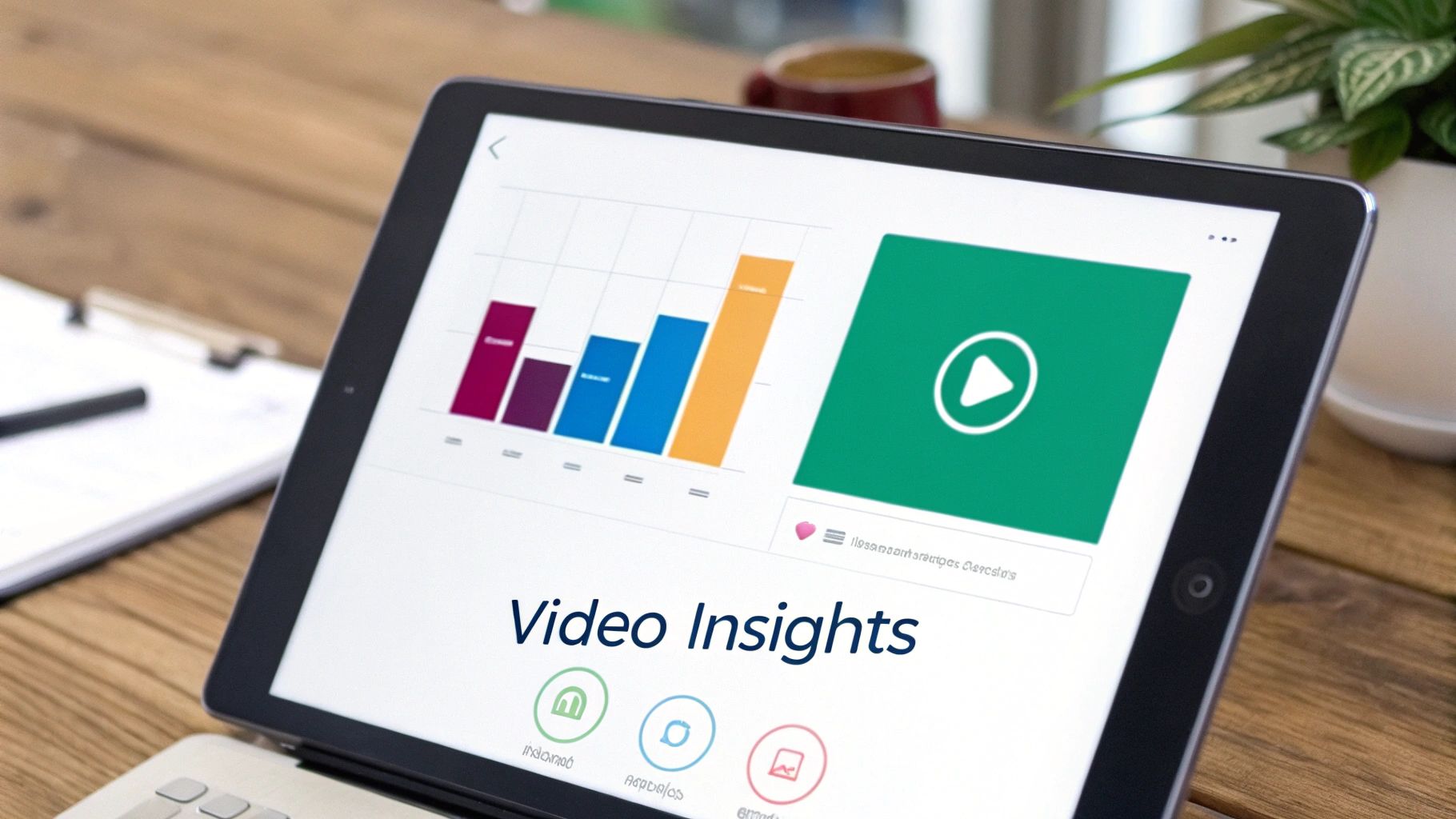
Here’s a quick look at what the insights panel looks like in the app.
This visual feedback is incredibly useful. You can pinpoint the exact moment your audience lost interest, helping you make better, more engaging videos next time. To really dig into all the available data, check out our deep-dive guide on how to use Instagram Insights.
Understanding this data is non-negotiable because video absolutely runs Instagram. In fact, video now accounts for over 60% of the time people spend on the app. And with Reels being reshared roughly 3.5 billion times every single day, mastering your metrics is the key to unlocking massive reach.
It can be a lot to keep track of, which is why many creators and brands turn to some of the best Instagram analytics tools to help make sense of it all and find those hidden-gem insights.
How Stories and Live Videos Break the Rules
While regular feed videos and Reels keep viewer identities under wraps, Instagram throws out the rulebook for two specific formats: Stories and Live videos. These are built for in-the-moment connection, so the privacy settings are completely different.
Instagram Stories are designed to be temporary, personal dispatches—like a quick, 24-hour window into your life. Because they feel more intimate, Instagram lets you see a full list of every single person who has watched your Story. This is all about encouraging direct engagement and letting you know who’s following along with your day-to-day.
To get the most out of this format, check out our complete Instagram Story guide, which dives into everything from creation to analytics.
The Disappearing Act of Live Video Viewers
Instagram Live is the other big exception, but it comes with a major catch. While you're broadcasting live, it's all about community. You see usernames pop up as people join, and the whole experience is interactive. It’s a shared event.
But that transparency is temporary.
Once your Live broadcast ends, you have a choice. If you share it to your profile, it essentially becomes a regular video post. The detailed list of everyone who tuned in disappears forever.
What you're left with is the same data you get for any other video: a total view count and likes. This switch from a live event to a permanent post is a great example of Instagram's core privacy logic. Real-time engagement gets a guest list; permanent content doesn't.
Here’s a simple breakdown of how that data access changes once a Live broadcast is over.
Data Access for Live vs Posted Videos
Viewer Identity: While you’re live, you can see the usernames of everyone who joins your stream in real time. Once the session ends and is shared to your feed, that viewer list disappears — you can only see the total number of views, not who watched.
Viewer Count: A live viewer counter shows how many people are currently watching. After posting, the replay displays a total view count, similar to a regular video post.
Interaction Data: During the broadcast, you’ll see comments, hearts, and reactions as they happen. Once the Live is posted, only likes and comments left on the saved video remain visible.
This makes it crystal clear: the moment a Live becomes a permanent part of your feed, it follows the standard rule that Instagram does not show who viewed your video.
The Truth About Third-Party Viewer Apps
If you've spent any time Googling "does Instagram show who viewed your video," you've probably seen them: websites and apps that promise to unlock this secret list of names. Let's get straight to the point: these services are always a scam.
Think of Instagram's privacy system as a bank vault. They simply don't hand out the combination to third-party developers, and there's no secret backdoor to access private viewer data. Any app claiming it can magically pull this information for you is lying.
So, what are they really after? Their goal is almost always malicious. Giving one of these apps your login details is like handing a stranger the keys to your front door.
The Dangers Are Real
Using these shady services isn't just a waste of time—it puts you at immediate risk. You're exposing yourself to some serious digital threats that can mess up your account and your security.
Here’s what usually happens:
Stolen Credentials: The first thing they ask for is your username and password. Once you hand those over, they've got them for good.
Account Hacking: With your login info, scammers can hijack your account, post spam, message your friends, or lock you out entirely.
Malware Installation: Many of these apps and sites are just delivery systems for viruses and other nasty software that can steal all the personal data on your device.
Getting Banned: Instagram's Terms of Service strictly forbid using unauthorized apps. If they catch you, you could get your account suspended or even permanently banned.
The bottom line is simple: there is no safe or legitimate way to see a list of individual video viewers. Any tool or service promising this is a trap designed to prey on your curiosity and steal your data.
This advice isn't just for video viewer apps, by the way. You should be just as cautious with third-party apps claiming to reveal who doesn't follow you back on Instagram, as they often operate on the same risky principles and can compromise your account's security.
Common Questions About Instagram Video Views
Even after breaking down the rules, some specific situations can still be a bit confusing. Let's clear the air with some quick answers to the questions I hear most often about Instagram video views.
Think of this as your go-to FAQ for those nagging little doubts. We'll cover everything from what counts as a view to what a Professional account really shows you.
Do Replays From the Same Person Count as New Views?
This is a big one. Does someone looping your video over and over again skyrocket your view count? The short answer is no.
Instagram officially counts a "view" once a video has been watched for at least 3 seconds. While they keep the exact details of their algorithm under wraps, the consensus is that repeated plays from the same user in a short period don't keep adding to the count. The number you see is meant to reflect unique plays, preventing people from just hitting replay to inflate their metrics.
Can a Business Account See Individual Viewers?
Nope. This is a common myth, but even with a Professional (Business or Creator) account, you cannot get a list of every single person who watched your video.
Switching to a Professional account gives you a goldmine of aggregated data—things like audience demographics, reach, and average watch time—but it does not lift the curtain on individual identities. The analytics are there to show you how your audience behaves as a whole, not to track specific people.
So, while you get powerful insights, the fundamental answer to "does Instagram show who viewed your video" is still a firm no, no matter what kind of account you have.
Does the Likes List Show All Your Viewers?
It’s easy to get this mixed up. When you see "Liked by [username] and others," you're only seeing a sample of people who took the extra step to tap the heart icon. This list is not a complete log of your viewers.
Plenty of people will watch your video and move on without leaving a like, and you'll never know who they were. The likes list is really just a form of social proof; it shows others that people are enjoying your content and gives you a small window into your most engaged audience members. It's just a tiny fraction of your total viewership.
Ready to turn those views into real followers? Gainsty uses advanced AI and expert strategies to grow your Instagram followers with authentic, engaged followers. Stop guessing and start growing today. Check out our organic growth services.