Why Saving Instagram Reels Is a Game Changer

Before we get into the "how-to," let's talk about the "why." Learning to save Instagram Reels isn't just a neat trick; it's a core part of a smart content strategy. This isn't about hoarding videos. It’s about intentionally building a library you can turn to for creative sparks, trend spotting, and seeing what your competitors are up to.
For anyone trying to grow their presence on Instagram, saving Reels that perform well is like getting a backstage pass to what your audience loves. The platform has gone all-in on this format, and the numbers don't lie.
Reels now account for a massive 35% of total Instagram screen time. With an average engagement rate of 1.23%, they blow traditional posts out of the water. Figuring out what works is no longer a "nice-to-have"—it's a must.
Building Your Creative Swipe File
The best way to think about your saved Reels is as your personal "swipe file." It’s a curated collection of standout content that you can pull from whenever you're feeling stuck. Instead of staring at a blank screen trying to come up with your next idea, you have a bank of proven concepts right there.
Having a well-organized library of saved Reels helps you get ahead. You can:
Spot Trending Audio: Jump on popular sounds and music before everyone else does.
Decode Powerful Hooks: Break down the first three seconds of viral Reels to see what makes people stop scrolling.
Study Visual Styles: Keep an eye on editing tricks, cool transitions, and aesthetics that feel right for your brand.
When you save a Reel, you shift from being a passive scroller to an active researcher. You're gathering real-world data on what resonates with people. This habit is fundamental for keeping your content fresh, especially when you combine it with a solid strategy for using the right hashtags for Instagram Reels to get more eyes on your work.
The Official Ways to Save Your Own Reels
When it comes to saving Instagram Reels, the best place to start is with your own content. Instagram has a couple of built-in features that are perfect for managing your workflow, whether you're batch-creating videos or just need to grab a copy of something you've already posted.
Getting these native options down is the first step to a smoother content process. You'll generally find yourself in one of two situations: either you need to save a video before you post it, or you need to download a Reel that’s already live. Each one serves a different purpose, from planning your content to repurposing it for other platforms like TikTok or YouTube Shorts.
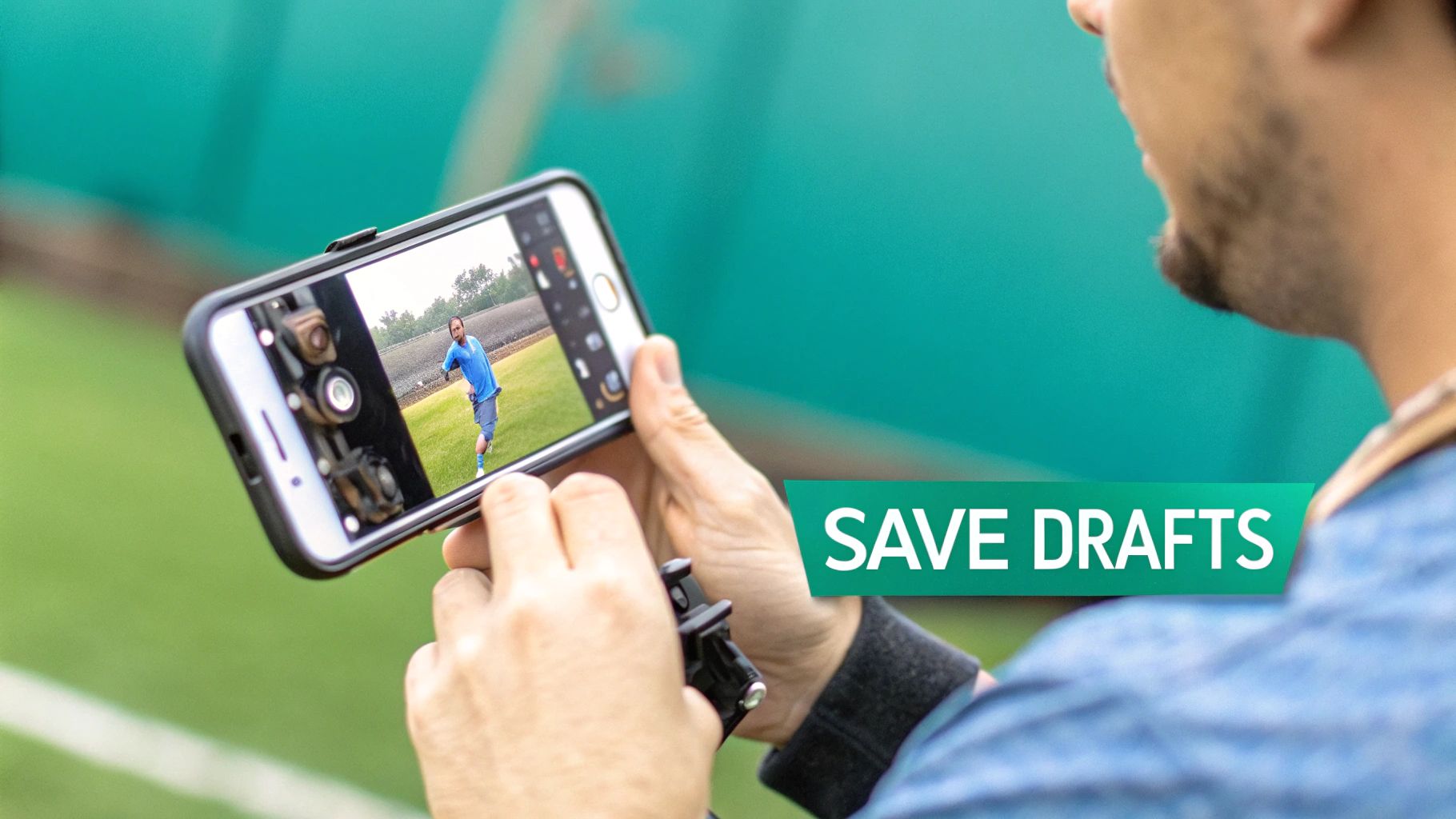
Saving Reels as Drafts Before Posting
I like to think of drafts as my content creation safety net. It’s an incredibly useful feature when I’m in a creative flow and want to film several videos at once without publishing them all immediately. This is how you can build out a content calendar right inside the app.
The process is simple. Go through all the steps of creating your Reel—add your clips, effects, and text. Once you reach the final screen where you write your caption, just scroll down to the bottom and tap "Save Draft" instead of hitting "Share."
That's it. Your video will be tucked away in a "Drafts" folder on your profile's Reels tab, ready for you to finish up and post whenever you're ready.
This simple move is a game-changer for staying consistent. It lets you block out time for filming and editing, then roll out your posts over the week without the daily pressure to create something from scratch.
Downloading Your Published Reels
What if your Reel is already live? No problem. You can easily download it straight to your phone’s camera roll. This is perfect for keeping a personal backup or sharing the video file on other platforms.
First, head to your profile and open the Reel you want to save.
Next, tap the three dots (•••) to bring up the options menu.
From there, select "Save to your device."
The video will save directly to your photos. There is one major catch, though: if you used any music from Instagram’s audio library, the downloaded video will probably be silent. This is all because of music licensing and copyright restrictions. If you need a version with the sound intact, you’ll need a different strategy—usually involving saving the video before you add the music within the app.
How to Organize Reels Using Instagram Collections
Let's be real—downloading every single Reel you like is a fast track to a full phone and a chaotic camera roll. There’s a much smarter way to do this, and it's built right into Instagram: Collections.
Honestly, Collections are one of the most underrated features for creators. Think of them as your private Pinterest boards, but exclusively for Instagram content. Instead of dumping everything into one giant "Saved" folder, you can build curated libraries for inspiration, research, and planning. The best part? It takes up zero storage on your device.
Saving a Reel to a Collection is simple. When you find one you want to keep, just tap the little bookmark icon on the right. A pop-up will immediately give you the option to "Save to collection." From there, you can either drop it into a folder you've already made or create a brand new one right then and there.
Smart Collection Ideas for Creators
To get the most out of this, you need to think strategically. Don't just save things randomly. Create categories that actually help your workflow.
I've seen creators have a ton of success with collections like these:
Trending Audio: Your go-to spot for sounds that are popping off and you want to use later.
Competitor Wins: A private lookbook of what’s working for others in your niche.
Content Sparks: A swipe file for video concepts, cool hooks, or storytelling formats you want to experiment with.
Editing & Aesthetics: A mood board for visual styles, transitions, and editing tricks that inspire you.
By getting organized, you stop scrolling passively and start researching actively. You’re building a personal library of trends, ideas, and inspiration that can seriously level up your content game.
Getting the hang of features like Collections is a great start. Similarly, understanding Instagram's navigation for other common tasks, like finding the link in a bio, will make your time on the app much more efficient.
Getting Reels Onto Your Phone Or Computer
While Instagram Collections are fantastic for organizing things inside the app, sometimes you just need the actual video file. Maybe you want to watch it offline, pop it into a presentation for your team, or really dig into a competitor's content strategy.
Getting a Reel from Instagram onto your device can be straightforward, but the best method really depends on the situation.
Instagram’s Built-In Download Feature
Instagram does have an official way to do this. On any public Reel, just tap the Share icon (the little paper airplane), and you might see a "Download" button. This is by far the safest and most direct route.
The catch? It only works if the creator has specifically allowed their content to be downloaded. For lots of reasons, from copyright to just wanting to keep their content on the platform, many creators turn this feature off. So, don't be surprised if that button is often missing.
Navigating Third-Party Downloader Tools
When the official download option isn't there, third-party apps and websites are your next best bet. These tools typically just need the Reel's URL to grab the video file for you.
A word of caution here: you have to be smart about which service you use.
Key Takeaway: A legitimate downloader tool will never ask for your Instagram password or login credentials. If it does, it's almost certainly a phishing scam designed to steal your account. Close that tab immediately.
I always recommend sticking to well-reviewed, browser-based tools. Look for a clean, simple interface without a million pop-up ads. The process should be as simple as pasting the link and hitting download. If a site tries to get you to install sketchy software, move on.
Once you have the video, you can do all sorts of cool things with it. For instance, you can transcribe video to text online for free to easily pull quotes or create a written summary of the content.
This simple flowchart can help you decide what to do with a Reel the moment you see it.
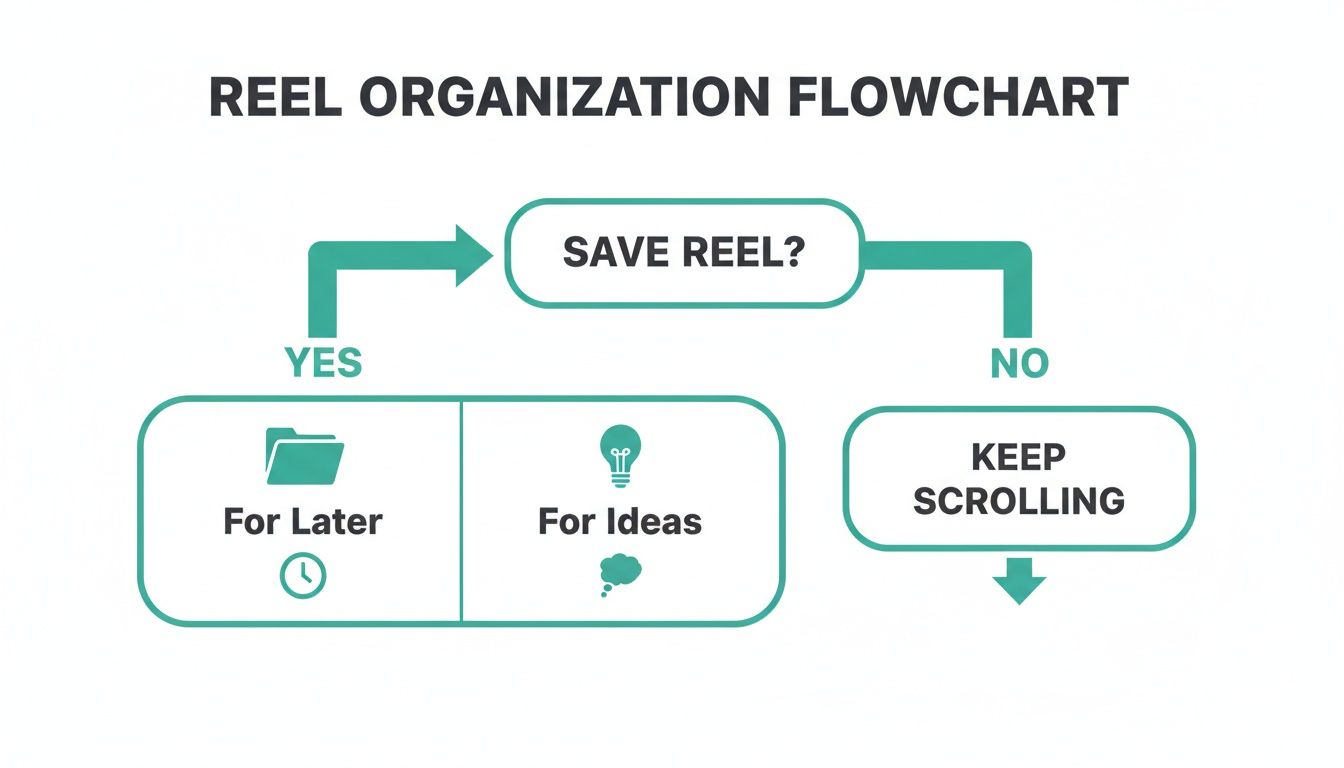
As you can see, it all starts with your goal—are you saving for quick inspiration or for a bigger project down the line? That initial decision dictates the best way to save it.
Reel Saving Methods Compared
To make it even clearer, here’s a quick breakdown of the most common ways to save Reels. Each has its own set of pros and cons, especially when it comes to things like watermarks and audio quality.
In-app download: This method is best for quick and secure downloads when the creator has enabled downloading. The saved content typically includes a watermark and usually retains the original audio. Privacy risk is low.
Third-party site: Using a third-party website is suitable for saving Reels that are not downloadable through the app. Depending on the service, the content may or may not include a watermark, and audio is generally preserved. This method carries a medium privacy risk.
Screen recording: Screen recording serves as a universal last-resort option for capturing any content. It does not add a watermark, includes audio, and presents a low privacy risk.
Ultimately, the right method depends on what you need the video for. If you plan on re-editing or polishing the clips you save, you might want to explore some of the more powerful https://www.gainsty.com/blog/instagram-video-editing-apps available to really make the content your own.
Let's Talk About the Ethics of Saving Someone Else's Content
It's incredibly easy to save other people's content, but with that ease comes a pretty big responsibility. Before you hit download on that viral Reel, it's essential to get a handle on the rules of the road—specifically around copyright and just plain old good manners. Just because the tech lets you save a video doesn't automatically give you a green light to do whatever you want with it.
Instagram's own Terms of Service are crystal clear: the original creator owns their work. When you download their Reel, all you're doing is saving a personal copy. It's like buying a DVD—you own the plastic disc, but you definitely don't own the movie itself and can't start selling copies out of your trunk.
Personal Use vs. Public Repurposing: This is the Big One
The real question you have to ask yourself is: why are you saving it?
If you're downloading a Reel to your phone just for your own inspiration, to study a cool editing trick, or to show a friend later, you're generally in the clear. The trouble starts the moment you re-upload that video to your own feed, your Story, or another platform without getting permission first.
The Golden Rule: Never, ever repost someone else's content to your own profile—especially for commercial reasons—without their direct, written permission. This isn't just bad form; it's a copyright violation that can get your content taken down or even your account suspended.
If You Get Permission, Give Credit Where It's Due
So, what if you do get the creator's blessing to share their work? That's great! But now you have to give proper credit, and simply burying their handle in a block of 20 hashtags won't cut it.
Here’s how to do it right:
Tag them directly in the Reel itself. Use the "Tag People" feature so their name is a clickable, visible part of the video.
Shout them out in the very first line of your caption. Kick it off with something impossible to miss, like "Incredible Reel by the talented @[creator's handle]!" or "Credit: @[creator's handle]".
Following these steps does more than just keep you out of hot water. It shows you respect the hard work that goes into creating great content and helps you build a reputation as a genuine member of the community, not someone just trying to piggyback on others' success. That’s a distinction that can make all the difference for your brand.
Your Questions About Saving Reels Answered
Let's dig into some of the most common questions people have when saving Instagram Reels. Getting a handle on the tricky bits—like audio, watermarks, and what you're actually allowed to do with saved content—is key to doing it right.
It’s happened to all of us: you download a Reel you made, and the music is just... gone. This is probably the biggest headache, and it almost always happens because you used a song from Instagram's own music library. It's a copyright protection thing.
Then there's the watermark. When you download a published Reel, Instagram slaps its logo on there. That's intentional, designed to give credit back to the platform when videos get shared elsewhere.
Can I Save a Reel With Its Original Audio?
Absolutely, but how you save it makes all the difference.
If you're just saving a Reel to your in-app Collections, the audio stays put every time. That's because the video never actually leaves Instagram. The trouble starts when you try to download the file to your phone.
When you download your own published Reel that has licensed music, Instagram will usually strip the sound out. Here are a couple of workarounds:
Try a third-party downloader: Good, reputable tools are often able to grab the video and its complete audio track.
Screen record it: This is my go-to backup. It captures exactly what's playing on your screen, sound included, so you always get a copy.
How to Get a Reel Without a Watermark?
For your own Reels, the only surefire way to get a clean, watermark-free video is to save the final edit to your device before hitting that "Share" button. Once it’s live on Instagram, any download you pull from the platform will have its branding on it.
Some third-party tools claim they can strip the watermark, but the results can be hit or miss. The best habit you can get into is simply saving your original file. And if you're trying to track down an old video you posted, you can check out our guide on how to find your Instagram Reel history.
A Quick Word on Etiquette: Saving someone else's Reel for personal inspiration is one thing. Re-uploading it as your own without permission is a copyright violation, plain and simple. The right move is to always ask first and give clear, visible credit. Using another creator's work for your own commercial gain without their consent is a major no-go and can put your account at risk.