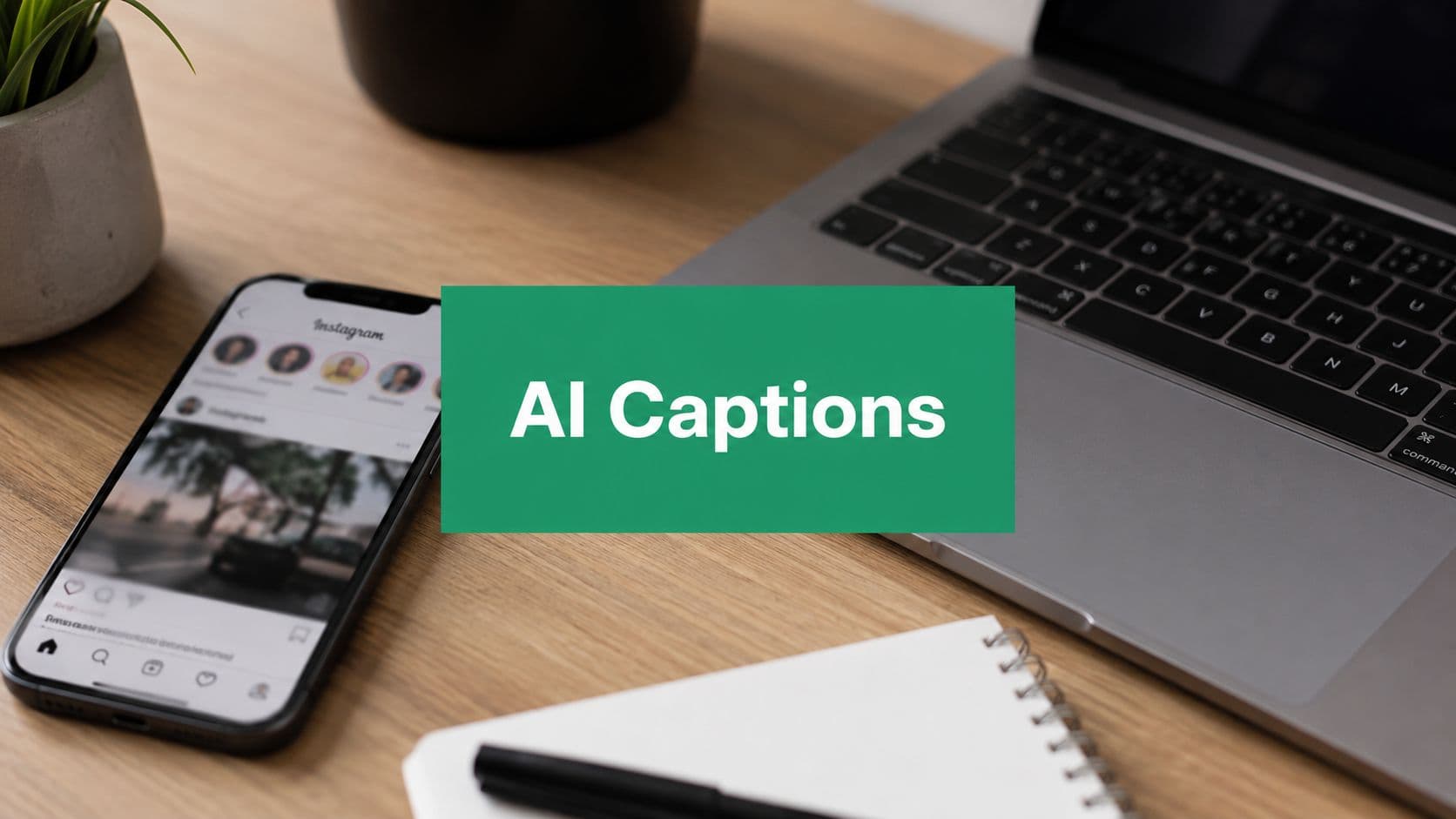
Why AI Is Your New Secret Weapon for Instagram Captions
Caption writer's block usually shows up at the worst time. The visual is done, the edit looks clean, the post is scheduled for tonight, and the only thing missing is the line that makes someone stop scrolling.
AI caption tools moved past novelty because the workflow pressure is real. In 2023, over 60% of social media influencers reported using AI-assisted content creation tools, and businesses using AI-powered social strategies reported 75% time savings and 40% to 60% better engagement rates, according to Venngage's roundup of AI caption generators. The same source reports a median engagement rate of 5.87% for AI-assisted posts versus 4.82% for non-AI posts, which is why this category now gets treated as a performance tool, not just a writing helper.
Why the shift matters in practice
AI captioning works because it solves two problems at once. First, it helps you move faster when the idea is already clear, but the wording isn't. Second, it gives you variation, which matters when you're testing hooks, CTAs, and tones across a busy content calendar.
Practical rule: use AI to create options, then choose the version that sounds most specific to your audience. Generic volume doesn't help if the caption feels like it could belong to anyone.
Tools in this space also reflect how Instagram writing functions. If you want a practical overview of crafting AI Instagram captions, it's useful to think of the generator as a drafting assistant, not a replacement for strategy. A significant advantage is that you stop staring at a blank caption box and start editing a draft that already has momentum.
If you're also thinking about the broader workflow, the internal guide on using AI for social media marketing fits into the same mindset. AI helps you produce faster, but the content still has to support reach, relevance, and brand trust.
Crafting the Perfect Prompt for Standout Captions
A weak prompt gives you a caption that sounds like it was written for no one in particular. A strong prompt gives the model enough structure to match the post, the audience, and the action you want next.

The prompt should tell the tool what the image shows, who the caption is for, what tone you want, and what the reader should do next. Hootsuite's caption tool says its internal testing found the best-performing caption length is between 138 and 150 characters, and Canva asks for prompts of 200 words or less while generating multiple caption ideas in seconds, which shows how much modern tools favor concise, focused inputs and outputs (Hootsuite). Those constraints matter because long, fuzzy prompts usually produce safe, generic copy.
A prompt formula that actually works
Start with the post itself, then layer in strategy. The image, Reel, or carousel gives the visual context. The audience definition keeps the language from drifting too broad. Tone tells the model whether to sound witty, expert, playful, or polished. The CTA gives the caption direction instead of letting it fade out.
A basic prompt might look like this:
“Write an Instagram caption for my post.”
That prompt is too thin to be useful.
A better version sounds more like this:
“Write a short Instagram caption for a carousel about beginner email marketing mistakes, aimed at small business owners, in a confident and helpful tone. End with a CTA that invites them to save the post.”
If you want a clean reference for process discipline, the guide on how to write Instagram captions is a useful complement to AI drafting because it keeps the human editing side in view.
What to include every time
Visual context: describe what's in the photo or video, not just the topic.
Audience: name the reader, such as creators, buyers, or local customers.
Tone: say whether the voice should feel casual, professional, witty, or inspirational.
Format details: mention if this is a Reel, carousel, feed post, or story.
CTA: tell the tool exactly what action to prompt.
Constraints: ask for short, medium, or longer copy, plus any hashtag or emoji preference.
Niche-Specific Prompting That Gets Results
Generic prompts give you generic copy. The moment you start speaking the language of a specific niche, the output gets sharper, more credible, and easier to publish.
Imagine a realtor posting a new listing. A bad prompt says, “Write a caption for my house photo.” A stronger prompt says, “Write a polished caption for a new listing in a competitive neighborhood, aimed at qualified buyers, highlighting the layout, natural light, and move-in-ready feel, and end with a CTA to book a showing.” That second version gives the model a job, not just a topic.
A fitness creator needs something different. If the post is a workout tutorial, the caption should support movement, motivation, and clarity. If you want extra inspiration for that style, the tips for better sports captions resource is a good reminder that action-driven writing usually needs sharper verbs, cleaner structure, and a more direct finish.
Three prompt patterns by niche
For a B2B tech update, the caption should sound useful, not promotional. A weak prompt like “Write a caption about our new feature” leaves the model guessing. A better prompt names the user problem, the product change, the audience, and the business value. That keeps the copy from drifting into launch hype with no substance.
For a fitness influencer, the model should know whether the post is teaching form, sharing a personal routine, or encouraging consistency. “Write an energetic caption about leg day” is too broad. “Write a caption for a workout tutorial aimed at beginners who feel intimidated by leg day, and end with a reassuring CTA to try one movement today” gives the tool a real angle.
For a real estate agent, prompt for the buyer mindset, not just the property. Mention whether the post is about luxury finishes, neighborhood convenience, or first-time buyer appeal. When the AI knows what the audience cares about, it can build a caption around the right benefit instead of listing random features.
Practical rule: the closer your prompt gets to the reader's pain point, the less editing you'll need later.
The same logic applies across niches. A good prompt includes context that only a human on the account would know. The AI can't guess your positioning, your offer, or your audience's objections unless you put them in the prompt.
Advanced Caption Strategies for Different Post Formats
A caption for a Reel shouldn't read like a blog intro. A caption for a carousel shouldn't waste the space by repeating what the slides already show. Format changes the job of the caption, and that's where many AI users miss the key opportunity.

FluxoKit recommends matching caption length and CTA to the post format, noting that Reels captions should be tight, around 100 to 200 characters, while longer feed captions can extend up to 2,200 characters, with the first 125 characters doing the heaviest lifting before the “more” button (FluxoKit). That's a reminder that format isn't cosmetic, it changes how people read.
Visual context should drive the prompt
Image-aware prompting becomes particularly useful. Tools like Recapo advise users to upload the clip so the AI can ground the caption in what's happening on screen, while FluxoKit says the caption should reflect the visual, audience awareness, brand tone, and desired action rather than a keyword alone. That matters because a caption written from the visual usually feels more natural than one generated from a single topic word.
If you're using applications for Instagram Reels, the same principle applies. A Reel caption should reinforce the motion, the payoff, or the hook, not narrate everything the viewer can already see.
Match the caption to the format
A single photo often works best with a concise statement or question that invites a quick reaction. A carousel benefits from a caption that creates a bridge between slides, adds context, or frames the sequence as a mini story.
A Reel needs a fast hook and a clear next step, because the visual already carries most of the message. A story caption can be brief and interactive, especially when you want replies, taps, or link clicks.
Single photo: The caption should spark a quick reaction. Ask AI for a short hook, a pointed question, or a clear statement that complements the image.
Carousel: The caption should add sequence or narrative. Ask AI for a story arc, concise summary, or a reason for people to swipe through the slides.
Reel: The caption should support the video’s motion and message. Ask AI for a strong opening hook, brief context, and one clear call to action.
Story: The caption should drive immediate action. Ask AI for a short, interactive line that works naturally with features such as polls, questions, stickers, or links.
“Use the caption to extend the post, not repeat it.”
That's the mindset that gets better output. If the visual already explains the point, the caption should add the reason to care, the proof, or the next action. If the visual is abstract, the caption has to carry more of the explanatory load.
Refining and Testing Your AI-Generated Captions
AI should give you the first draft, not the final line. If the post goes live without human editing, you're relying on the model to understand nuance it doesn't know.

Canva and Jasper both push the same workflow idea, first give structured inputs with detailed context and brand voice examples, then manually refine before publishing (Canva). That's the right order because the model is good at speed, but you're still responsible for accuracy, tone, and fit.
What to edit before you publish
The first pass should always check for brand voice. A caption can be grammatically correct and still sound flat, awkward, or off-brand. Add a phrase your audience uses, remove anything that feels inflated, and tighten the opening if it takes too long to get to the point.
Then check the CTA. A vague close like “Thoughts?” is easy to write, but it usually isn't specific enough to guide behavior. A better close matches the post goal, whether that's saving, commenting, clicking, or replying.
A simple review pass can look like this:
Accuracy: does every claim match the post and the actual offer? -
Voice: does it sound like your brand, not a template? -
Clarity: is the first line easy to understand fast? -
Action: does the CTA match the post intent? -
Readability: can someone skim it comfortably on mobile?
A/B test the parts that matter
Don't test ten things at once. Change one element, then compare the result. Try two opening hooks, or two CTA styles, or two caption lengths on similar post types so you can see what moves the audience.
The point isn't to chase cleverness. It's to build a repeatable system. If a shorter opener gets better comments, use that pattern again. If a more direct CTA earns better saves, keep it in the rotation.
When teams treat captions like experiments, they stop guessing. They start building a library of what their own audience responds to.
Integrating Captions into Your Organic Growth Strategy
Great captions don't work in isolation. They support the rest of the organic system, from positioning and content pillars to the way you sequence posts across the week.

For brand-safe AI captioning, a two-stage pipeline is highly effective, first, a vision-language model generates a caption based on the image, then a separate language model refines it using brand personality, hashtags, and specific CTAs (arXiv). That structure preserves voice while making the copy more relevant, which is exactly what you want when the caption has to support a real growth plan.
Captions work best inside a larger system
A strong caption should reinforce your content strategy, not sit apart from it. If your grid is built around education, proof, and conversion, the caption needs to support that mix with consistent tone and a clear role. The internal guide on Instagram content strategy is the right companion here because it keeps captions tied to the bigger organic picture.
That bigger picture is where a tool like Gainsty can fit naturally as one option in the workflow. It offers an AI caption writer and organic Instagram growth support, so the caption work isn't happening in a vacuum.
The best caption systems also stay brand-safe. They don't sound automated, they don't overpromise, and they don't copy the same formula across every post. The goal is steady, human-sounding communication that helps good content reach the right people.
If you want help turning AI drafts into captions that sound like your brand and support real growth, visit Gainsty and see how its tools can fit into your Instagram workflow. You'll get a better starting point for captions, plus a growth approach built around organic engagement, not shortcuts.
.png&w=1920&q=75&dpl=dpl_34ZXCf12K5qjjdZjPn9snwDRADrB)




.png&w=750&q=75&dpl=dpl_34ZXCf12K5qjjdZjPn9snwDRADrB)