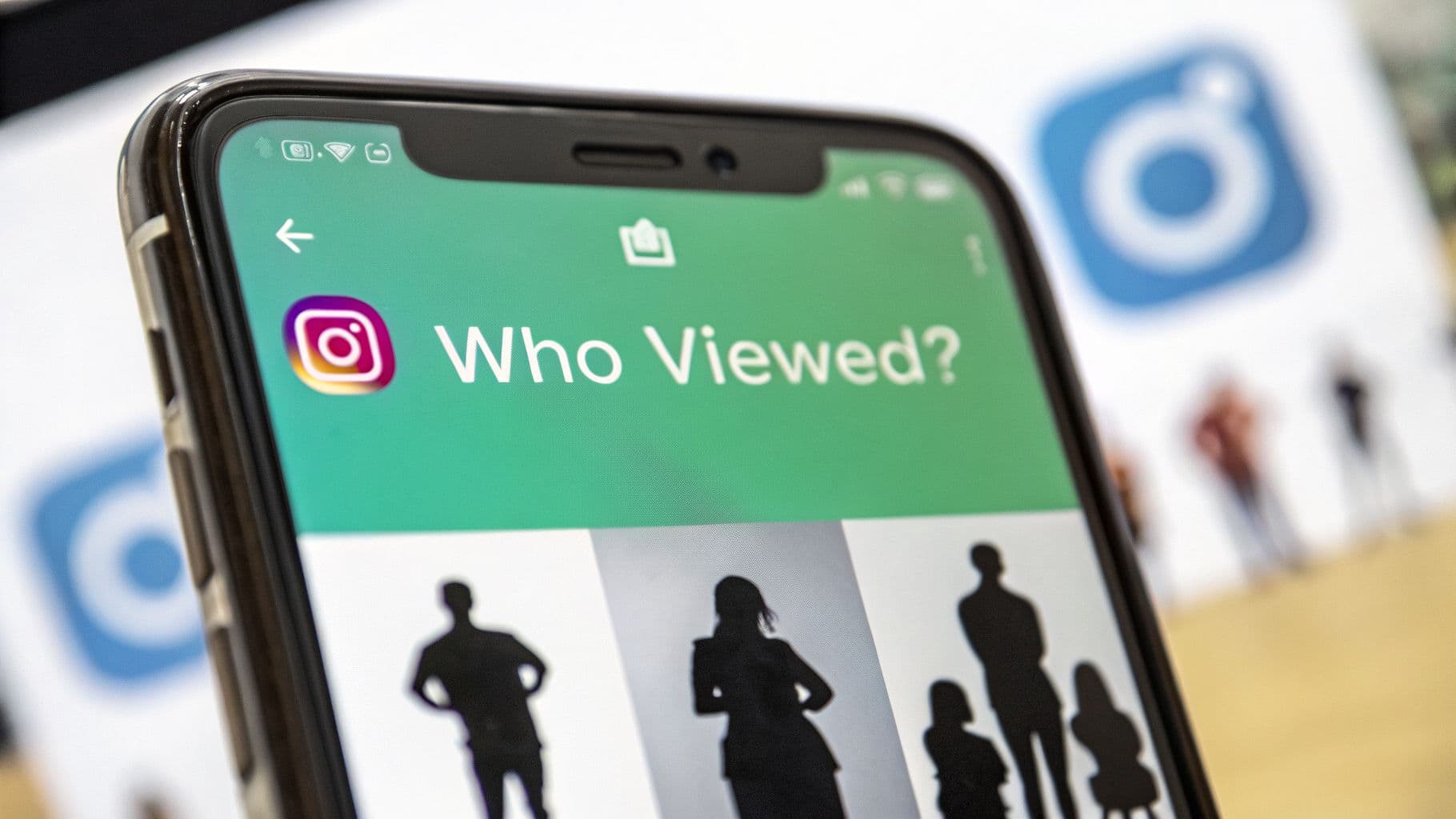
The Burning Question: Can You See Who Views Your Profile?
It’s one of the most common questions out there, so let's cut through the noise. When it comes to your main profile, your grid posts, and your Reels, the list of viewers is completely anonymous. This isn't an oversight; it's a fundamental part of how Instagram is designed.
The curiosity makes total sense. We all want to know who’s engaging with our content. But Instagram intentionally keeps this information under wraps to protect user privacy. Think of it like a shop on a busy street. You can count how many people walk by or even step inside, but you don't get a name and face for every person who just glances in the window.
That said, there are a couple of specific exceptions where Instagram does pull back the curtain:
Instagram Stories: You can see a full list of everyone who watched your Story for up to 48 hours.
Instagram Live: While you're broadcasting, you'll see a real-time list of users as they join the stream.
For everything else—your carefully curated grid posts, videos, and your main profile page—your visitors remain ghosts. Any app or website promising to reveal this info is selling you a fantasy and could be a serious risk to your account's security.
This visual gives you a quick breakdown of what you can and can't see on the platform.

As you can see, the transparency is limited to temporary content like Stories and Live videos. Permanent content and your profile itself are kept private. This is a critical distinction to understand.
For a clearer picture, here's a quick summary of what's visible and what's not.
Instagram Viewer Visibility At a Glance
Profile Page — You cannot see who viewed it: Profile visits are completely anonymous. You may see the number of visits through insights, but you will not see the specific people who viewed your profile.
Feed Posts (Photos/Videos) — You cannot see who viewed them: You can only see users who like or comment. Anyone who simply views the post without interacting remains private.
Reels — You cannot see who viewed them: You will see the total number of plays, likes, and comments, but Instagram does not reveal the list of viewers.
Stories — You can see who viewed them: Instagram provides a full viewer list, but it is only available for 48 hours before it disappears.
Live Videos — You can see viewers in real time: Usernames appear as people join the live session, allowing you to know who is currently watching.
This list makes it crystal clear: Instagram draws a firm line between ephemeral content and permanent content when it comes to viewer privacy. Respecting this boundary is key, and it's important to remember that third-party apps claiming to bypass these rules are not only ineffective but often violate Instagram's terms of service. This can put your account at risk of being banned. For more on the platform's long-standing policies, you can dig into industry analysis from sources like Social Insider.
The Truth About Third-Party Profile Viewer Apps
A quick search in any app store will show you dozens of apps making a big promise: to finally answer the question, can you see who looks at your Instagram? They dangle the possibility of seeing a secret list of your profile stalkers or top admirers. It’s a tempting offer, but the reality is much darker—and more dangerous—than it seems.

Let's be blunt: these apps simply do not work. Instagram's entire system, particularly its API (Application Programming Interface), is specifically designed to keep this information private. No outside app can magically pull a list of your profile visitors because Instagram never shares that data in the first place.
Using one of these apps is like handing your house keys to a stranger who promises to tell you who's been looking in your windows. You're giving your login credentials—your username and password—to a totally unknown developer, granting them complete control over your account.
Why These Apps Are So Dangerous
The promises are smoke and mirrors, but the risks are very real. The moment you hand over your login details, you're inviting a whole host of potential problems. Many of these apps are built with malicious intent, and the fallout can be severe.
Here are just a few of the common risks:
Stolen Information: Your password, private messages, and other personal data can be scraped and sold.
Malware Installation: These apps are notorious for installing harmful software on your phone, creating security risks that go far beyond just your Instagram account.
Account Suspension: Using an app that violates Instagram's terms of service is a fast track to getting your account flagged, suspended, or even permanently banned.
The core feature these apps sell—the ability to see profile visitors—is technically impossible because of Instagram's privacy rules. Any list of "viewers" they show you is almost always just a randomly generated list of usernames, often people you already follow or interact with, to make it look real.
How to Spot a Scam App
Protecting your account starts with knowing what red flags to look for. These scammy apps often have a few things in common that can tip you off before you make a mistake. The biggest one? Be extremely wary of any app that asks for your Instagram login details directly.
Pay close attention to these warning signs:
They require your password. Legitimate apps will always redirect you to Instagram’s official login screen to authorize access, never a custom form within their app.
They have generic, overwhelmingly positive reviews. Scammers often use bots to flood their app pages with fake five-star ratings to build false trust.
They charge a fee for "premium features." The classic bait-and-switch. They get you hooked with a free, useless version and then ask for money to unlock a nonexistent "full list" of viewers.
While the apps claiming to show you profile viewers are scams, there are legitimate third-party apps for Instagram that help with things like post scheduling or advanced analytics. The key difference is that these official tools play by Instagram's rules and will never ask for your password directly.
What Instagram Actually Shows You: Your Official Analytics
So, while the dream of a secret list of profile visitors is a dead end, Instagram gives us something way more valuable for actual growth: Instagram Insights.
Think of it less like a guest book and more like a detailed customer report for your profile. This built-in analytics tool is available for all Creator and Business accounts, and it’s where you’ll find the real story behind your performance. It shifts your focus from who is looking to what they’re doing, which is where the magic happens.
Instead of just names, you get a dashboard packed with metrics that paint a clear picture of your content’s performance. Switching to a professional account (which is free and you can switch back anytime) unlocks this goldmine of data.
Unlocking Your Account Insights
Getting to this data couldn't be easier. Once you have a professional account, you’ll see a "View professional dashboard" button right on your profile page. This is your command center for understanding everything from broad trends down to the nitty-gritty details of a single post.
Here’s a quick look at what you’ll find inside:
Accounts Reached: The total number of unique people who have seen any of your content.
Accounts Engaged: The number of unique people who liked, commented, saved, or shared your stuff.
Total Followers: Your follower count and, more importantly, how it's been changing over time.
Profile Visits: The number of times your profile page was viewed—a key signal of genuine interest.
Focusing on these official numbers is how you graduate from chasing vanity metrics to making smart, strategic decisions. A thousand profile visits from people who are genuinely curious about what you do is infinitely more valuable than knowing one specific person stopped by. Our complete guide on Instagram Insights explained will help you get the hang of it all.
The main Insights dashboard gives you a quick, at-a-glance summary of your account's recent activity.
This overview is perfect for spotting what's hitting the mark and what’s falling flat.
Decoding Your Instagram Insights: Key Metrics
To really make sense of your dashboard, it helps to break down the most important metrics. This list shows you what each one measures and why it's a critical piece of your growth puzzle.
Reach: This measures the number of unique accounts that see your content. It is important for growth because it shows your level of brand awareness—higher reach means more new people are discovering you.
Impressions: This is the total number of times your content is displayed. When impressions are much higher than reach, it means people are viewing your content more than once, which indicates stronger visibility and recall.
Engagement Rate: This is calculated from likes, comments, shares, and saves divided by your reach or follower count. It tells you whether your content truly connects with your audience, and high engagement sends a strong positive signal to the algorithm.
Profile Visits: This shows how many people opened your profile after seeing your content. It means your post was compelling enough to make viewers want to learn more about you.
Follower Growth: This tracks the net increase in your followers over time. It reflects the overall health of your account and whether your strategy is successfully attracting new members to your community.
By keeping an eye on these numbers, you move from guessing to knowing. You can see exactly which posts drive profile visits or which Reel formats bring in new followers, allowing you to double down on what works.
Diving Deeper into Your Audience Demographics
Beyond performance numbers, Insights gives you a fascinating look at who your followers actually are. You can see breakdowns by their top locations (cities and countries), their age range, and their gender.
This demographic data is pure gold. It helps you confirm whether you're connecting with your ideal audience or if you need to adjust your content to better align with who you want to reach.
Since Stories launched back in 2016, Instagram's stance on profile view privacy has been ironclad. Even as the platform has grown to over 2 billion monthly active users, that core principle hasn’t changed. You can see who views your Stories for 48 hours, but your main profile remains a private space to protect user trust.
And with Reels now generating a staggering 140 billion daily plays, the platform’s focus remains on tracking engagement—likes, comments, and shares—not passive views. For a deeper dive into content performance, learning How To Analyze Instagram Reels Insights can give you an edge, helping you turn raw data into real, sustainable growth.
Understanding Viewer Lists on Stories and Lives
While your main profile page is a black box, Instagram does pull back the curtain in a few specific places. This is where you can actually see a list of names, but it’s always tied to temporary content. Getting a handle on these distinctions is the key to understanding what Instagram will and won't show you.
The most common example is, of course, Instagram Stories. When you post a Story, you get a direct window into your audience. For the first 48 hours that your Story is live, you can swipe up and see a full list of every single person who has viewed it.
It's a feature built for that immediate "who's tuning in?" feedback. After that 48-hour window closes, the list is gone forever. The Story itself might be saved in your archive, but the viewer data vanishes.
Decoding the Story Viewer List
Ever notice that the list of people who watch your Stories isn't just chronological? It's not a simple log of who tapped first. Instead, Instagram’s algorithm is at work, trying to organize the list based on who it thinks you care about most.
Key Takeaway: The accounts you engage with the most—through likes, comments, DMs, and even profile visits—tend to get bumped to the top of your viewer list. Instagram is essentially guessing which viewers matter most to you and putting them front and center.
So, don't mistake the order for a "top fans" ranking. It's really just a mirror reflecting your own activity and relationships on the platform. As your interactions change, so will the order of that list. If you're curious about older content, you can learn more about whether you can see who views Instagram Highlights in our other guide.
Real-Time Viewers on Instagram Live
Another moment of transparency comes with Instagram Live. The moment you start a live broadcast, you get a real-time feed of who’s joining. Usernames pop up as people enter the stream, and you can watch the viewer count tick up (or down).
This is all designed for immediate interaction. It lets you shout out to new arrivals, answer questions, and make your audience feel seen. But, just like with Stories, this transparency is fleeting. Once you end the broadcast, that list of attendees disappears for good.
When it comes to your permanent content, the rules are much stricter:
Reels and Feed Posts: You can always see who liked and commented. But a list of people who just watched the video or saw the photo? That doesn't exist.
Your Profile Page: This is completely anonymous. You can track the number of profile visits through your analytics, but the actual identities of those visitors are kept private.
The logic here is pretty consistent. Instagram gives you temporary viewer lists for in-the-moment content, but prioritizes user privacy for everything that lives on your profile permanently.
Shift Your Focus From Who Viewed to Why They Viewed
It’s easy to get hung up on wanting a list of names—a neat report of every person who has ever landed on your profile. But the most successful creators and brands have moved past that. They're asking a much smarter question: why did someone visit my profile in the first place?
This simple shift changes everything. It moves you from being a passive onlooker to an active strategist, digging into the motivations that actually grow your audience. Knowing why someone tapped through to your profile is far more powerful than just knowing their handle. Was it that hilarious Reel that piqued their curiosity? A poll in your Story, they just have to vote in? Or maybe a killer call-to-action in a caption they couldn't resist? Finding those answers is how you build a formula for success you can use again and again.
Turning Clues Into a Winning Content Strategy
Think of every like, comment, share, and save as a breadcrumb. These little signals are your most reliable guide to what your audience truly connects with. They’re essentially votes for the kind of content your community wants more of.
For instance, when a post gets a ton of saves, that’s a massive clue. It tells you you’ve created something genuinely useful—a resource people want to circle back to. This is often the case with how-to guides, handy tips, or an idea that really sparks inspiration.
And what about shares? A post that gets shared widely means you’ve created something so relatable or entertaining that people felt compelled to attach their own name to it. Your content isn't just being seen; it's being personally endorsed.
By digging into these patterns, you can stop guessing what works and start truly understanding the psychology driving your audience. See a big spike in profile visits right after you post a tutorial video? That’s a clear sign that educational content is a powerful magnet for your account.
Let Engagement Be Your True North
That nagging question—"can you see who looks at your Instagram?"—often comes from a simple desire for validation. We all want to know our content is landing. But real, authentic engagement offers feedback that's much deeper and more meaningful than a simple view count ever could.
Let's be real, who hasn't scrolled through their feed and wondered who might be lurking on their profile? It's a curiosity shared by many of the platform's over 2 billion monthly users. But the hard truth, baked into Instagram's design from day one, is that you can’t see who views your profile unless they interact. This has been a core privacy feature since 2010, designed to protect users and make the platform feel safer. If you're curious about the platform's growth, you can dive into some important statistics from Metricool.
At the end of the day, building your strategy around what your engagement tells you is the only path to sustainable growth. It helps you create content your audience actually craves, which naturally leads to more profile visits, more followers, and a community that genuinely cares.
Proven Strategies to Get More Profile Visits Organically
Forget about chasing phantom profile viewers. The real game is in attracting the right people to your profile and giving them a reason to stick around. When you create content so good that people can't help but click to see who you are, you've cracked the code to genuine, organic growth.

Think of your Instagram profile as your digital storefront. Every single post, Reel, and Story you publish is a signpost pointing people back to it.
Turn Your Profile Into a Welcome Mat
Your bio and profile picture are your first impression. Make them count. A crisp, high-quality photo paired with a bio that clearly explains who you are and what you do is essential.
Here are three quick ways to optimize your profile:
A Clear Call-to-Action (CTA): Don't be vague. Tell people exactly what to do next. "Shop our new collection" or "Grab my free guide" are direct, effective, and leave no room for confusion.
A Smart Link in Bio: Your bio only gives you one link, so make it a gateway. Use a tool like Linktree or Beacons to house all your important links—your website, products, and other social channels.
A Searchable Name Field: The "Name" field in your bio is searchable on Instagram. Instead of just your name, add a keyword. Something like "Jane Doe | Fitness Coach" helps people find you when they're looking for an expert.
Create Content That Makes People Click
Your feed and Stories are the engines that drive traffic to your profile. The secret is to create posts that are so intriguing they leave people wanting more.
Think of your content as the free sample at the grocery store. It needs to be so good that people immediately want to find the aisle and buy the whole box—which, in this case, is your profile.
For instance, you could create a Reel showing a "3-step process" that ends with a simple text overlay: "Find the full details in the caption and hit the link in my bio!" This small nudge guides viewers on exactly what to do next. Learning how to increase your Instagram reach is the first step to getting your content in front of more of these potential visitors.
It’s this powerful combination of a visual hook and a clear instruction that turns a passive scroller into an active profile visitor. When you consistently deliver value, you build a reliable funnel that brings new followers right to your digital doorstep.
A Few Lingering Questions
Even with all this information, a few common "what if" scenarios tend to pop up. Let's tackle some of the most frequently asked questions to clear up any final confusion.
Can someone see if I just look at their Instagram profile?
Nope, you're in the clear. Feel free to browse someone's profile, scroll through their grid, or watch their Reels. None of that activity is tracked back to you.
The account owner might see a total number of "Profile Visits" in their analytics, but it's just a number—no names attached. You only become visible when you take an action.
Think of it like this: your name only appears on their notifications list if you:
Like or comment on one of their posts or Reels.
Watch their Instagram Story or a Live video.
Hit that "Follow" button.
If someone who doesn't follow me watches my Story, can I see who it is?
You absolutely can, as long as your account is public. If you have a public profile, your Story viewer list will show every single person who watched it, follower or not. That list sticks around for 48 hours, so you have plenty of time to check.
Now, if your account is set to private, it's a different story. Only your approved followers can see your Stories, so by default, the viewer list will only contain people you've already given access to.
Does the order of viewers on my Instagram Story actually mean anything?
It does, but it’s not about who viewed it first. The order is determined by Instagram's algorithm, and it's all about who the platform thinks you care about most.
Instagram tries to put the people you interact with the most at the top of your Story viewers list. If you're constantly liking someone's posts, commenting, or sending DMs back and forth, they'll likely show up near the top. The algorithm assumes they're the people you're most interested in hearing from.
Stop guessing and start growing. Gainsty uses a powerful combination of AI and expert strategy to attract real, engaged followers to your profile. See how our organic growth service can transform your Instagram presence. Learn more at https://www.gainsty.com.
.png&w=1920&q=75&dpl=dpl_34ZXCf12K5qjjdZjPn9snwDRADrB)




.png&w=750&q=75&dpl=dpl_34ZXCf12K5qjjdZjPn9snwDRADrB)