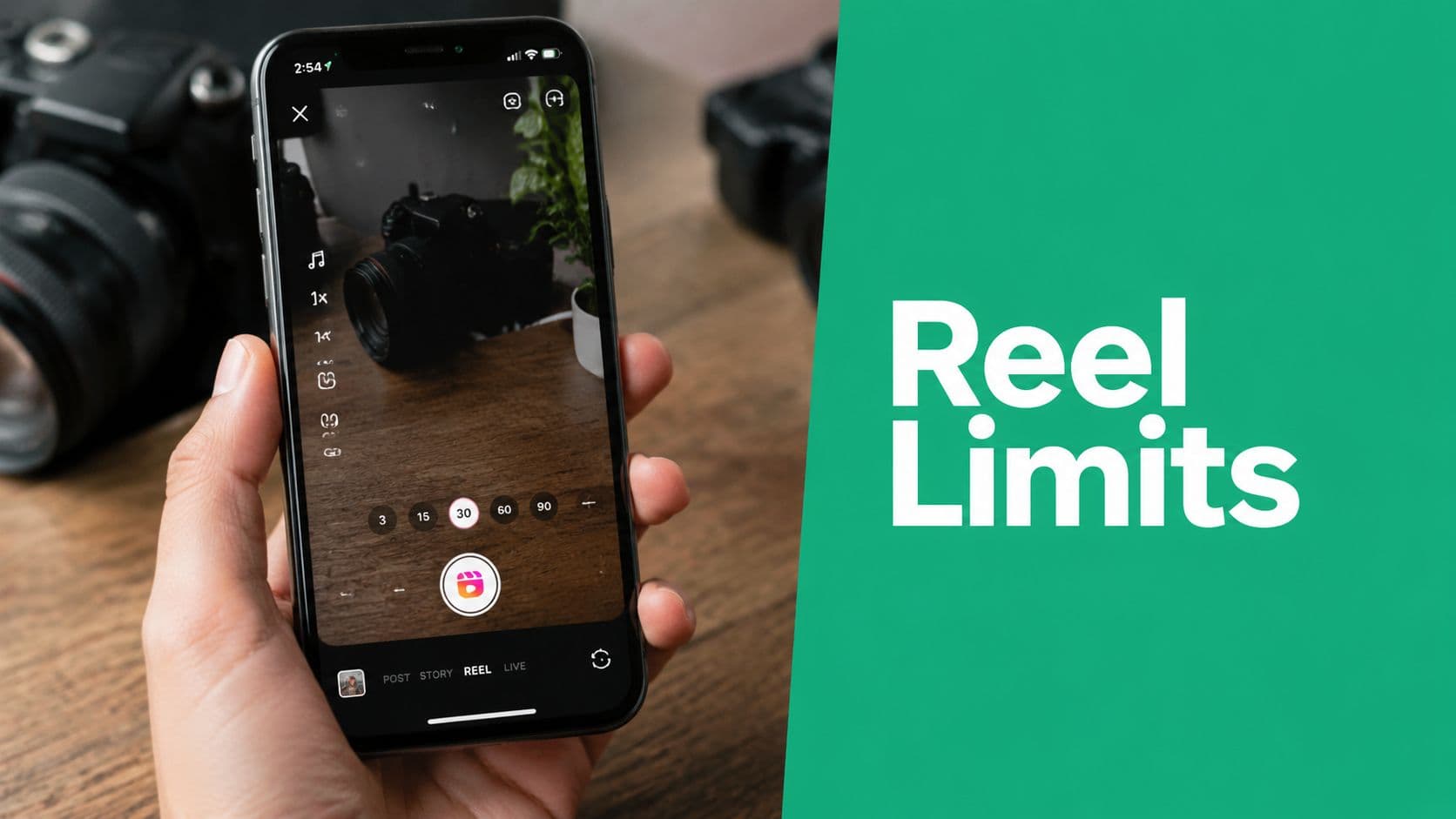
Your Direct Answer to Instagram Reels Length in 2026
In 2026, Instagram Reels can range from 3 minutes up to 20 minutes, but that ceiling varies by account type and rollout. Instagram's official shift to 3 minutes was announced in January 2025, and later reporting indicates that some accounts can now access the longer 20-minute option, while others still see shorter caps as summarized here.
What you see in the app may not match what other creators see. Instagram rolls out features unevenly, so your actual limit depends on your account.
Practical rule: treat the maximum as a permission slip, not a strategy.
The better question is whether your Reel can hold attention long enough to earn reach, saves, and replays. Match the length to the job, whether that is discovery, education, or storytelling.
The Evolution of Instagram Reels Duration

Reels started as a short-form format and gradually expanded as creator habits changed. Instagram moved from short clips to longer storytelling windows, first allowing 90 seconds as the standard limit, then publicly announcing 3 minutes in January 2025, and later showing signs of wider access to 20 minutes for some accounts as reported here.
What the timeline means for creators
Instagram wants Reels to cover more use cases, from quick hooks to deeper explanations. But the audience still behaves like a short-form audience.
Instagram's video tools are broader, but viewer behavior still favors short-form content.
So yes, you may get more upload room. That does not mean longer Reels now perform better by default. For reach, tighter clips still tend to win.
If you want a broader view of current content patterns, this fits with how creators and brands use Reels inside a larger video strategy like these.
Understanding the Current Reels Length Limits
The easiest way to understand the current limit is to separate what exists technically from what appears in your app. In 2026, documented limits range from 3 minutes for many accounts to 20 minutes on newer rollouts, and some guidance also points to a 15-minute upload ceiling for pre-recorded video according to this breakdown.
The limits you might see
3 minutes: The most common upper limit for many accounts.
15 minutes: A reported ceiling for some pre-recorded uploads.
20 minutes: Available in some newer rollouts, but not universal.
Why the numbers do not match across accounts
Instagram does not release every Reels feature to everyone at once. App version, rollout stage, and creation method can all change what appears in your composer.
If your app shows a shorter limit, that usually means your account has not received the newer interface yet, or you are using a creation path with stricter limits. Check both the in-app camera and upload options before assuming something is wrong.
For planning, build for the shortest limit you are likely to see. Use longer access only when the content truly needs it.
How to Select and Edit Your Reel Duration

The easiest way to avoid length issues is to choose the format before you start editing. If the Reel should be short, keep the source file short. If you need a longer piece, upload the right clip instead of forcing the in-app recorder to handle everything.
Open Instagram, tap the plus icon, and choose Reel. Then check the length selector or import path and decide whether you are recording in-app or uploading from your camera roll. That choice can affect the duration available.
A practical editing workflow
Pick the creation path first. Upload edited videos; record quick posts in-app.
Trim before publishing. Cut dead space, repeated intros, and weak endings.
Check the opening closely. A slow first few seconds will hurt performance.
Export cleanly. Simple files reduce upload issues.
If you want more control, this guide to Instagram video editing apps can help you decide whether to edit inside Instagram or in a dedicated tool.
Tools that help when you need more control
Some creators also use outside tools for captions, music selection, and assembly. One useful resource is AI solutions for Instagram Reels, especially if repetitive editing tasks slow you down.
The in-app camera works well for quick posts, but it is usually not ideal when pacing matters. If the Reel includes a tutorial, product demo, or story arc, edit first and upload second. That usually gives you cleaner timing and fewer surprises.
The more complex the message, the more you need control over the cut. The simpler the message, the more useful the native recorder becomes.
Your editing workflow should support your planned length, not decide it for you.
The Strategic Guide to Optimal Reel Length
The biggest mistake is assuming the longest available Reel is the best one. The performance sweet spot is much shorter than the technical maximum. A 2026 Socialinsider analysis of 6 million Instagram Reels found the strongest results in the 45 to 60 second range, while performance dropped sharply after 3 minutes because non-follower reach fell off in this analysis.
What the performance data really says
This does not mean long Reels never work. It means length has to earn its place. If you want reach, compact videos still have the edge because they are easier to finish and easier for Instagram to test with broader audiences.
Later's guidance points the same way, noting that Reels over 3 minutes are not recommended to new audiences by Instagram's algorithm and that shorter cuts often perform better for discovery according to Later. The practical takeaway is simple. Longer content can add depth, but discovery still favors brevity.
Match the length to the job
Brand awareness: Keep videos short with tight edits. Shorter content is easier for new viewers to watch all the way through, making it effective for introducing your brand.
Discovery: Use shorter clips that match fast-scrolling behavior. Getting to the point quickly helps capture attention and improve early audience retention.
Product education: Aim for a moderate video length. This gives you enough time to demonstrate a product or explain its benefits without slowing the pace.
Tutorials: A duration of around 45–60 seconds often provides a good balance between delivering clear instructions and maintaining viewer interest.
Storytelling: Use longer videos only when every scene contributes to the story. Extra length should help develop a meaningful narrative rather than add unnecessary filler.
Community nurture: Reserve longer-form content for audiences that already know and trust your account. These viewers are generally more willing to spend time with deeper updates, behind-the-scenes content, or detailed discussions.
How I'd think about it in practice
If the goal is to stop the scroll, keep it lean. If the goal is to explain, teach, or build trust, you can go longer, but only while the content stays tight.
Practical rule: add seconds only when they improve clarity, not because the app allows them.
Even growth tools built around content performance now favor length discipline over max runtime. Gainsty's Instagram growth workflow, for example, is built around organic performance rather than longer videos for their own sake.
Beyond Length to Maximize Growth
Length is a lever, not a goal. Strong Reels deliver a clear payoff in the least time needed to deliver it. That is why shorter clips often help discovery, while longer ones work better when the audience already cares.
If you are also managing production across channels, the broader Guide to AI tools for business scaling can help you build a leaner content workflow without turning every post into a template.
Success comes from consistency, not chasing the biggest number in the composer. Keep the message sharp, match runtime to audience stage, and end the Reel before attention drops.
If you want help turning Reels into a repeatable growth system, explore Gainsty and use it to build a tighter organic Instagram workflow around content that fits the right length, not just the longest one.
.png&w=1920&q=75&dpl=dpl_C723nkStk4By7P6JWE3DQWUAB8y4)




.png&w=750&q=75&dpl=dpl_C723nkStk4By7P6JWE3DQWUAB8y4)