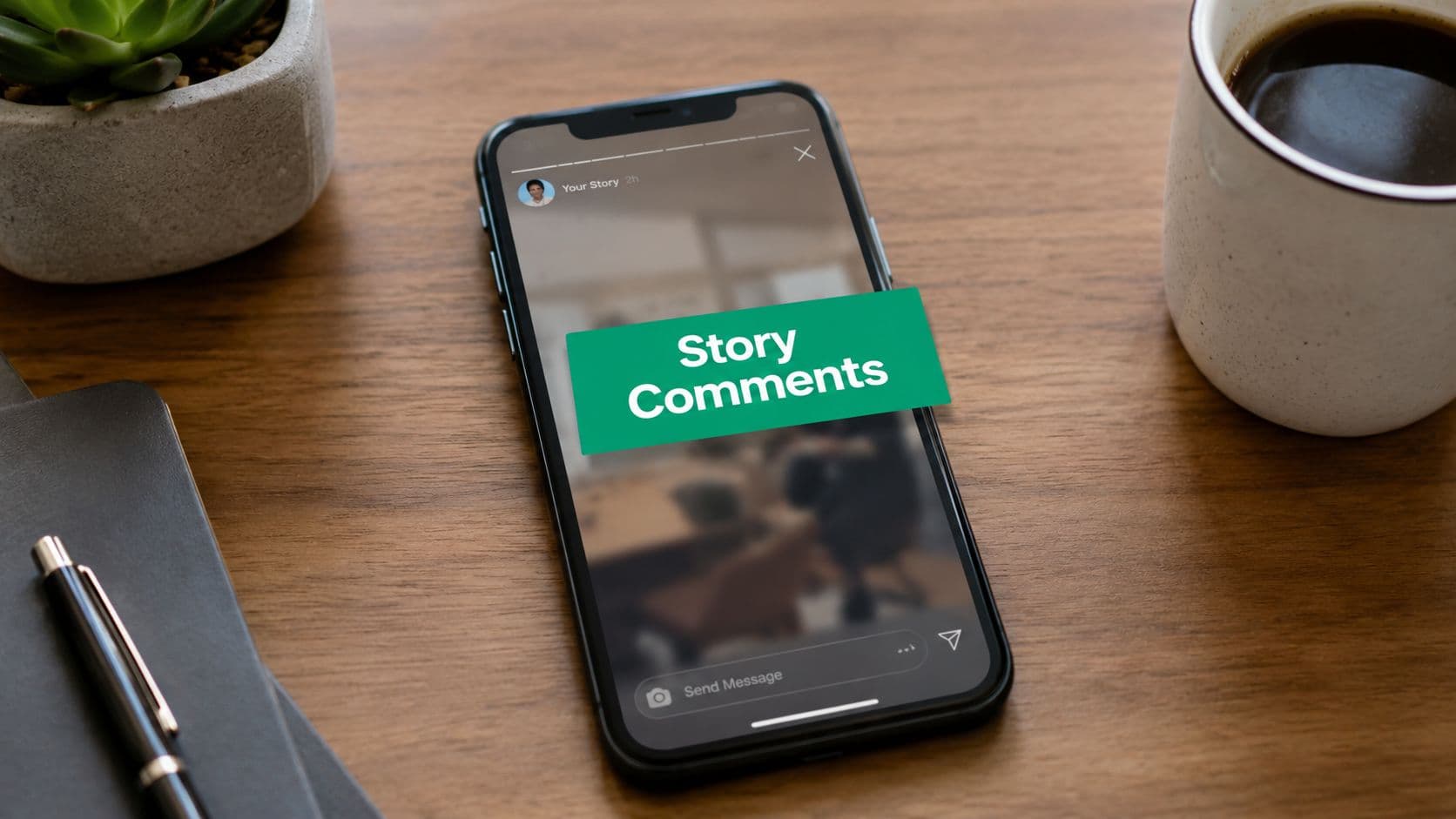
Why Your Instagram Story Comments Might Be Missing
The first time this usually shows up, it feels like a platform glitch. You post behind-the-scenes content, ask a question, and your audience keeps watching but never responds in the way you expected. In practice, the issue is often simpler, Instagram routes Story comments through a permission-based setting, so interaction can be open, limited, or completely off depending on what you chose in the app.

It's usually not a bug
The current model is built around privacy controls, not a visible “comment” button on every Story. Multiple 2025 and 2026 tutorials describe the path as Profile > menu > Settings and activity > Comments > Stories, where you can choose Everyone, People you follow, or Off. That makes the feature feel invisible until you know where Instagram buried it, but it's really just a global account-level switch.
Practical rule: if Story interaction vanished after an app update or account tweak, check settings before you assume the post is broken.
The other reason comments seem to “disappear” is that Instagram has been rolling out this interface gradually. In newer guides, the Story option appears inside Comments, which shows the UI is still evolving rather than sitting in one fixed place. That's why one creator can have the setting, and another can't see it yet, even on the same type of phone.
What to check first
A quick self-audit usually saves time:
Check the app version first. Older installs may not show the Story-comments control at all.
Check the account-level setting. If it's off, no one will comment.
Check whether a specific person is blocked or restricted. Some tutorials note that individual limits can still override the broader setting.
Check older Story reply controls. If those are disabled, they can suppress the comment surface entirely.
The short version is simple. Story comments are configurable, not automatic, and Instagram's newer interface makes that easy to miss. Once you know that, the fix is usually a few taps, not a support-ticket headache.
Enabling Story Comments on iOS and Android
The fastest way to turn on Instagram Story comments is through your profile settings, not through the Story editor itself. On both iPhone and Android, the most consistent 2026 path is the same, even if the menu icons look slightly different depending on your device and app version. The key is to stay inside Instagram's main settings flow until you reach the Story-specific comment control.

The exact tap path
Open Instagram, go to your profile, tap the menu icon with the three lines, then open Settings and activity. From there, tap Comments, then tap Stories, and choose Everyone or People you follow. Several 2026 guides also show Off as the third option, which is useful if you want to shut comments down later without hunting through unrelated privacy menus.
That same path is the one most creators and brand accounts should start with, because it reflects the newer interface that Instagram has been rolling out. One tutorial explicitly notes that the feature can require the latest app version, which lines up with the common failure case I see on older installs, the option isn't there yet. If you're trying to schedule Stories alongside interaction prompts, the Mallary.ai Story scheduling API is a practical reference point for how teams think about Story workflows more broadly.
What iOS and Android actually change
The navigation is functionally the same, but the icon treatment can feel different. On iPhone, the hamburger menu usually sits in the upper right of your profile page, while Android builds sometimes place the same control in a slightly different visual layout. The underlying path stays the same, though, Profile > menu > Settings and activity > Comments > Stories.
If the setting appears, make the change and then publish a test Story. Use a simple prompt such as a question sticker or a direct question in the caption area of the Story, then have a second account check whether the interaction path is live. A clean setup is the easiest confirmation that the toggle took.
If you manage multiple creator or brand accounts, update the app first, then audit the settings. That order avoids chasing a menu that hasn't loaded yet.
For teams that publish a lot of ephemeral content, this control matters because it lets you decide whether a Story should invite broad interaction or only limited engagement. It's the kind of setting you want to verify before you batch a week of content, not after the campaign has already gone out.
Understanding Comments Versus Replies and Messages
On Instagram Stories, comments, replies, and messages are separate interaction paths, and the distinction changes what viewers can do and where their response ends up. If you are trying to turn on Story comments, start by identifying which surface you want active.

The three interaction types
Story comments are the public-facing response layer tied to the Story itself, and users frequently ask for them because they want visible engagement on the post. Instagram now routes that control through the account-level comments settings described earlier.
Story replies are a separate path, and older setup guides still point to a replies menu that can affect whether the Story comment surface appears.
Direct messages are private chat, so they do not show up as public feedback on the Story.
That distinction matters in day-to-day account work. A creator can switch on comments and still see viewers routed into private replies, or find that engagement is landing in a different place than expected. In the accounts I configure, the setting that causes the most confusion is when Story replies are off, because that can make the comment surface disappear too. That is why the check has to cover both the newer Comments > Stories path and the older Story privacy controls.
For a broader view of how public and private interaction differ, this comments guide is a useful reference. The same principle applies here, what someone types, where Instagram sends it, and who can see it are three separate questions.
Why the distinction affects reporting
If you manage a brand or creator account, the difference changes how you read performance. A Story can look quiet on the surface while still drawing private replies, and a private reply can signal active audience interest without giving you the public visibility you expected from comments. So “comments enabled” and “people are responding” are not interchangeable statements.
Best practice: check the interaction path before you judge the content. A weak response rate can be a settings problem, not a creative problem.
For a related reference point on audience behavior, Instagram Reels transcripts are useful because they show how platform interactions can serve different purposes depending on the surface. The same logic applies to Stories, know which interaction type you are turning on, because each one shapes the audience experience in a different way.
Troubleshooting When the Option Does Not Appear
If you followed the tap path and still can't find Story comments, don't assume the feature is broken. The missing-toggle problem usually falls into a small set of issues, and each one has a different fix. The easiest way to handle it is symptom first, cause second, fix third.

Symptom, cause, fix
Toggle not found. The most common cause is an outdated app version. Fix: update Instagram first, then return to Settings and activity > Comments > Stories and check again.
Option greyed out. This often points to account restrictions or limits on interaction. Fix: review your account status and confirm the account isn't under a restriction that affects comment controls.
Comments not appearing for others. This usually means a privacy setting is still blocking the surface. Fix: check both the account-level Story comment setting and the older Story reply controls, since a separate reply setting can override what you thought was active.
Instagram's rolling rollout matters here too. Multiple 2025 and 2026 tutorials describe the Story-comments path as a newer interface element, which means some accounts will see it later than others. If a teammate or client says they have it and you don't, that doesn't automatically mean anything is wrong with your account.
What usually breaks in real workflows
The most common mistake is checking only one menu. I see people flip the new Comments setting on, then leave the older Story privacy or reply control disabled, and the Story still behaves as if comments are off. I also see users test on an app that hasn't been updated in months, then assume Instagram removed the feature entirely.
Another issue is expecting the change to show up inside the Story composer. It usually won't. The control lives in account settings, so the composer can look identical before and after you enable it. That's why a fresh test Story from a second account is more reliable than just staring at the posting screen.
If you need the clearest path back to the setting, use this logic. Update the app, check the account-level menu, then verify the older Story reply controls. That order catches most failures without wasting time.
Encouraging More Story Comments From Your Audience
Turning on the feature is the easy part. Getting people to use it takes cleaner prompts, better timing, and less vague content. If your Story doesn't give viewers a reason to respond, even an open comments setting won't do much.
Use prompts that invite a real answer
Question stickers still work because they give people a clear task. Polls help too, but they often produce quick taps rather than real conversation, so pair them with a follow-up Story that asks viewers to explain their choice. Direct CTAs such as “comment which option you'd pick” are stronger than generic phrases like “thoughts?” because they tell the audience exactly what to do.
If you want a deeper list of engagement prompts, the comment idea library is a useful reference for phrasing that feels natural instead of forced. The best prompts are usually tied to a specific opinion, decision, or comparison, not a broad request for engagement.
People respond faster when the question is easy to answer in one sentence.
Match the content format to the response you want
Stories that show a process, a before-and-after, or a decision point usually invite more discussion than a polished promo slide. A behind-the-scenes clip can get people talking because it feels closer to a conversation, while a static sales frame often gets ignored unless there's a strong prompt on top of it. Creators and brands that batch content often do better when they treat Stories as conversation starters, not just distribution slots.
For more tactical engagement ideas beyond the feature itself, revid.ai's engagement tips are a helpful companion read. The shared principle is simple, the post has to ask for a reaction, not just display information.
Respond in a way that keeps the thread alive
A comment shouldn't end at the first reply. If someone answers your Story, reply with a follow-up question, a quick clarification, or a related Story that keeps the exchange moving. That habit teaches your audience that commenting leads somewhere useful, which makes them more likely to do it again.
Timing also matters in a practical sense. When a Story is part of a larger content theme, the audience sees the same topic from more than one angle, and that repetition makes commenting feel easier. You don't need every Story to spark conversation, but the ones that ask for a choice, opinion, or quick experience usually do the heavy lifting.
Your Story Comments Action Plan
Start with the setting, not the strategy. Open Profile > menu > Settings and activity > Comments > Stories, choose Everyone or People you follow, and update Instagram if the option still isn't there. Then post a test Story, check whether interaction is visible the way you expect, and only then build your prompts around it.
Once the feature is live, give viewers a simple reason to reply. Ask one specific question, use a poll as a bridge to a follow-up Story, and reply fast enough to keep the conversation warm. That combination turns a hidden privacy setting into an actual engagement channel.
If you want more people who interact with your Stories, Gainsty helps you grow an Instagram audience that's more likely to comment, reply, and keep the conversation going. Visit Gainsty to pair stronger Story settings with organic follower growth that supports real engagement.

.png&w=1920&q=75&dpl=dpl_34ZXCf12K5qjjdZjPn9snwDRADrB)







.png&w=750&q=75&dpl=dpl_34ZXCf12K5qjjdZjPn9snwDRADrB)