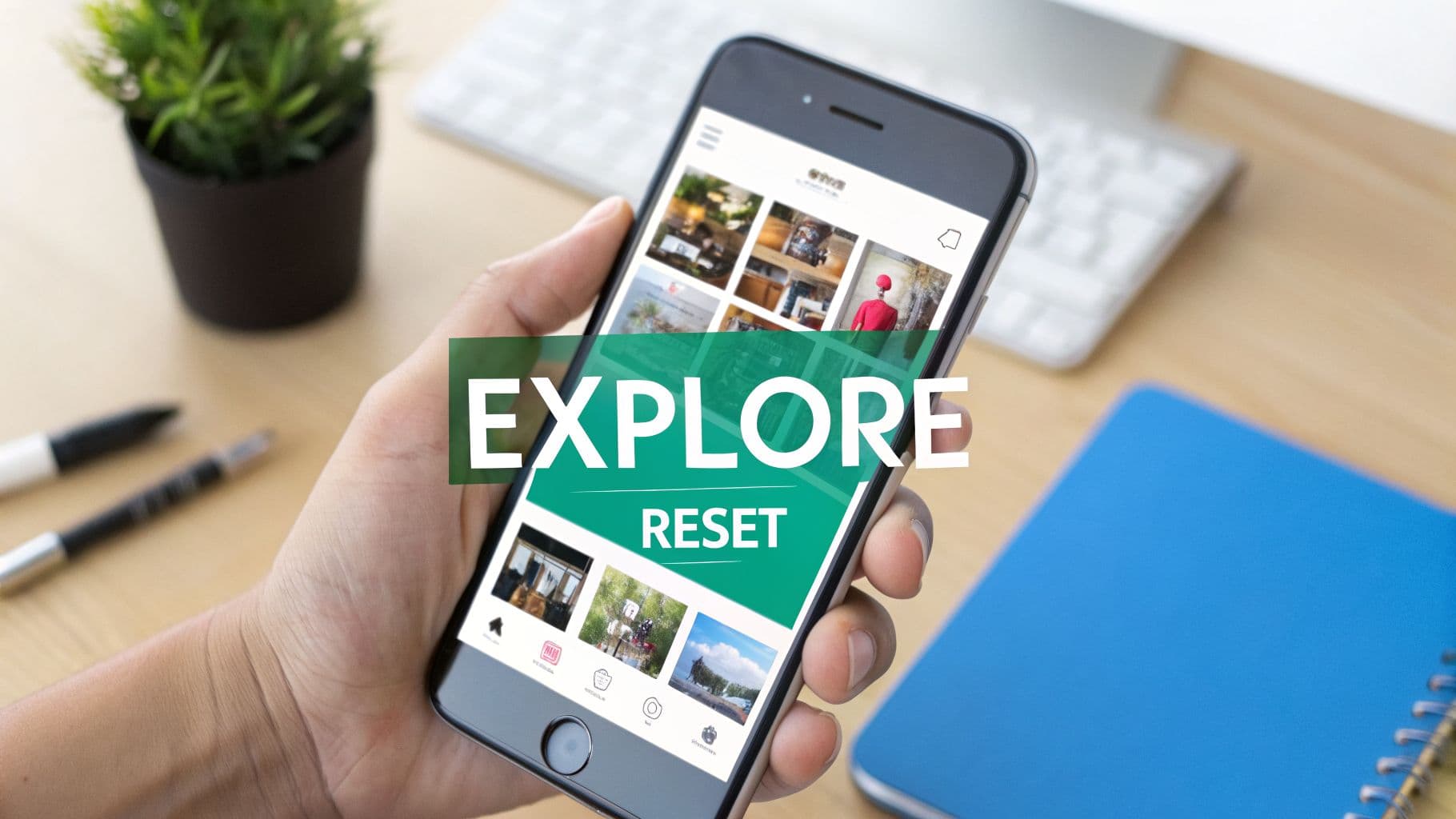
Why Your Explore Page Feels Stale

Does your Explore page feel more like a time capsule than a discovery tool? You're not alone. This happens when Instagram's algorithm—which diligently tracks every like, share, and search—gets a little too good at predicting what you used to find interesting.
The algorithm essentially builds a profile based on your past behavior. Say you went through a three-month phase of being obsessed with sourdough starters. Even if you haven't baked a loaf in a year, Instagram might still be showing you endless Reels of scoring techniques and proofing baskets.
You end up in an echo chamber. The more you interact with (or even just passively scroll past) the same types of posts, the more the algorithm thinks it's hitting the mark. It boxes you in, making it tough to find new trends or inspiration.
The Problem with a Stagnant Feed
A stale feed isn't just boring; it actively works against discovery. For creators and brands, it’s a missed opportunity to see what's trending and connect with new audiences. For the rest of us, it just makes the platform monotonous.
This is a surprisingly common issue. With years of interaction data, it’s not unusual for a user's Explore Page to be filled with 60-70% repetitive content. In fact, some studies show that as many as 42% of users feel dissatisfied with their Explore Page after just six months of consistent use. You can read more about these findings on how to reset the Instagram Explore page.
The good news? You can absolutely fix this. Early data suggests users who perform a reset see a 25-35% increase in time spent discovering new content within the first month.
Breaking the Algorithmic Loop
An Instagram Explore reset is your way of breaking this cycle. It's a deliberate process where you clear out the old signals you've sent and replace them with new ones that reflect your current tastes. You're not just clearing a cache; you're actively curating your digital environment.
By taking control, you can:
Discover New Creators: Find fresh voices and accounts outside your usual bubble.
Stay Ahead of Trends: Identify emerging styles, topics, and aesthetics in your niche.
Fuel Your Creativity: Turn your feed back into a genuine source of inspiration.
Think of it as telling the algorithm, "Thanks for what you showed me, but I'm interested in something new now." This hands-on approach is essential for getting more value out of your time on the platform. To get a better sense of what's happening behind the curtain, check out our guide on the Instagram Explore page algorithm.
Taking Back Your Explore Page: The Hard Reset Method
If your Explore page has become a wasteland of old hobbies and random videos you regret watching, a gentle nudge won't cut it. It’s time for a hard reset. This isn't about subtly influencing the algorithm; it's about taking decisive, immediate action to force Instagram to completely re-evaluate what you want to see.
Think of it as sending a loud and clear message: the old recommendations are out, and you're starting from scratch.
Start by Wiping Your Search History
Your past searches are one of the most direct signals you send to Instagram. The algorithm sees them as a literal list of your interests. To kick off your reset, you need to cut off this pipeline of old data.
First, head to your profile page and tap the menu icon (the three horizontal lines) in the top-right corner. From there, select your activity. This is your command center for managing everything you do on the app.
Inside the "Your activity" menu, look for Recent searches. Give it a tap, and you'll see every account, hashtag, or keyword you've looked up. Now, just hit Clear All. This one move tells the algorithm you’re making a clean break from your past interests.
But don't get too comfortable. Clearing your history is a powerful first step, but it’s not a permanent fix on its own. Studies have shown that while it triggers a fresh start, around 80% of users find their old recommendations creeping back within a week or two due to what experts call 'behavioral persistence.' It's a fascinating look into how our habits can quickly retrain the algorithm, something you can read more about here.
Go on a "Not Interested" Spree
With your search history gone, it's time to be ruthless with your current Explore page. Your job is to actively teach the algorithm what not to show you. For every single post that doesn't fit the vibe you're going for, you need to mark it.
Tap on a post you don't want to see.
Hit the three-dot menu in the corner of the post.
Firmly select Not Interested.
Each time you hit "Not Interested," you’re giving direct, negative feedback that helps the algorithm learn your new preferences.
I like to think of it like training a puppy. You don’t just reward good behavior (liking and engaging with content you love); you also have to correct the bad behavior (marking unwanted posts). So if you're a fashion creator sick of seeing car videos, you need to mark every single one as "Not Interested." For a deeper dive into reclaiming your feed, our complete guide on how to reset your Instagram algorithm has even more strategies.
Mute and Block the Repeat Offenders
Sometimes, the "Not Interested" button isn't enough to stop content from a specific account or hashtag that keeps popping up. When you notice repeat offenders cluttering your feed, it’s time to escalate.
Pro Tip: Muting is your best friend here. It’s a stealthy way to stop seeing an account's posts and Stories without them ever knowing. It's perfect for when you don't want to unfollow someone but their content is messing with your recommendations.
When you find an account that just won't go away, you have a couple of options:
Navigate to the user’s profile.
Tap the Following button, then select Mute to hide their posts, Stories, or both.
If the content is truly irrelevant or annoying, go to their profile, tap the three dots, and select Block.
Combining these three tactics—clearing your history, aggressively using the "Not Interested" button, and muting persistent accounts—is how you perform a hard Instagram Explore reset. It’s a hands-on process, but it’s the most effective way to force the algorithm to start fresh and build a feed you actually enjoy.
Now, Let's Actively Retrain Your Feed
Hitting reset on your feed gives you a clean slate, but that's just the beginning. The real magic happens when you start teaching the algorithm what you actually want to see. Think of it like clearing weeds from a garden—now it's time to plant the seeds for the content that will inspire you and help you grow.
This is all about being intentional. Every search, like, save, and comment you make is a vote for the kind of content you want more of. Instead of mindlessly scrolling, you're about to become the active curator of your own feed.
Build a Proactive Engagement Strategy
Let's walk through a real-world scenario. Say you're a real estate agent trying to break into the luxury, modern architecture market. Right now, your Explore page is a jumbled mess of cooking videos and random memes—not exactly helpful for business. To really whip your feed into shape, you need a focused game plan.
Here’s a simple 7-day sprint you could try:
Days 1-2: Start by searching for very specific hashtags. Think #ModernArchitecture, #LuxuryHomes, and #ArchitecturalDigest. Follow a few of the top architects, design firms, and creators who dominate this space.
Days 3-4: Dive into the content under those hashtags. Your goal here is to Save at least 10-15 posts that perfectly capture the aesthetic you're after. The algorithm loves saves; it treats them as a much stronger signal of interest than a simple like.
Days 5-7: Now it's time to engage. Leave genuine, thoughtful comments on posts from the accounts you just followed. A comment like, "The way you've used natural light in this entryway is stunning," tells the algorithm you're seriously interested in this niche.
This targeted approach is way more effective than just randomly liking things. Each action reinforces your new interests, quickly teaching Instagram what belongs on your feed. If you want to go deeper on how the platform's recommendations work, this guide on Mastering Instagram Suggested for You is a fantastic resource.
The image below breaks down the initial cleanup actions you should take before you even start retraining your feed.

These three moves—clearing your history, marking unwanted posts as "Not Interested," and blocking or muting accounts—are the foundation of your reset. They get the algorithm ready to learn from your new, intentional engagement.
Turn Your Feed Into a Powerful Tool
By consistently sending these positive signals, your Explore page will transform from a time-wasting distraction into a valuable tool for inspiration and research. You're no longer just scrolling; you're building a personalized discovery engine tailored to your goals.
The biggest takeaway here is that the algorithm rewards active participation. When you search for what you want, save what you love, and engage with creators you admire, you're not just resetting your feed—you're taking permanent control of it.
Your interactions directly shape your recommendations. It's a simple but powerful truth that is the key to keeping your Explore page fresh and relevant for the long haul. And if you're looking for even more ways to manage what you see, our guide on https://www.gainsty.com/blog/how-to-clear-suggestions-on-instagram digs into other useful techniques.
Using Your Reset for Organic Follower Growth
A freshly reset Explore page is more than just a clean slate for your personal browsing—it's a secret weapon for your business. Once you've retrained the algorithm, your Explore feed transforms from a jumble of random posts into a direct pipeline to your niche. This isn't just a minor tweak; it's a foundational part of any serious organic growth strategy.
Think of it as having a live market research report delivered straight to your phone. You get to see what’s genuinely buzzing in your industry, spot new content styles before they go mainstream, and discover what your ideal audience is actually finding and loving right now.
The Strategic Post-Reset Window
The time immediately following a reset is absolutely golden. During this "post-reset window," the algorithm is hyper-aware of your every move, eager to learn your new tastes. Your actions carry significantly more weight as Instagram scrambles to figure out what you want to see.
This is your moment to be deliberate. For instance, if you're a travel blogger who just wiped your feed clean, you can immediately start deep-diving into #SoloFemaleTraveler content. The algorithm will not only serve you more of that content but might also start showing your profile to other users who are exploring that same niche.
The advantage here is real. In the first 14 days after a reset, accounts often see an 18-22% boost in visibility in Explore recommendations. Data suggests that around 31% of users who reset their feeds find new creators, and 12% of those discoveries turn into long-term followers. You can dive deeper into these findings and learn how to manage your recommendations directly from Instagram.
A pro move is to time your own content releases with periods when you think your target audience might be resetting their own feeds, like the start of a new season or trend. It can give you a real competitive edge.
Turning Discovery Into Growth
With a clean Explore page, you can finally see the playing field for what it is. It's your chance to analyze what's resonating with your audience and sharpen your own content plan. Here’s how to turn those insights into actual follower growth:
Spot the Gaps: Notice a topic your competitors are glossing over? That’s your opening. Jump in and become the go-to expert on that subject.
Find Real Collaborators: Your new feed will help you uncover smaller creators with sky-high engagement. These are the perfect partners for authentic collaborations before they get too big.
Borrow Winning Formats: Is a particular Reel transition or carousel style popping up everywhere? Don't copy it—adapt it. Give it your own spin and make it work for your brand.
Of course, getting new eyes on your profile is only half the battle. To make sure your efforts lead to lasting growth, it pays to understand the bigger picture. Taking a look at why you might be losing Instagram followers can give you crucial insights into audience retention, ensuring the new followers you attract actually stick around.
Keeping Your Explore Feed Clean and Relevant

You've put in the work to reset your Explore feed. That’s the hard part. The last thing you want is to watch it slowly drift back into a sea of irrelevant memes and content you just don't care about.
The secret is to move from a one-time "fix" to a set of simple, ongoing habits. Think of it as good algorithmic hygiene—a little maintenance goes a long way in keeping your feed fresh, inspiring, and actually useful. This isn't about adding another chore to your list; it's about making small, consistent tweaks that maintain the control you just fought to get back.
Build Your 5-Minute Maintenance Routine
The easiest way to stay on top of this is with a quick weekly check-in. Seriously, just set aside five to ten minutes once a week to actively prune your Explore page.
During this quick review, your only job is to give Instagram clear feedback. Scroll through your feed and be ruthless with that “Not Interested” button. Tapping it on just a few posts each week sends a powerful, consistent signal that prevents old content categories from creeping back in.
It’s also smart to do a search history clear-out every few months. You don’t need to do this daily, but a quarterly cleanup acts like a great tune-up. It stops those random, one-off searches you made weeks ago from polluting the recommendations you get today.
A word of warning: break the habit of "hate-watching" or doomscrolling through content you can't stand. The algorithm is blind to your frustration—it only sees that you stopped scrolling. Lingering on a post, even in disgust, tells Instagram, "Yes, please show me more of this."
Long-Term Habits for a Curated Feed
To truly master your Explore page for good, your daily interactions are what matter most. Every like, save, and comment is a vote. Here are the best practices I've found for keeping your algorithm working for you, not against you:
Guard Your "Saves": The save button is your superpower. It's one of the strongest positive signals you can send the algorithm. Only save posts that you genuinely want to see more of.
Engage with Purpose: Don't just be a passive liker. Leaving a thoughtful comment on a post that perfectly fits your niche reinforces your interest much more effectively.
Curate Who You Follow: Your Explore page is heavily influenced by the accounts you follow and interact with. Don't be afraid to mute or unfollow accounts that no longer align with your interests. A clean following list is the foundation of a clean Explore page.
These small, mindful actions add up. They ensure your feed evolves with your interests, preventing the need for another drastic Instagram Explore reset down the road.
Answering Your Top Questions About an Explore Page Reset
Whenever I talk to people about cleaning up their Instagram Explore page, a few questions always pop up. It’s a great feeling to take back control of your feed, but it helps to know what you’re getting into. Let's tackle some of the most common concerns.
First, let's get a big one out of the way. A lot of people worry that resetting their Explore page will somehow hurt their own account's reach. Let me be clear: it absolutely won't. This process is all about curating the content you see. Your actions here only tell the algorithm what to show you, and they have zero negative effect on how your own posts are shown to others.
How Long Until I See a Difference?
This is the million-dollar question, and the honest answer is, it comes down to how much effort you put in. If you go all-in with a "hard reset"—clearing your search history and being ruthless with that "Not Interested" button—you can see a dramatic shift in as little as 24-48 hours. The algorithm responds surprisingly fast to that kind of direct feedback.
But making it stick requires consistency. That first week is your training ground. You have to actively search for, save, and engage with the stuff you actually want to see to lock in those new preferences.
A word of warning: the algorithm is always watching and learning. If you slip back into old habits, like hate-watching Reels you can't stand, your old recommendations will start creeping back in within a week or two. Consistency is everything.
And sometimes, weird things just happen. Not long ago, a platform-wide glitch had everyone’s Explore page showing random nature and wildlife photos, no matter what their interests were. Instagram fixed it, but it’s a good reminder that sometimes things are just out of our hands.
Can My Explore Page Have More Than One Interest?
Of course! An Instagram Explore reset doesn't mean you have to force your feed into a single, narrow topic (unless you want to). The algorithm is plenty smart enough to juggle several of your interests at once.
For instance, your feed can easily be trained to show a mix of:
Creative Inspiration: Graphic design trends, photography tutorials, and video editing shortcuts.
Business Content: The latest on social media marketing, tips for growing a small business, and industry news.
Personal Hobbies: Content about vintage cars, home gardening projects, or updates on your favorite sports teams.
The trick is to give all of your interests some love. The algorithm prioritizes what you’ve engaged with most recently. If you spend an entire week only liking and commenting on business content, that's what will take over your Explore page. By spreading your interactions across your different passions, you’ll end up with a diverse, genuinely interesting feed that actually reflects who you are.
Are you ready to stop fighting the algorithm and start growing your audience? Gainsty uses advanced AI and real Instagram expertise to drive organic follower growth. We connect you with real, engaged users in your niche—no bots, no risks. Start growing with Gainsty today and see the difference authentic engagement can make.
.png&w=1920&q=75&dpl=dpl_34ZXCf12K5qjjdZjPn9snwDRADrB)





.png&w=750&q=75&dpl=dpl_34ZXCf12K5qjjdZjPn9snwDRADrB)