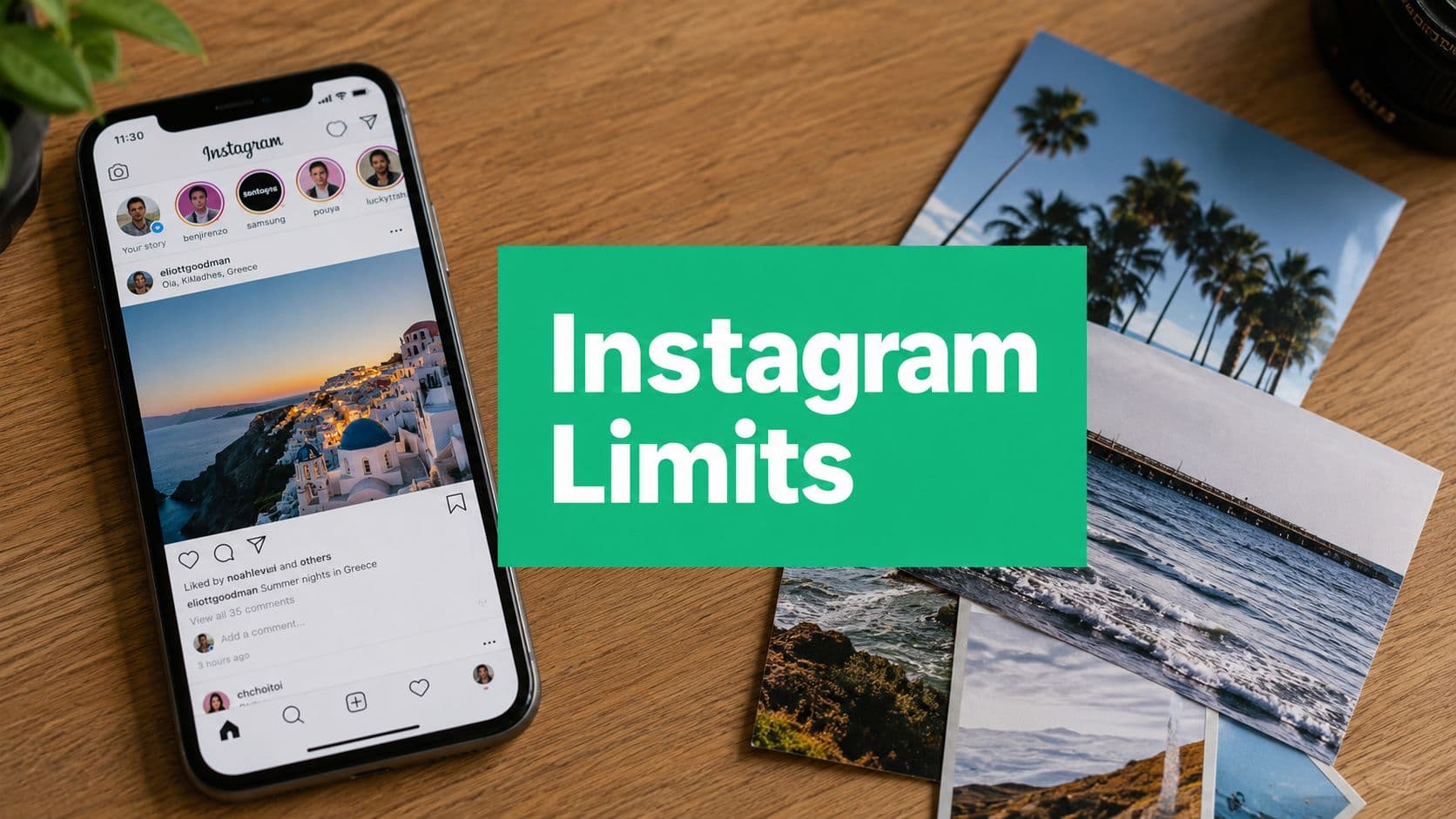
The Short Answer on Instagram Photo Limits
The short answer is simple, Instagram now allows up to 20 photos and videos in a single feed carousel post Instagram carousel limit milestone. That's the number many users seek when they search how many pictures can you post on Instagram, but it only applies to one post, not to everything you upload across the app.
That distinction matters. A creator can make one carousel with 20 frames, then publish other posts later, because Instagram does not publish a hard public cap on total feed posts per account, which is why expert guides describe overall feed-post volume as effectively unrestricted while still warning about practical throttling and ranking considerations Instagram feed volume and practical throttling. In plain English, the platform cares less about a magic daily photo number and more about how your content behaves after you publish it.
If you're trying to plan content, start by separating the surfaces. Feed carousels are for grouped storytelling, Stories are for short-lived updates, Reels are for video-first distribution, and DMs are for one-to-one sharing. A useful companion if you also plan across platforms is this strategy for TikTok creators, because the same planning habit, matching format to message, carries over well.
Practical rule: stop asking “How many pictures can I post?” as one universal question. Ask, “How many pictures fit this one post, this one day, and this one campaign?”
The core strategic question is not just capacity. It's whether you should use all 20 frames, split the content into separate posts, or keep the post shorter so each image earns its place.
What the 20-Photo Carousel Limit Really Means
A carousel is Instagram's swipeable feed format, where multiple photos and videos live inside one post and share one caption, one publish time, and one order. The current limit is up to 20 items in a single feed carousel post, and that ceiling replaced the older 10-item cap in 2024 carousel ceiling expanded in 2024. That shift matters because older guides can still leave creators planning for a rule Instagram no longer uses.

A carousel works more like a magazine spread than a billboard. A billboard gives you one frame to carry the whole message, while a carousel lets each slide support the next one. For that reason, teams planning multi-image storytelling should keep every slide in the same upload batch so the order stays intact and the caption still matches the sequence same-batch ordering guidance.
Why old advice keeps surviving
A lot of search results still repeat the old 10-photo rule because they were written before the update or were never updated carefully. That creates confusion for creators who want more room for tutorials, product reveals, or event recaps. If you want real examples of how that extra space can be used, these Instagram carousel post examples show how different slide counts change the story.
The practical shift is bigger than the number itself. With 20 slots instead of 10, you can break a story into clearer beats, but each slide still needs a reason to be there. Captions, tags, and sequence all belong to the carousel as one unit, so the post should feel like a finished set, not a folder of leftovers.
One strong carousel often beats two messy ones, because the audience reads the sequence as one story.
For creators, that means the first slide has to earn the swipe and the later slides have to justify the attention you asked for. For brands, it means treating the 20-frame cap as a storytelling ceiling, not a requirement to fill every slot.
Daily and Rate Limits Most Creators Miss
The headline limit gets all the attention, but the operational limit is different. Buffer's help center lists Instagram's daily publishing benchmark at 50 posts per 24 hours across posts, reels, and stories Buffer daily publishing limit. That number is a working upper bound, not a promise that every account should post anywhere near it.
Instagram itself does not publish a simple hard daily feed-photo cap, which is why people get stuck trying to turn the app into a math problem. In practice, the platform tends to care about whether your activity looks spammy, repetitive, or overly aggressive, and that's where ranking and throttling concerns come in practical posting volume and ranking considerations. If you keep uploading similar content in bursts, the issue is usually not that you hit a secret photo ceiling; it's that you've started to look like a low-quality account.

What that means for your cadence
High-volume weeks make sense when you're launching something, covering an event, or running a time-sensitive campaign. Outside those moments, posting too often can create fatigue before your content has time to circulate.
A safer habit is to watch what happens after each upload cycle. Look at whether the post earns saves, comments, replies, or profile visits, then decide whether the next post should be a follow-up or a reset. The platform doesn't reward volume in a vacuum, and your audience usually doesn't either.
Practical rule: use aggressive posting only when the content arc justifies it. Otherwise, let each post breathe.
The cleanest mental model is this. The carousel cap tells you how much can fit in one post, the daily benchmark tells you the outer edge of platform tolerance, and your actual pacing should sit somewhere far below that unless you have a specific campaign reason to push harder.
Feed Reels Stories and DMs Compared
The confusion usually comes from treating every Instagram surface like it follows the same rules. It doesn't. Feed carousels, Reels, Stories, and DMs each serve a different job, and the right limit depends on the format you're publishing into.
Feed carousel: You can include up to 20 photos or videos in a single carousel post. There is no publicly stated hard daily limit specifically for feed photos.
Reels: Reels are video-first rather than photo-stack posts. They fall under the broader benchmark of 50 posts within 24 hours.
Stories: Stories are made up of individual story items intended for quick updates. They are also covered by the broader 50-posts-per-24-hours benchmark.
DMs: The amount of media you can share depends on the conversation and message context. There is no publicly stated hard daily feed-photo limit that applies specifically to DMs.
For a format-focused breakdown, this internal comparison of Instagram Reels vs Stories helps if you're deciding where a piece of content belongs. The important part is not memorizing every surface equally, it's choosing the one that matches the story you're telling.
The image-size part people skip
Instagram's feed image guidance converges on three practical still-image formats, 1080×1080 px for square, 1080×1350 px for portrait, and 1080×566 px for wide format Instagram image size guidance. The same source family points to a practical upload envelope of roughly 320–1080 px wide and 566–1350 px tall Instagram image size guidance.
Portrait 4:5 usually works best in-feed because it uses more vertical screen space. Horizontal orientation can still work, but it often feels compressed because it gives up valuable feed real estate. If your goal is attention, format choice matters almost as much as post count.
A useful way to think about it is this. Feed is for depth, Stories are for immediacy, Reels are for motion, and DMs are for direct sharing. When creators mix those up, they end up asking the wrong limit question.
A Launch Week Posting Plan in Practice
A small brand launching a seasonal product doesn't need to post at maximum volume, it needs to post in the right order. The content usually works better as a sequence than as one giant dump, especially when the message has a beginning, middle, and close.
On day one, the brand can publish a 20-slide carousel for the full product story, with the first few slides focused on the hook and the rest showing details, use cases, and proof. On day three, a second carousel can cover behind-the-scenes production or a customer journey, again using the full frame count only if every slide adds value. A single Reel can handle motion, while Stories can carry the daily reminders, polls, and quick updates that keep the audience warm.
How to decide whether to split or combine
If two images say the same thing, split them into separate posts only when each one needs its own caption, its own hook, or its own audience segment. If the images only make sense together, keep them in one carousel so the narrative stays tight.
That decision matters more than whether you can technically fit 20 items. A launch week should feel like a guided walk through the offer, not a pile of disconnected assets. For a fuller posting framework, this best Instagram posting schedule gives a scheduling lens that pairs well with campaign planning.
A clean cadence beats a frantic one, because the audience can follow the message instead of decoding it.
The simplest working template is a carousel for the main story, a Reel for motion, Stories for reminders, and a few single-image posts for supporting moments. That structure gives you room to breathe without turning the week into noise.
Why Posting More Is Not Always Winning More
More photos in one carousel does not automatically mean better reach. Instagram's ranking system still responds to how people interact with your post, which is why a post with stronger retention and cleaner sequencing can outperform a larger, looser upload.

The mistake is treating the carousel like a storage bin. If slide one doesn't earn the swipe, slide ten never gets a chance, no matter how polished it is. That's why the best carousels are edited with restraint, even when the account could technically fill all 20 slots.
What to ask before adding another slide
Does this slide add new context? If it repeats the last image, it's probably weakening the sequence.
Does this image help the next swipe happen? If it doesn't push the story forward, it may be dead weight.
Would this idea work better as its own post? If yes, splitting it can improve clarity.
Organic-growth services can help teams stay consistent with planning and execution, but they don't replace judgment. For example, Gainsty is an AI-powered Instagram growth platform focused on organic follower growth and account management, so it fits into the workflow as a consistency tool rather than a content shortcut. That kind of support can be useful when the main challenge is maintaining a reliable posting rhythm.
The larger point is simple. Volume only helps when each frame earns attention, and the same goes for frequency across the week. If the post feels padded, the audience usually notices before the algorithm does.
Posting Frequency Tips for Influencers and Brands
A good frequency plan starts with consistency, not ambition. If your account is still finding its voice, a steady rhythm beats a bursty one because it gives you cleaner feedback on what people respond to.
For a practical starting point, many teams use a simple 3-2-1 cadence. That means three feed posts, two Story sequences, and one Reel in a week, then adjusting based on how the audience reacts. The point isn't to lock yourself into a rigid formula, it's to create enough structure that content production doesn't drift.

A few rules that actually help
Protect your best posting windows: publish when your audience is most likely to be active, then review the results instead of guessing the next time.
Design carousels for engagement: the first slide should earn the swipe, and the middle slides should justify the effort.
Repurpose with intent: turn one shoot into a carousel, a Reel, and a Story sequence so you're not reinventing the wheel every day.
Review a small set of signals weekly: reach, saves, and profile visits tell you more than raw post count does.
If you want a consistency framework to pair with that cadence, this Kraken Socials consistency guide is a useful companion because it treats consistency as a system, not a slogan. For scheduling specifics, the Gainsty posting schedule guide fits well alongside a weekly planning habit.
Practical rule: keep the schedule flexible enough to reflect your content pipeline, not just your calendar.
Influencers usually need more room for testing hooks and formats, while brands need more discipline around message and timing. Both groups win when the posting rhythm matches the work they can sustain.
Putting It All Together for Organic Growth
The hierarchy is simple. A single carousel can hold 20 photos and videos, Instagram doesn't publish a hard public daily feed-photo ceiling, and Buffer's 50 posts per 24 hours benchmark gives you a practical outer edge for a high-volume activity carousel limit milestone, Buffer daily publishing limit. Feed, Stories, Reels, and DMs still behave differently, so the right answer always depends on the surface.
The strategic move is not squeezing every possible image into every post. It's deciding which photos deserve a shared caption, which deserve their own post, and which belong in another format entirely. If you're trying to build clout and momentum as a marketer, this clout-building for marketers resource pairs well with that mindset because it centers attention on consistency and visibility, not empty volume.
This week, audit your last 10 posts and look for the weakest carousel. Tighten the slide order, cut any filler, and make the first frame do more work before you upload anything new.
If you want a clearer organic growth system for Instagram, Gainsty helps creators and brands plan consistent posting, organize carousels, and support follower growth without bots or fake engagement. If you're ready to turn the rules in this guide into a repeatable workflow, visit Gainsty and see how it fits your posting plan.
.png&w=1920&q=75&dpl=dpl_34ZXCf12K5qjjdZjPn9snwDRADrB)




.png&w=750&q=75&dpl=dpl_34ZXCf12K5qjjdZjPn9snwDRADrB)