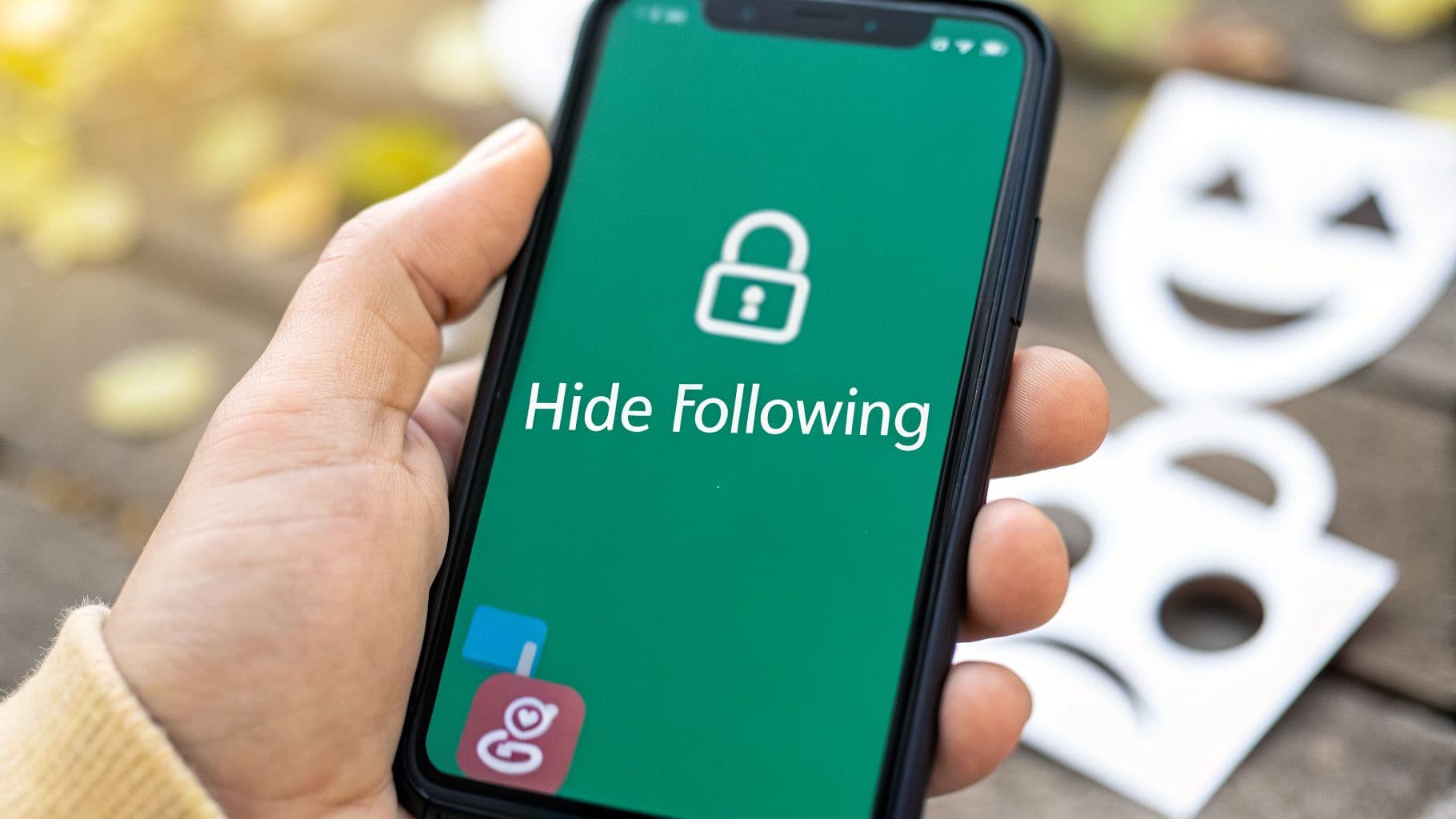
Why Users Want to Hide Their Instagram Following List

It used to be that hiding your 'Following' list was all about personal privacy. These days, for many brands and creators, it's become a crucial piece of their growth strategy and a way to keep a competitive edge. This isn't just about being secretive; it's about being strategic.
Strategic and Competitive Advantages
When your account is public, your 'Following' list is basically an open playbook for your competitors. It can reveal your networking contacts, potential brand deals, and even the content creators who inspire you. Hiding this list is a smart defensive move to stop "follower poaching," where rivals simply start targeting the same people you're trying to build relationships with.
A carefully curated or hidden following list sends a powerful message. When an account follows zero or very few people, it creates an aura of authority and exclusivity. It suggests their content is the main event, not who they're watching.
This has become even more important as the platform evolves. Think about it: if the algorithm is designed to push content to loyal followers, broadcasting who you follow can sometimes work against you, especially if you're trying to scale your brand discreetly. We've seen trends suggesting that by 2026, accounts that protect their strategic connections could find it easier to maintain steady engagement, turning what seems like a privacy setting into a real business advantage.
Ultimately, wanting to control your 'Following' list is part of a bigger picture: managing your digital footprint. It's the same reason people wonder if you can see who viewed your Instagram profile. This reflects a growing awareness and desire for better ways to protect personal information online in a world where so much is public.
Right, let's get straight to it. When you want to control who sees your 'Following' list on Instagram, your best and safest options are the ones built right into the app. While there isn't a magic button to hide just that list on a public profile, you have some powerful tools at your disposal.
The most straightforward method is simply to make your account private. It’s a bit of a nuclear option, but it's effective. Once you flip that switch in your settings, only people you've approved can see your followers, who you follow, and your posts. Anyone who stumbles upon your profile will just see your bio and a locked feed, forcing them to send a request if they want in.
For personal use, this is perfect. But if you’re a brand, an influencer, or a business trying to grow, going private is a dealbreaker—it kills your discoverability and stops new people from finding your content organically.
Fine-Tuning Your Follower List
So, what if going completely private isn't in the cards for you? You can still manage your audience on a person-by-person basis by removing specific followers. This is your go-to move for quietly curating who sees your activity without locking down your entire account.
It’s surprisingly simple to do:
Head to your profile and tap on your Followers count.
Scroll or search for the person you want to remove.
Just tap the "Remove" button next to their name, and that's it.
Pro Tip: The best part about removing a follower is how subtle it is. Instagram doesn't send them a notification. They would only know you removed them if they actively visited your profile again and saw the "Follow" button instead of "Following."
To give you a clearer picture of your options, here’s a quick comparison of the official methods Instagram provides.
Instagram Privacy Methods at a Glance
This table breaks down the native Instagram tools you can use to manage your profile's visibility, including how well they work for hiding your 'Following' list and where they might fall short.
Make Account Private – This method is highly effective because it completely hides your “Following” list from anyone who does not follow you. It works best for personal accounts where privacy is the main priority. However, the drawback is that it significantly limits your reach and discoverability, which can be a problem for creators or public-facing accounts.
Remove Followers – This approach has moderate effectiveness because it allows you to hide your following list from specific individuals by removing them as followers. It is most useful for public accounts that only need to remove a few unwanted followers. The downside is that it can become time-consuming if you need to remove many people.
Block User – This method is highly effective since it completely prevents a specific user from seeing your profile, including your following list. It is best used when dealing with spam accounts, harassment, or problematic users. The drawback is that it is a more aggressive action, and the person may realize they have been blocked if they search for your profile.
Each of these methods serves a different purpose, so you can mix and match them to fit your specific privacy needs.
Managing your 'Following' list is just one piece of the privacy puzzle. You can also take control over other aspects of your profile's visibility. For instance, many users also want to learn how to hide the likes on Instagram to create a less competitive-feeling environment.
And if you’re looking for an even deeper level of privacy, you might want to look into hiding your online activity. We’ve put together a full guide on how to turn off your active status on Instagram, which is another great step toward controlling your digital footprint.
Creative Workarounds for Public and Business Profiles
For any serious brand, influencer, or business on Instagram, going private is usually a non-starter. You’d be cutting off your growth engine and making your profile invisible to potential new followers. So what do you do?
The good news is you don't have to sacrifice your public visibility. The solution is to get a little creative with how you manage your 'Following' list. It's less about hiding and more about managing perception. Let's dig into two of the most effective strategies I've seen top-tier accounts use to solve this exact problem.
The Dual Account Strategy
This is probably the most popular and powerful method out there. The idea is simple: you run two separate Instagram accounts, each with a specific job.
Your Main Public Account: This is your big stage—your brand or influencer profile that everyone sees. On this account, you follow a very small, exclusive list of accounts. Or, to make an even stronger statement, you follow zero accounts. This creates an immediate look of authority and keeps the focus entirely on your content.
Your Private Networking Account: Think of this as your backstage pass. It’s a secondary, private account where you do all your real networking, follow industry peers, and keep tabs on competitors. Because it's locked down, only the people you approve can ever see who you’re following.
This approach really does give you the best of both worlds. You get a polished, authoritative public page while keeping your strategic connections and industry research completely private. It's a go-to tactic for major creators who need to prevent their network from being poached by competitors.
This decision tree helps visualize how public accounts can approach this choice.

As you can see, the main options for a public profile boil down to creating that separate, private account or being extremely intentional about who the main account follows.
Curating Your Following List as a Brand Statement
If juggling two accounts sounds like a headache, there's a fantastic alternative. Instead of trying to hide your 'Following' list, you lean into it and turn it into a public asset. You curate it so carefully that it actually reinforces your brand's identity.
This strategy flips a potential vulnerability on its head, turning it into a public showcase of your niche and values. You're making a statement about who you are by following only key partners, industry leaders, and aspirational brands.
For instance, a sustainable fashion brand could make a point to only follow its ethical material suppliers, a handful of eco-conscious creators, and key organizations that promote circular fashion. A tech startup might only follow top venture capitalists, influential industry journalists, and other innovative companies.
This doesn't just look professional—it changes your 'Following' list from a simple list into a curated resource for your audience. It becomes a feature, not a liability.
A Word of Warning on Third-Party Apps
You’ve probably seen them pop up in your search results: third-party apps promising to magically hide your Instagram following list, even on a public profile. It's a tempting offer, especially when you feel like you've hit a wall with the official settings.
Let me be blunt: steer clear of these apps.
These tools are completely unauthorized by Instagram and fly directly in the face of its Terms of Service. Using one is like painting a target on your account. The best-case scenario is a temporary slap on the wrist. The worst? Your account gets permanently banned, and all the effort you've poured into building your community vanishes overnight.
The Security Nightmare You're Inviting
Policy violations are just the beginning. The real danger lies in the security risks you’re taking. For these apps to work, they need you to give them your username and password. Think about that for a second. You’re handing over the keys to your account to a total stranger.
Once a shady developer has your credentials, the damage can be swift and severe. They could potentially:
Scrape your personal information and sell it.
Hijack your account to post spam or run scams under your name.
Rummage through your direct messages and private media.
Sell your login details to other malicious actors on the dark web.
Competition on Instagram is fierce, and it's understandable to look for an edge. With follower growth for many accounts slowing to around 11% annually, some are tempted by shortcuts. But protecting your account from being flagged for sketchy, bot-like activity is non-negotiable for anyone serious about long-term success. If you want to dive deeper into how the platform is evolving, it's worth checking out the latest Instagram statistics and trends.
The takeaway here is simple: there is no "magic button" or safe third-party app to hide your following list on a public account. The risk of getting hacked, phished, or banned just isn't worth it. Sticking to the methods Instagram actually provides is the only way to safeguard your account's future.
Strategic Alternatives to Hiding Your Following List

Trying to completely hide your ‘Following’ list is often a dead end. So instead of fighting the platform, let’s reframe the goal. What if you could achieve the same level of privacy and exclusivity without making your account a fortress?
The answer often lies in tools you already have. You just need to get a little creative.
Create an Exclusive Community
One of the most powerful—and most overlooked—features for this is Instagram's Close Friends. We all use it for sharing personal moments, but for a brand or influencer, it can become a private VIP lounge.
Think of it as your inner circle. By hand-picking your most engaged followers, key business partners, or brand ambassadors for this list, you can share content that no one else sees. This is perfect for:
Behind-the-scenes looks at new projects.
Early access to product drops or sales.
Exclusive insights and Q&As.
This strategy builds an incredibly loyal community. People feel valued and part of something special, which keeps them engaged and keeps your sensitive content away from competitors.
The real power here isn't hiding your entire list, but creating a private, high-value space within your account. It's about nurturing the relationships that matter most, discreetly.
With organic reach getting tighter, this kind of targeted engagement is critical. A 2025 analysis revealed that average engagement rates fell by 24% year-over-year, making it tougher to grow without tipping off your competition. Platforms that focus on organic-style growth, like Gainsty, can help manage this, a trend backed by data in recent social media benchmark reports.
Turn Your List into a Curated Resource
Here’s another angle: turn your ‘Following’ list from a potential liability into a public asset. Instead of following thousands of random accounts, you can curate a lean, high-value list of profiles that perfectly represent your niche.
For instance, a boutique design agency could choose to only follow award-winning studios and top-tier creative directors. Suddenly, your ‘Following’ tab isn’t just a list—it's a bold statement of your expertise and a valuable resource for your own followers. You’re not hiding who you follow; you’re showcasing your excellent taste.
This approach flips the script entirely, transforming a privacy concern into a branding opportunity. And if you're looking for more ways to manage who sees what, our guide on how to manage your block list on Instagram has some great related tips.
Your Top Instagram Privacy Questions, Answered
After digging into the different ways to manage your 'Following' list, you're probably left with a few lingering questions. It's totally normal—Instagram's settings aren't always crystal clear. Let's walk through the most common points of confusion I see people run into.
What Does a Private Account Actually Hide?
So, you've set your account to private. Does that really hide who you follow? The short answer is yes.
Once you go private, only the people you’ve approved as followers can see your 'Following' and 'Followers' lists. For anyone else who lands on your profile, those lists are completely invisible. They’ll see your bio and follower counts, but they can't click in to see the actual accounts. This is the single most effective way to lock down that information from the public eye.
Think of it as an all-or-nothing switch. Instagram designed its privacy this way on purpose, creating a hard line between a public presence and a private one without a lot of in-between options.
Can I Hide My Following List from the Public, but Not from My Followers?
This is a question I get all the time, and unfortunately, the answer is no. Instagram doesn't offer a feature to make just your 'Following' list private while keeping the rest of your account public.
It’s a straightforward choice: either your whole profile is public (and your lists are visible to everyone), or your whole profile is private (and your lists are only visible to followers). There's no middle ground for selectively hiding one part.
What About Using an App to Hide My Following List?
You've probably seen apps online claiming they can hide your following list for you. Steer clear. Using these unauthorized third-party apps is a really bad idea for a couple of major reasons.
First, they are a direct violation of Instagram's Terms of Service. Using them puts your account at immediate risk. You could find your reach limited by a "shadowban," get hit with a temporary suspension, or even face a permanent ban.
Second, and maybe more importantly, they are a huge security risk. To use these apps, you have to hand over your username and password. That gives them the keys to your entire account, exposing your private messages, personal information, and content to potential data theft. It's just not worth it.
Ready to grow your Instagram followers safely and organically? Gainsty uses advanced AI and real Instagram experts to help you get more real followers and engagement, without ever putting your account at risk. Start growing with Gainsty today.
.png&w=1920&q=75&dpl=dpl_D59Qa4oJ5cFQ7dZDLQ1JPQVnqHSs)




.png&w=750&q=75&dpl=dpl_D59Qa4oJ5cFQ7dZDLQ1JPQVnqHSs)