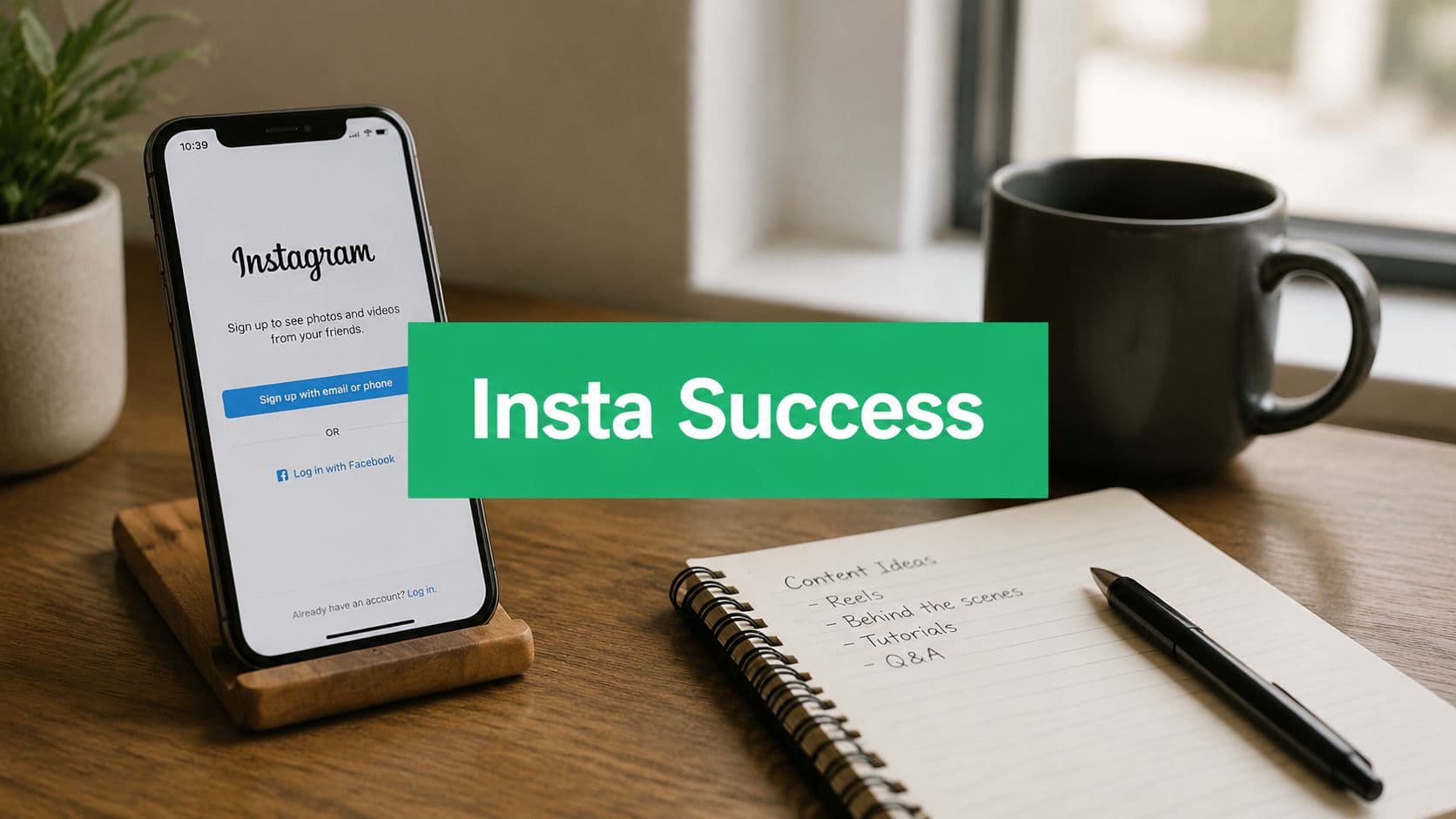
Introduction: From Zero to Hero on Instagram
People do not start Instagram because they enjoy the setup. They start because they need visibility. A founder wants customers. A coach wants leads. A creator wants a place to publish work and be remembered.
Basic tutorials are not enough. They show you where to tap, but not which choices matter later. A random username, vague bio, personal account with no analytics, and empty profile make a new account harder to grow from day one.
Practical rule: Do not build your Instagram profile like a placeholder. Build it like a storefront with search, trust, and conversion in mind.
The strongest new accounts do a few things early. They secure the account. They switch to the right account type. They write a bio that tells people what they will get. They publish a small set of focused posts. Then they review the data and adjust.
That is less exciting than chasing hacks, but it works. People need to understand who you are, why they should care, and what kind of content to expect. Instagram also needs clear signals from your profile and content to understand your niche.
If you handle the first hour well, the next few months get easier. If you rush it, you usually spend those months fixing avoidable problems.
Nailing the Setup: Username Security and First Steps
Signing up is simple. The choices inside it are not.
Start by downloading Instagram, signing up with an email you control, and choosing a password you do not reuse elsewhere. Use an email tied to your business or creator workflow if possible. That keeps ownership cleaner later if you add team members, change phones, or need to recover access.

Choose a username people can remember
A weak username creates friction fast. If people cannot spell it, say it, or recognize it, they will not search for it later.
Use this filter:
Keep it close to your brand name: If your business is Green Oak Studio,
@greenoakstudiois stronger than a clever variation.Avoid clutter: Extra underscores, random numbers, and awkward abbreviations make the account harder to recall.
Match across platforms when possible: Consistency helps if someone finds you on TikTok, YouTube, LinkedIn, or your site.
Think searchable, not cute: A nickname may feel personal, but descriptive branding usually wins for new accounts.
Your profile photo matters too. A creator should usually use a clear face shot. A business should usually use a clean logo mark that stays readable at small size. If you want a better sense of what makes a profile image feel credible at a glance, this guide on how to improve your personal branding on Instagram is useful.
Secure the account before you post
Security is easy to ignore until something goes wrong. Protect the account early.
Do these in the first session:
Turn on two-factor authentication. Go to Settings and enable 2FA. Use an authentication app if you can.
Confirm your email and phone. Recovery is much harder if those details are outdated.
Store backup codes safely. Do not leave them in a random screenshot folder you will never find later.
Limit shared logins. If a freelancer or team member needs access later, be deliberate about it.
Set up security before you start building attention. The more valuable the account becomes, the more painful recovery gets.
Finish the basics with intention
Before you leave setup, fill in the obvious fields. Add your name, profile image, and a short placeholder bio if you have not finalized messaging yet. Do not leave the account blank.
Even one clean photo, a recognizable image, and a simple line about what you do is better than looking unfinished.
The Professional Switch Unlocking Business and Creator Tools
The most important account decision happens right after setup. Switch to a Professional account.
If you stay on a personal profile, you are guessing. To access Instagram's native analytics and performance statistics, users must convert to a Professional account because personal accounts do not show the built-in Insights dashboard needed to view metrics like reach, interactions, and audience figures, as explained in this walkthrough on Instagram professional account Insights access.

Personal versus Creator versus Business
A lot of new users hesitate here because "professional" sounds too formal. It is not. It gives you the tools you need if you care about growth.
Here is the practical breakdown:
Personal account
Best for: Casual social use.
Main limitation: Does not include Instagram’s native Insights dashboard or other professional account features.
Creator account
Best for: Influencers, educators, personal brands, artists, and public figures.
Main advantage: Better suited when the individual is the brand, with access to creator-focused tools and analytics.
Business account
Best for: Local businesses, ecommerce stores, service providers, agencies, and organizations.
Main advantage: Better suited when the business or company is the brand, with features designed for marketing, customer communication, and business management.
If you are a solo consultant, coach, writer, designer, or content creator, Creator usually makes sense. If you run a shop, clinic, studio, restaurant, or company page, Business is usually the cleaner option.
How to switch the right way
Instagram makes the change straightforward. Go to Settings, open Account type and tools, and select Switch to professional account. Once you do, the Professional dashboard appears under your bio. From there, you can review recent performance, see total account views and new followers, and filter data by timeframe.
A deeper setup walkthrough can help if you want the business version done cleanly from the start. This guide on creating a business Instagram account is a useful companion for that process.
Later, if you decide to promote posts or run creative for Meta campaigns, having a professional profile makes those workflows easier. If you're experimenting with ad concepts or short-form creatives, a tool like the ShortGenius Meta ad creator can speed up asset production without forcing you into generic templates.
What you unlock immediately
Professional accounts do more than add a label.
Insights access: Review account performance and individual post data.
Contact options: Make it easier for people to reach you.
Professional dashboard: A clear place to review activity and trends. -
Feature readiness: You are set up for tools that support growth.
If growth matters, the professional switch is not an upgrade. It is the starting line.
Crafting a Bio That Converts Followers
Your bio has one job. Tell the right person, fast, why they should follow you.
Most bios fail because they are written from the owner's perspective. New visitors want to know what you do, who it is for, and what they will get from following.

Use your name field for discovery
Beginners often miss one of the strongest organic setup moves. Existing guides often skip the discoverability layer, but accounts that add niche-specific keywords in the bio name and post captions become discoverable in search, while accounts that ignore that SEO layer stay much harder to find, as noted in this piece on Instagram keyword and bio search strategy.
That means your Name field should not always be just your name.
Examples:
Maya Chen | Fitness CoachNorthside Dental | Family DentistAlex Rivera | Real Estate AustinStudio Lune | Brand Photographer
A simple bio formula that works
A strong bio usually contains five parts:
Who you are
What you do
Who you help
Why follow
What to do next
Here is the difference:
Weak bio: Digital creator. Dream big.
Better bio: Helping small brands create better Reels and product content.
Weak bio: Wellness lover
Better bio: Nutrition tips and simple meal ideas for busy professionals.
Weak bio: Handmade candles
Better bio: Small-batch candles, studio updates, and scent drops every week.
Build the profile as a conversion path
Your profile components should support each other.
Username: Keep it close to your brand.
Name field: Add searchable niche terms.
Bio text: State the value clearly.
Link in bio: Send people to the next useful step, not a dead homepage.
Profile photo: Make it recognizable at mobile size.
If you want extra examples and breakdowns, this resource on Instagram bio tips that improve conversions is worth reviewing.
A visitor should understand your niche in seconds. If they have to decode your bio, they usually leave.
What not to put in your bio
A few things consistently underperform:
Generic motivation quotes: They rarely help discovery or conversion.
Too many roles: "Coach | Mom | Traveler | CEO | Speaker | Investor" makes the profile feel unfocused.
No call to action: If there is no next step, many visitors will not invent one.
Inside jokes or unclear phrasing: Bad for a new account that needs clarity.
Content That Connects Your First Post and Beyond
The first post matters less as a single piece of content and more as a signal. It tells visitors what kind of account this will be.
A local bakery might open with a short Reel showing the kitchen, finished pastries, and the owner on camera saying what the shop stands for. A freelance designer might post a carousel introducing their style, ideal clients, and the kind of projects they share. A fitness coach might start with a direct promise: simple training advice for busy people.
None of those are fancy. They work because they reduce uncertainty.
Start with content pillars, not random ideas
The easiest way to stall a new account is to post without structure. Pick a few recurring themes and stay inside them long enough for people to understand your niche.
A simple model looks like this:
Educational content: Tips, how-tos, mistakes to avoid, quick walkthroughs
Proof content: Client results, before-and-after work, testimonials, process snapshots
Personal or brand story: Founder perspective, values, behind the scenes
Engagement content: Questions, opinion posts, community prompts
Offer-related content: Services, products, availability, launches
Write captions that earn responses
Captions do not need to be long. They need to be clear and specific.
A good beginner structure is:
A first line that creates context
Two or three useful points
A simple prompt for response
For example, a skincare founder could post a product close-up and write a caption about one ingredient, who it is good for, and a question like: "Do you prefer a short routine or a full one?"
If you're leaning into Reels early, it helps to study format-specific strategy instead of treating short video like regular posting. This breakdown of Heygen Reels strategy for Instagram is a practical reference for thinking through video creation and packaging.
Use DM tools that beginners often miss
One feature many setup guides ignore is FAQ and Conversation Starters. That matters because this feature requires a professional account, and 40% of new users skip or delay that switch, which leaves them unaware they can add up to four customizable FAQ questions for DMs, according to this explanation of Instagram FAQ and Conversation Starters setup.
That feature is useful for service businesses and creators because it reduces friction. Instead of hoping someone sends a perfect message, you guide the first interaction.
Examples of smart starter prompts:
Pricing
Availability
How to work together
Product recommendations
Make it easy for people to start a conversation. Most will not work hard to ask basic questions.
What usually does not work
A few early mistakes are common:
Posting only polished promos with no human voice
Mixing too many unrelated topics
Writing captions with no point of view
Leaving the profile empty except for one launch post
Copying trends that do not fit the niche
Tracking Success with Instagram Insights
Once the account is live and posting, the next shift is mental. Stop asking, "Did people like it?" Start asking, "What action did this content trigger?"
Instagram's professional analytics are useful because they go beyond surface feedback. Professional accounts can review metrics including saves, shares, and replies, which are often stronger indicators of content quality than likes or comments, as outlined in this overview of Instagram business account analytics.

The metrics worth caring about first
New users often stare at likes because they are visible and easy to understand. They are also incomplete.
Focus on these instead:
Reach: How many accounts saw the content
Engaged accounts: How many people did something with it
Saves: A sign the content felt useful enough to revisit
Shares: A sign the content was worth passing along
Replies: Especially valuable on Stories and DM-driven content
Profile visits: Did the content create curiosity about the account?
If you run a business, website taps and product-tag interactions matter too because they connect Instagram activity to business intent.
How to review content without overreacting
Use a weekly check-in and a monthly review. That is enough to learn without becoming obsessive.
A practical review looks like this:
Which post got the most saves?
What to look for: Whether the content provided strong educational value, practical advice, or information people wanted to revisit later.
Which post got the most shares?
What to look for: Whether the content resonated emotionally, communicated a clear message, or felt relatable enough for people to share with others.
Which format got the most reach?
What to look for: Compare the performance of different formats—such as Reels, carousels, static posts, and Stories—to identify which one consistently reaches the most people.
Which topic led to profile visits?
What to look for: Topics that sparked enough curiosity for viewers to explore your profile, indicating strong interest in your expertise or content.
Which post fell flat?
What to look for: Signs of a weak opening hook, an uninteresting topic, unclear messaging, or a mismatch between the content and your target audience.
One post underperforming does not mean the strategy is broken. It usually means the topic, packaging, or timing was off.
Build a simple feedback loop
The most productive beginners do this every week:
Open the Professional dashboard
Review top content in the selected timeframe
Identify one repeatable pattern
Publish the next round based on that pattern
If you want a fuller breakdown of what each metric means in practice, this guide on understanding Instagram Insights is a helpful reference.
Do not chase a perfect post. Chase useful patterns you can repeat.
Frequently Asked Questions
Can I switch back from a professional account later
Yes. Instagram lets users change account type. In practice, most creators and businesses should not rush back to personal because the professional setup supports measurement, contact options, and better account management. If growth matters, keep the tools.
Should I choose Creator or Business if I'm a solo founder
Pick the one that matches how the audience sees you. If people buy because of you, Creator often fits better. If they buy from a company identity, Business usually makes more sense. A consultant, coach, artist, or public-facing expert often benefits from Creator. A clinic, store, agency, or local service brand often benefits from Business.
Should I focus more on hashtags or keywords?
Keywords deserve more attention than most beginners give them. Your bio name, captions, and profile positioning help Instagram understand your niche and help users find you through search. Hashtags can still support categorization and discovery, but they work best when the overall profile is already clear.
When people ask how to make Instagram account growth happen faster, the answer usually is not "add more hashtags." It is "make the account easier to understand, easier to find, and easier to engage with."
If you want help turning a new Instagram profile into a real organic growth engine, Gainsty can help. It's built for creators, brands, and businesses that want authentic followers and stronger engagement without bots or fake activity. If you've handled the setup but want support with strategy, targeting, and sustainable growth, it's a smart next step.
.png&w=1920&q=75&dpl=dpl_2si4hWs7xtpQVmrY6d8xhJ1wLJZL)




.png&w=750&q=75&dpl=dpl_2si4hWs7xtpQVmrY6d8xhJ1wLJZL)