Why Pinning on Instagram Is a Game Changer
Let's be real. Instagram Stories are incredibly effective, but they disappear. Fast. That remarkable video or perfectly crafted Q&A is gone in a day, often before it's had a chance to do its job. This is accurately why getting the hang of pinning is no longer just a “nice-to-have”—it’s a core strategy for anyone looking to grow on the platform.
Pinning turns your temporary content into a lasting asset, keeping your most important messages right where your audience can see them.
Before we dive into the “how-to,” let's quickly break down the two main ways you'll use this feature.
Two Types of Instagram Story Pinning at a Glance
This list provides a quick snapshot of the two pinning functions. It’s a handy reference to clarify what each one does and when to use it.
Pinning in a Story (Video)
This function allows you to attach an element—such as text, a sticker, or a GIF—to a moving object or person within a video story. As the video plays, the pinned element moves along with the subject. This is best used for creating dynamic and attention-grabbing content, such as pinning a “Shop Now” sticker to a product or attaching a poll to someone walking through the frame.
Pinning to Profile (Story Highlights)
This feature lets you save an entire Story to a permanent Highlight that appears directly below your bio on your profile. Unlike regular Stories that disappear after 24 hours, Highlights stay visible. This is ideal for building evergreen content, such as FAQs, tutorials, testimonials, product guides, or an “About Us” section that new visitors can quickly explore.
Getting comfortable with both of these will seriously elevate your Instagram game. One makes your content more dynamic and engaging in the moment, while the other gives it a permanent home.
The Real Power Is in Your Profile Highlights
Pinning Stories to your profile as Highlights is where the magic really happens for brand building. I always tell my clients to think of their highlights as the curated front window of their digital shop.
You can organize your absolute best content into neat little collections like “New Arrivals,” “Client Wins,” or “How It's Made.” This gives anyone landing on your profile immediate value and a clear path to understanding who you are and what you offer.
By making your top-performing content permanent, you're essentially building a mini-funnel that grabs attention, answers questions, and encourages action long after that initial 24-hour window has closed.
When you consider that Instagram Stories get views from over 1.1 billion users daily, pinning your best ones is a no-brainer. A standard story is a fleeting moment, but a pinned highlight is there for the long haul, working for you 24/7. Digging into social media marketing statistics like this really drives home how much potential you're unlocking.
For creators and brands, mastering both types of pinning is the key to turning fleeting views into real, measurable results.
Pinning Stickers and Text in Video Stories
One of the best ways to stop viewers from swiping past your Stories is to add a little motion magic. Pinning stickers, text, or GIFs to a moving object in your video instantly makes it feel more professional and interactive. It's a small trick that can seriously boost engagement.
Imagine a fitness creator pinning a “Crushing it!” sticker to a dumbbell during a lift, or a food blogger having a “Yum!” GIF follows a forkful of pasta. It’s a dynamic touch that draws the eye and keeps people watching.
The great news? It's much easier than it looks. Once you’ve either shot a video in the Stories camera or pulled one from your gallery, you can add whatever you like. Think polls, quizzes, text, or even a custom GIF. If you really want to stand out, learning how to make an Instagram sticker can give your Stories a unique, on-brand feel.
The Pinning Process
Okay, so you’ve got your video, and you've placed a sticker on the screen. Now for the fun part.
Tap and hold the sticker or text for a second or two.
This will bring up a timeline slider at the bottom, freezing your video.
Drag the slider to find the exact moment and the object you want to attach your sticker to.
Position the sticker precisely where you want it on the object.
Hit the “Pin” button.
That's it! Instagram’s tracking will kick in and lock your sticker onto that moving object throughout the clip.
The whole pinning workflow on Instagram covers two key areas: adding dynamic elements to a video story and making that story a permanent fixture on your profile.
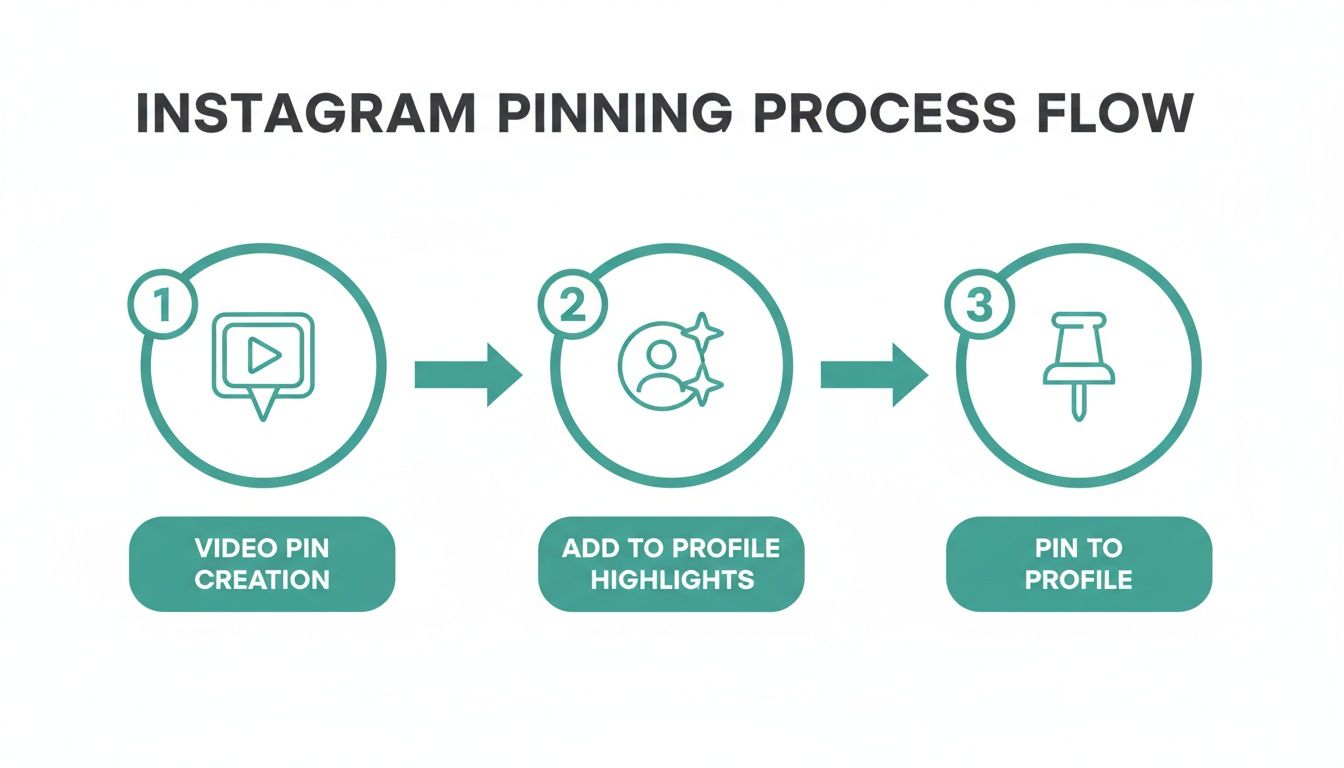
As you can see, pinning within a video is the creative first step, while pinning the story to your profile gives it a longer lifespan.
Best Practices for Flawless Pinning
To get this to work perfectly every time, there are a few things I've learned from experience. The pinning feature works best when the object you're tracking is well-lit and stands out clearly from the background. A shaky video or a low-contrast scene can sometimes confuse the tracking, causing your sticker to drift.
Pro Tip: Always shoot your videos in the 9:16 aspect ratio for Stories. This simple step prevents Instagram from awkwardly cropping your shot and ensures your pinned elements show up exactly where you placed them.
Getting your video dimensions right is non-negotiable for a polished look. It’s always a good idea to double-check the latest video size guidelines for Instagram Stories before you even start recording. A quick look beforehand can save you a major headache in post-production.
Pinning a Story to Your Profile as a Highlight
Pinning stickers to a moving video is one thing, but pinning an entire story to your profile is an entirely different strategic play. This is where you turn fleeting, 24-hour content into a permanent showcase. Think of your Instagram Highlights as the curated front window of your brand, sitting right below your bio, always on and ready to show new visitors what you're all about. It’s your chance to build an evergreen library of your best stuff.
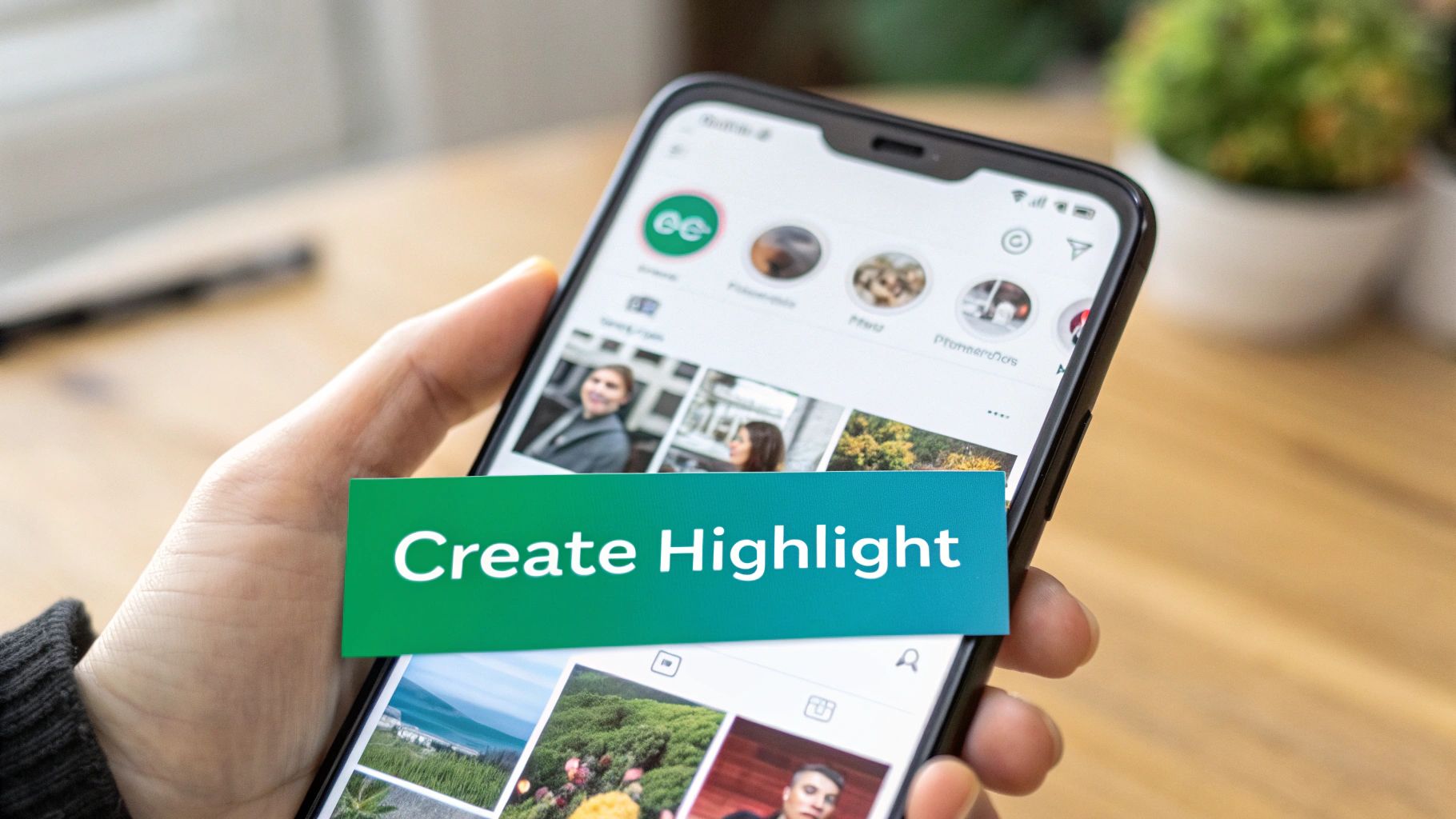
The real power here is in repurposing your most valuable moments. That wonderful tutorial, glowing customer testimonial, or behind-the-scenes look doesn't have to disappear forever. Giving it a permanent home on your profile is a smart move. If you want to go deeper on this, exploring some effective content repurposing strategies can really level up your overall content game.
Creating Your First Highlight
Getting your first highlight up is surprisingly easy. If your story is live, you can just tap the “Highlight” icon at the bottom of the screen to add it. But what about all that great content you've posted in the past? Good news: Instagram automatically saves every Story to your private archive, so you have a goldmine of content just waiting to be pinned.
Ready to create a highlight from your archive? Here’s how:
Go to your main profile page and tap the “+ New” circle right under your bio.
Instagram will pull up your entire Story archive. Tap to select all the individual stories you want to bundle together in this new highlight.
Hit “Next.” Now's the time to pick a great cover image and give your highlight a short, catchy name.
Once you’re happy with it, tap “Add,” and it will be pinned right to your profile for everyone to see.
This isn't just a vanity feature; it's a genuine strategy to build authority and stand out. With 95 million daily photo and video shares on Instagram, pinning your best Stories is a powerful way to cut through the noise and make your brand's presence felt.
The key is to organize your highlights into clear, strategic categories. For instance, a brand could have highlights for “FAQs,” “How-To's,” and “Client Wins.” This makes it incredibly easy for followers to find what they need, answer common questions on autopilot, and helps build a much stronger community around your brand.
Creative Strategies for Your Pinned Instagram Stories
Okay, so you’ve got the technical side down—you know how to pin things on Instagram. But that’s just the first step. The real magic happens when you start pinning with a purpose. Let's get into the strategies that can turn this simple feature into a serious tool for engagement and growth.
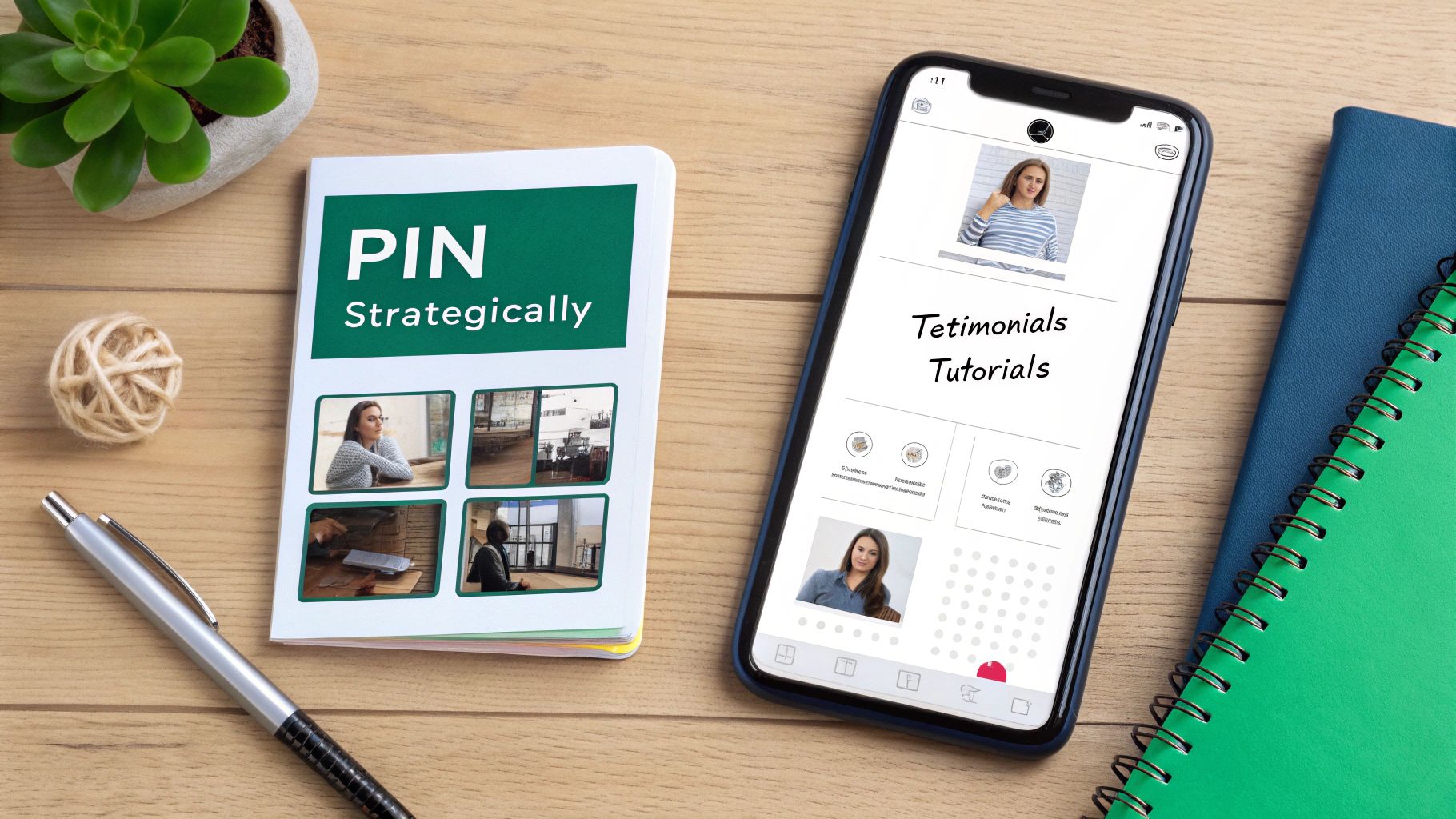
Think of every pin as a strategic move. Are you trying to get more DMs? Drive traffic to your new offer? Or just build a stronger connection with your audience? Being intentional is what separates a forgettable story from one that gets results.
Drive Interaction with Pinned Stickers in Videos
This is where things get fun. Pinning an element like a sticker to a moving object in your video is a surefire way to grab someone's attention. A static sticker can easily be ignored, but one that moves with the action? That’s hard to miss.
Here are a few ways I’ve seen this work brilliantly:
Boost Q&A Engagement: Imagine you're doing a “walk and talk” story. Pin a question sticker right to your shirt. As you move around, the sticker follows you, keeping that call-to-action right in your audience's line of sight. It just feels more dynamic and prompts more responses.
Increase Poll Participation: Let's say you're a boutique owner showing off a rack of new dresses. As you pan your camera across them, pin a poll sticker (“Which one is your fave?”) to the whole group of dresses. The sticker glides along with the products, making the interaction feel connected and immediate.
Guide Clicks to Your Link: Announcing a new blog post? Film yourself talking about it and pin an animated “Link in Bio” GIF to your hand as you point up. That bit of motion draws the eye and can make a real difference in your click-through rate.
By attaching an interactive element to a moving object, you're not just decorating your video; you're creating a focal point that guides your audience toward a specific action. It transforms a passive viewing experience into an active one.
Build Authority with Strategic Story Highlights
Your Story Highlights are some of the most valuable real estate on your entire Instagram profile. Seriously. They're like curated folders that introduce your brand, answer key questions, and showcase your best stuff—all on autopilot. Don't let this space be an afterthought.
Organize Your Highlights for Impact
Put yourself in the shoes of a brand-new follower. What's the first thing they need to know about you? Structure your highlights to take them on a logical journey, from “Who is this?” to “I need to work with them!” A well-organized set of highlights can dramatically speed up the know, like, and trust factor.
I always recommend starting with a few core categories:
“Start Here”: A must-have introduction to who you are, what you're all about, and who you help.
“Results” or “Wins”: A powerful collection of client testimonials, glowing reviews, or before-and-after alteration. This is your social proof.
“How It Works”: A simple, step-by-step breakdown of your signature process or how someone can buy from you.
“FAQs”: A huge time-saver that answers all those questions you get over and over in your DMs.
When you thoughtfully curate your Highlights, you create an evergreen resource that works for your business 24/7. This is how you take temporary content and turn it into a lasting asset that actually nurtures your audience and drives results.
What to Do When Instagram Pinning Goes Wrong
So you've tried to pin a sticker to a moving object in your story, but it just won't cooperate. Maybe the option disappeared entirely, or the sticker seems to have a mind of its own. Don't worry, these little glitches are super common and almost always have a simple fix.
Typically, pinning problems aren't a sign that your app is broken. It's usually just Instagram's tracking AI having a tough time figuring out what, exactly, it's supposed to be following in your video.
The Case of the Missing Pin Button
If the “Pin” button isn't even showing up, there are a couple of usual suspects. First and foremost, you can only pin elements to a video. The feature doesn't work on still photos, so if you've uploaded a static image, that's your answer right there.
It's also a good idea to make sure your Instagram app is updated to the latest version. A quick check in your phone's app store can solve a surprising number of issues, as new updates often patch these kinds of minor bugs.
Occasionally, a missing feature can be a symptom of a temporary app glitch. For example, if you've noticed other oddities like your Instagram story views are not showing, it could be a related hiccup that a quick app restart or update will clear up.
When Your Sticker Just Won't Stick
This is probably the most frustrating pinning problem. You go through the motions, place the sticker perfectly, but then it just drifts off or jumps around wildly. Nine times out of ten, the concern isn't the sticker—it's the video itself.
Instagram’s pinning feature relies on AI to “see” and track an object. If the video is too shaky, the lighting is bad, or the subject blends into the background, the AI gets confused and can't maintain a lock.
Pro Tip: The best fix is prevention. When you're filming, think like the AI. A person in a bright red jacket walking against a plain white wall is a perfect target. A person in a dark shirt moving through a dimly lit, cluttered room? Not so much.
Here are a few things to keep in mind while you're filming to guarantee a perfect pin:
Shoot for High Contrast: Make sure your moving subject stands out from whatever is behind it.
Stabilize Your Shot: Use two hands or rest your phone on something sturdy to minimize camera shake.
Good Lighting is Everything: Avoid filming in dark settings or with a bright light source behind your subject (backlighting), as this can obscure its edges.
By thinking about these simple factors beforehand, you'll give the AI a much better chance of success, and your pinned stickers will lock on flawlessly every time.
Do You Have Questions About Pinning? We've Got Answers
Once you start pinning on Instagram, a few questions always seem to pop up. Let's walk through the most common ones I hear from creators.
Can I Make a Sticker Appear at a Specific Time in My Video?
Yes, you definitely can! This is one of the coolest parts of the pinning feature. Once you’ve picked your sticker and placed it, just press down and hold it for a moment.
You'll see a timeline slider pop up at the bottom of the screen. Simply drag the slider to find the exact frame where you want the sticker to appear and lock it onto your moving object. It's a fantastic way to add a little surprise or emphasis right when you need it.
How Many Stories Can I Jam Into One Highlight?
Instagram gives you a pretty generous amount of space here—you can pack up to 100 photos or videos into a single Story Highlight.
Keep in mind, if you try to add a 101st story, Instagram will automatically boot the very first one out of that Highlight and send it back to your archive. Think of it as a “first in, first out” system.
Highlights are essentially your profile's greatest hits album. They're perfect for organizing your best tutorials, glowing testimonials, or product deep-dives so new visitors can immediately see what you're all about.
Help! Why Don't I See the Pinning Option?
Ah, the disappearing pin button. It's a frustrating but usually fixable issue. Here are the three most common culprits I've run into.
You’re working with a photo. The magic of pinning is all about tracking movement, so this feature is exclusive to video content. It simply won't show up on a static image.
Your Instagram app needs an update. Occasionally, the solution is as simple as heading to the app store. An outdated app can have all sorts of weird glitches, and this is a classic one.
The video itself is too chaotic. If your footage is super shaky or the lighting is flat and low-contrast, Instagram's tracking AI can't find a stable object to lock onto. Try reshooting with a smoother hand or in better light.
Ready to stop guessing and start growing? Gainsty uses a powerful mix of expert strategy and AI to attract real, engaged followers to your Instagram profile.
.png&w=1920&q=75&dpl=dpl_D59Qa4oJ5cFQ7dZDLQ1JPQVnqHSs)




.png&w=750&q=75&dpl=dpl_D59Qa4oJ5cFQ7dZDLQ1JPQVnqHSs)