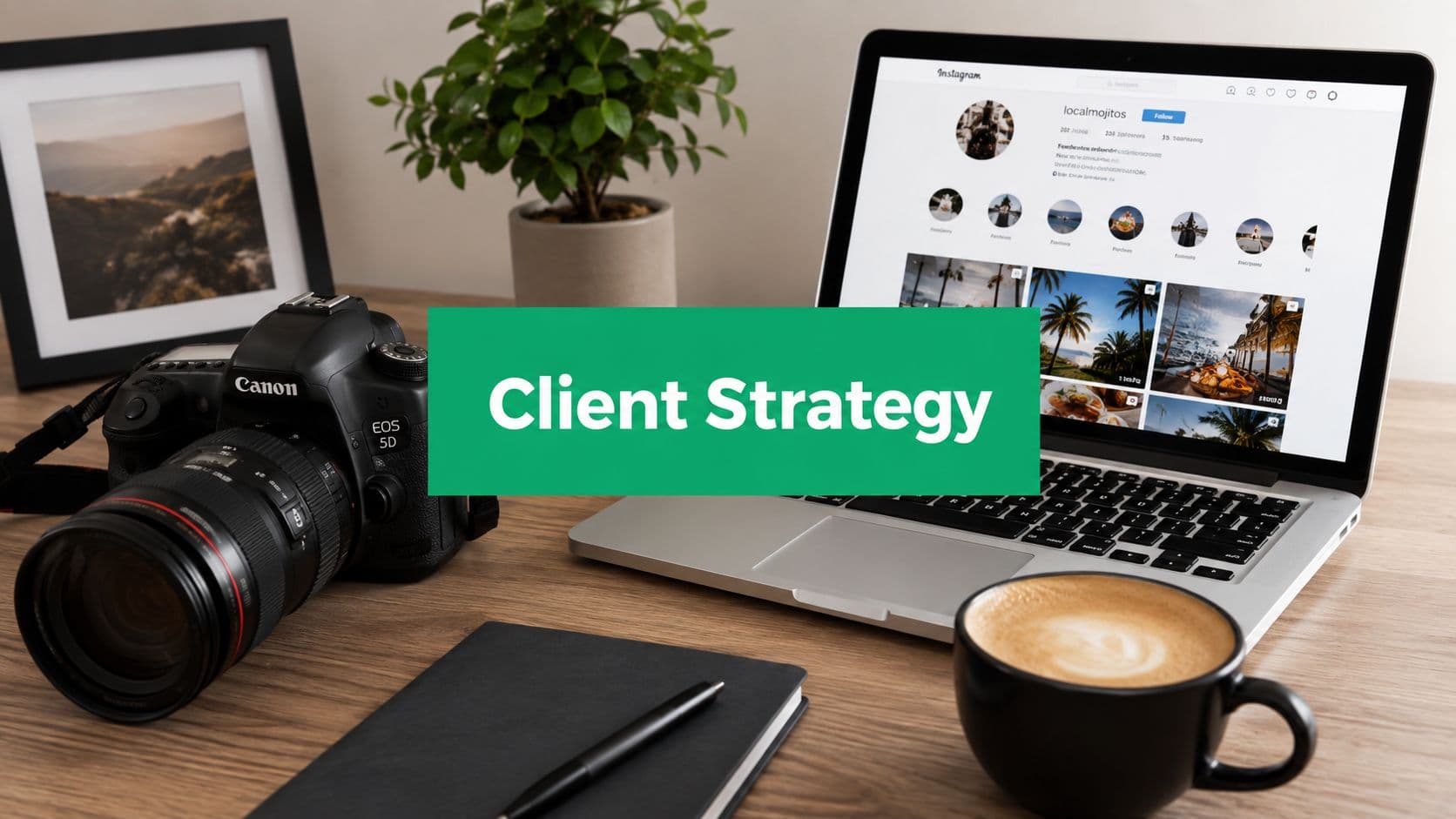
Why Instagram Still Matters for Photographers in 2026
Instagram still matters because it sits where scale, visual intent, and search behavior overlap. For a photographer, that means real discovery is still possible, but only if the account answers the right questions fast. The audience also lines up well with creative work, with users skewing younger and major markets including India, the U.S., and Brazil (platform demographics and niche engagement).
That matters more than vanity metrics. Photography is one of the stronger-performing niches on the platform, so attention is still there when the work is packaged well. Likes do not pay invoices, but they do show that this niche still gets traction when the profile, posts, and captions make sense to a viewer.
Search beats scrapbook thinking
A lot of photographers still post as if Instagram were a personal album. The better model is closer to a small public homepage that gets judged by human search behavior. People look for a style, a location, a niche, or a mood, then decide whether to tap, follow, or DM.
Practical rule: if someone lands on your profile and cannot tell what you shoot, where you work, and how to hire you within a few seconds, the post did discovery work but failed conversion work.
That is why generic “just stay consistent” advice falls short. Consistency helps, but architecture wins when the goal is bookings. The account has to do three jobs at once, show the work, explain the value, and make contact easy.
What changed for photographers
The biggest shift is that Instagram now acts less like a pure portfolio and more like a searchable surface. A photographer who wants wedding leads, headshots, brand clients, or editorial assignments needs different packaging, not just prettier edits. The work can still be artistic, but the profile has to signal usefulness.
Every post should do one of three things. It should attract the right person, teach them why your eye matters, or move them one step closer to an inquiry. When Instagram becomes part of the client path instead of a side showcase, the platform starts earning its place in your business.
Building a Profile That Converts Visitors Into Clients

Most photography profiles lose people before the first post even has a chance. The problem is rarely the work itself. The profile reads like a folder of images instead of a page that helps someone decide whether to hire you. If visitors have to guess your specialty, your location, or how booking works, they usually leave.
Treat the profile like a landing page
Start with the searchable name field. Put your name, your specialty, and your location there so people understand who you are before they even read the bio. Then write a bio that answers three plain questions, what you shoot, who you serve, and how someone should contact you.
Keep the support structure simple and visible. A strong profile setup usually includes highlight categories for testimonials and services, and it helps to place your face in the first 9 grid posts so a visitor sees a real person right away instead of a wall of isolated images (profile architecture and trust signals). For a tighter breakdown of bio structure, these Instagram bio tips are worth using as a reference.
People do not book a mystery account. They book clarity.
Highlights should function as proof and navigation, not decoration. Keep them tied to the questions a buyer has, such as services, testimonials, behind the scenes, and contact. The grid should reinforce the same message, that the account belongs to a working photographer who knows how to deliver.
The visual story matters too. A polished feed helps, but a curated feed without a clear offer still feels incomplete. A visitor should know at a glance whether you are a wedding photographer, portrait photographer, commercial photographer, or a specialist in a narrower niche.
A quick audit is simple. Ask whether the profile removes friction. If it does not, change the bio, tighten the highlight structure, and reorder the first nine posts before chasing more reach. Followers do not convert if the profile does not tell them what happens next.
I also keep the same discipline I use on client work, the front door has to stay obvious, and the details have to stay easy to find. Your Instagram profile should answer the booking question before your DMs do.
Content Strategy and Posting Cadence That Works
The strongest Instagram workflow starts before you post anything. After every shoot, sort the files right away, flag the frames that can carry a post, and jot down a few angles while the session is still fresh. That saves time later and keeps the captions tied to the work instead of sounding recycled.
The cleanest content model splits posts into discovery and storytelling. Discovery posts pull new people in, while storytelling posts build trust and context. Most photographers run into trouble by posting single-image portfolio dumps, which look polished but often fail to give a viewer a reason to swipe, read, or send a message.
Why carousels usually do more work
Photographer-focused guidance consistently favors carousels for engagement and trust-building. In one review of nearly 150 high-performing photographer posts, the strongest pattern was a carousel over a single image, with the first two slides carrying the strongest visual hook and captions that told a story or educated the viewer (carousel performance and post structure). That matches how people browse, they need a reason to keep going, not just one hero image.
Practical rule: put the strongest visual hook on slide 1 or 2, not slide 3 or later. If the first swipe does not earn attention, the rest of the set rarely gets seen.
A sustainable cadence matters more than volume. One guide recommends roughly 1–2 high-quality posts per week instead of daily posting, while another strategy suggests two discovery posts per week and one deeper carousel per week to balance reach and depth. That trade-off works better for photographers who need to protect shooting time and still stay visible.
When you need a planning system, this Instagram content calendar template helps map shoots to posts without scrambling each week. I also set the broad goal first, because if every post has a different job, the account feels random, and random accounts do not convert. A guide on setting Instagram goals is worth reading before you build a posting rhythm, because the point is not to post more, it is to give each format a repeatable job.
What to avoid
Skip the habit of burying the hook deep in the carousel. Do not rely on captions that only say “shot on a rainy afternoon” or “one from the archives,” unless the image set itself is strong enough to carry the post. Do not post just to keep the grid full.
The simplest sustainable mix is still the one many working photographers use. Reels for discovery, carousels for depth, and Stories for relationship maintenance. If the content plan protects your shooting time and still keeps you visible, it is doing its job.
Captions, Hashtags, and Search Optimization Tactics
A lot of photographers still write captions as if they're captions for themselves. That's a mistake. The caption should support inquiry intent, meaning it should help the right person understand the image, the service, and the next step.
Write captions that do one of three things. They can tell a short story about the shoot, explain a choice you made, or educate the viewer about why the image matters. Those are different jobs, but all three make the work easier to trust than a bare image with a vague one-line remark.
Make search work harder for you
Instagram is increasingly usable as a search surface, so the words you choose matter. Use plain-language keywords in your bio, captions, alt text where relevant, and highlight names. If someone types in a niche, a city, or a service category, your account should look like a fit instead of a mystery.
Hashtags still have a role, but only as one layer of discovery. Treat them as targeted labels, not a magic growth lever. For a practical starting point, this photography hashtag guide is a solid reference for building sets that match content types instead of spraying generic tags everywhere.
The cleanest approach is to match the caption and hashtag set to the post's job. A behind-the-scenes Reel needs different language than a finished portrait carousel. If the copy and tags don't describe the same thing, search visibility and human understanding both suffer.
A tool can help with drafting without making the caption sound robotic. If you want support for writing and organizing post copy, access the app as one option for speeding up the drafting process while still keeping the message specific to your niche.
What strong search packaging looks like
Think about what the buyer needs before they message you. They want to know your specialty, your location, your style, and whether you've handled similar work before. If the caption or profile doesn't answer those questions, the search traffic won't move toward booking.
Keep the language practical. “Available for brand portraits in Chicago” helps more than a poetic line that never names the service.
I also see better results when photographers use captions to invite a response. That can be a direct question, a prompt to save the post, or a simple line that tells people how to inquire. A caption that ends with no next step often leaves qualified visitors with nothing to do.
Building Community and Getting Discovered in Your Niche
Discovery on Instagram doesn't happen in a vacuum anymore. It happens through community feeds, curator accounts, comments, collaborations, and the way people in a niche signal each other's work. That's especially true for photographers in street, documentary, and identity-based work, where belonging matters as much as visibility.
The strongest non-generic guidance I found points in the same direction. Recent coverage keeps surfacing curated hubs and community lists that highlight Black-founded photo platforms, Black artists, Latino photographers, street-photography groups, and hidden-gem discovery accounts (community and curated discovery paths). That tells you something important, smaller photographers are often found through context, not just by broadcasting more posts.
Niche relevance beats broad reach
For underrepresented photographers, hashtags alone rarely solve discovery. The better path is to become visible inside the places where your work naturally belongs, whether that's a community page, a feature account, a collaborative post, or a local creative network. If a curator already serves the audience you want, getting included there can be more valuable than chasing broad, low-intent attention.
This is also where editorial packaging matters. Contact sheets, location and scouting context, and storytelling captions are gaining relevance because they help the viewer understand the image beyond surface polish. A single strong frame can still work, but a sequence with context often lands harder for documentary and street work.
Community engagement should feel human, not extractive. Leave useful comments, share work that interests you, and support photographers whose audience overlaps with yours. That kind of participation creates recognition, and recognition is what often turns a new viewer into a repeat viewer.
If you're building around a niche, be clear about the role your account plays. It can be a portfolio, but it can also be a discovery point for people looking for a specific voice. That clarity helps both the creator and the audience.
The goal isn't to be visible everywhere. It's to be remembered in the right places.
I've seen this matter most when a photographer's work is specific enough to be identifiable at a glance. The more distinct the voice, the easier it is for curators and peers to place the work in a meaningful context. Generic content has a harder time earning that kind of attention.
Turning Engagement Into Bookings and Measuring What Matters
Followers do not tell you much. Likes do not tell you much either. If Instagram is not producing inquiries, consults, or booked work, the account is getting attention without doing the job.
The strongest accounts treat Instagram like a conversion path. Impressions sit at the top. From there, the profile has to earn a visit, the visit has to earn a click or DM, and the DM has to turn into a consult and then a booking.

Measure the right response
Track whether a post produced an inquiry, a save from the right audience, a profile visit that led to a DM, or a consultation request. Those are business signals. A spike in reach with no follow-through is interesting, but it does not help a calendar fill up.
Watch the behavior that leads to contact, not just the vanity layer. Saves, profile taps, and direct messages matter more than raw reach if they come from people who can hire you.
You can also test your own calls to action. A post that asks people to DM a keyword may work better than one that points to a website, depending on your audience and service. The point is to test the path, not just the content.
Use the profile and posts together
A post that gets attention but lands on a weak profile wastes the work. A strong profile with no clear call to action wastes traffic. The two have to work together.
That is why I keep the metric set narrow. Watch what drives consult requests, what gets qualified DMs, and what leads to actual clients. Everything else sits below that.
If you want a practical operating system for that, Gainsty offers organic Instagram growth tools that can target audiences by competitors, demographics, interests, and hashtags, plus content tools like an AI Caption Writer, AI Content Creation, and AI Profile Segmentation. Used well, that kind of support can make it easier to keep the account focused on niche discovery instead of vanity chasing.
The photographers who do well here are not the ones who post the most. They are the ones who turn the account into a clear path from discovery to trust to booking.
If you want to build that system faster, start by tightening your profile, planning content around inquiry intent, and tracking which posts lead to real client conversations. Then, if you want help streamlining the process, explore Gainsty's tools to support your Instagram workflow and keep your account focused on growth that actually converts.
.png&w=1920&q=75&dpl=dpl_34ZXCf12K5qjjdZjPn9snwDRADrB)



.png&w=750&q=75&dpl=dpl_34ZXCf12K5qjjdZjPn9snwDRADrB)