1. Gainsty
Growth is the job most schedulers pretend to cover with a follower chart. This service is the growth layer for creators, startups, and brands that already post and want audience targeting handled for them.
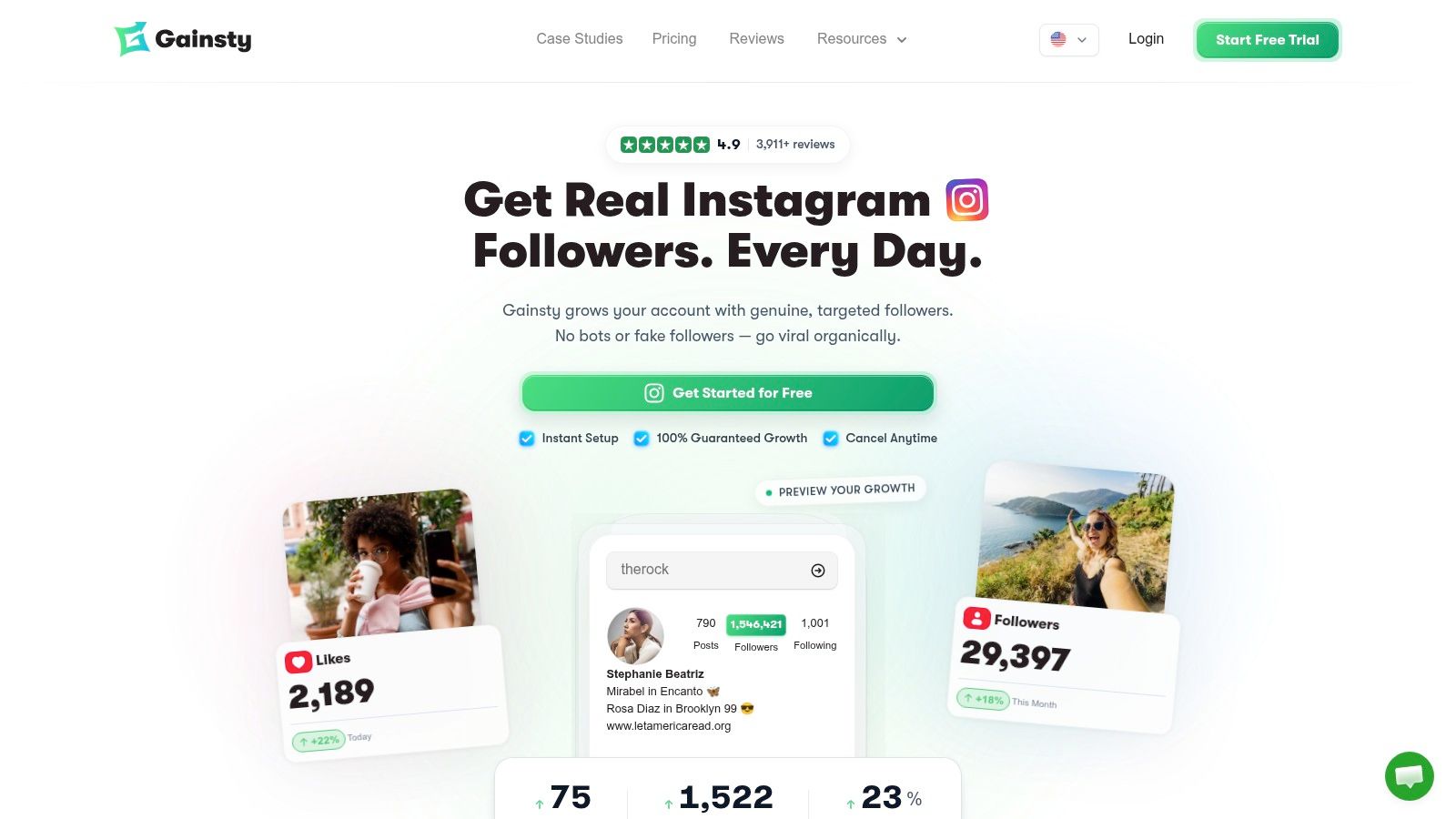
You connect the account, set targets from competitors, location, gender, and language, then the outreach runs as manual organic work rather than bot scripts. We review the profile, content, comments, competitors, and niche before that plan is set. Targeting can include competitor audiences, hashtags, and country plus language, and we state language-based targeting accuracy of 91.7%. A live growth dashboard sits beside the work. You can also chat with a specialist or book a call by email. Outcomes still depend on account history, Trust Score, and posting and browsing habits. We have no control over Instagram, and we cannot guarantee a result if the platform changes the rules.
What the four-month plans actually include
The upgrade is $177 for four months, listed as 25% off $236. It includes a stated range of 200 to 1,000+ real followers per month, boosted engagement, the live dashboard, advanced targeting, and premium support, with growth positioned to start within 24 hours.
Turbo is $237 for four months, listed as 25% off $316. With good content, accounts can potentially reach 700 to 1,700+ real followers per month. It includes advanced AI features, DM automations, competitor and language targeting, and a dedicated account manager, with setup possible within two hours.
More than 11,320 creators and businesses have used the service. One fitness case study, @mikethurston, is shown with a 1.2M audience and +19K in a recent month. A free trial is available, and free utilities such as the caption writer, hashtag generator, username ideas, and a no-login profile analysis do not require a paid plan. Confirm the billing term and cancellation terms at checkout. Follower totals are a weak proxy for revenue, so watch link clicks and booked calls, not just the count.
Practical rule: Treat any timeline on a growth plan as a starting claim. Judge the next 30 days against your own reach, saves, and replies.
2. Later
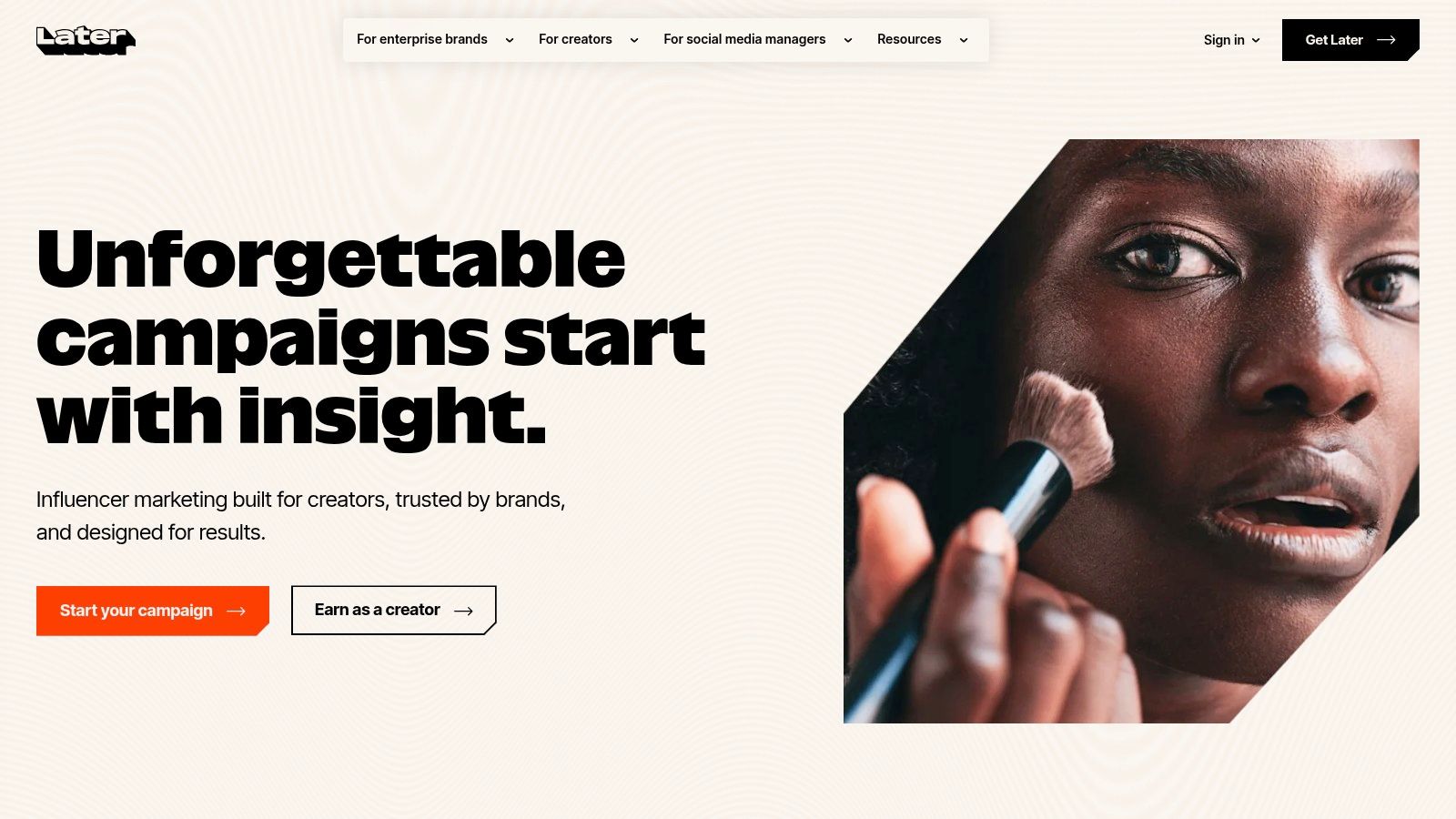
Later is the visual planner I reach for when the feed itself is the brief. Creators and small brands use it to preview the grid, line up posts, and keep Instagram beside other profiles. Listed plans include a 14-day trial, which is enough to load a real week rather than one demo post.
Visual calendar: Map posts before they go live so color and format do not collide.
Cross-channel scheduling: Instagram sits next to other networks instead of in a separate queue.
Link in bio and ideas: A simple bio page plus AI-assisted prompts when captions run dry.
Approvals on higher tiers: Team review shows up once you leave the entry plan.
Analytics and collaboration depend on the plan and on whether the account is eligible. Caps on profiles, users, scheduled posts, and AI credits are the usual trap. The grid preview also does not replace native publishing for every Story or Reel path. Check Later before you assume the analytics tab in a demo is on the tier you will buy.
3. Buffer
Buffer is the plain scheduler for a solo marketer who needs posts to leave on time. The free plan covers up to three channels. Paid plans are priced per channel, which stays reasonable for one brand and gets expensive once you add a second Instagram profile, a Facebook Page, and a LinkedIn page.
You can draft and schedule feed posts, carousels, Reels, and Stories, then keep a calendar, a queue, and a pile of ideas in one place. Analytics and community tools are there. AI help, hashtag management, and first-comment scheduling sit on paid plans. That is the right scope if you do not want an enterprise approval maze.
It will not give you deep listening or competitor research. Some Instagram publishing steps still depend on account type and format, so a Story or Reel can bounce back to the phone. If you manage several client profiles, add the per-channel price before you commit. Start at Buffer and count channels, not features.
4. Metricool
A useful analytics product reports engagement against reach, not against followers. Dash Social's 2025 benchmark covered 2,967 companies from January through June 2025 and put Instagram's average engagement rate at 3.6%, using likes plus comments plus shares, divided by reach. Metricool is the publishing-plus-reporting option I would test against that kind of number.
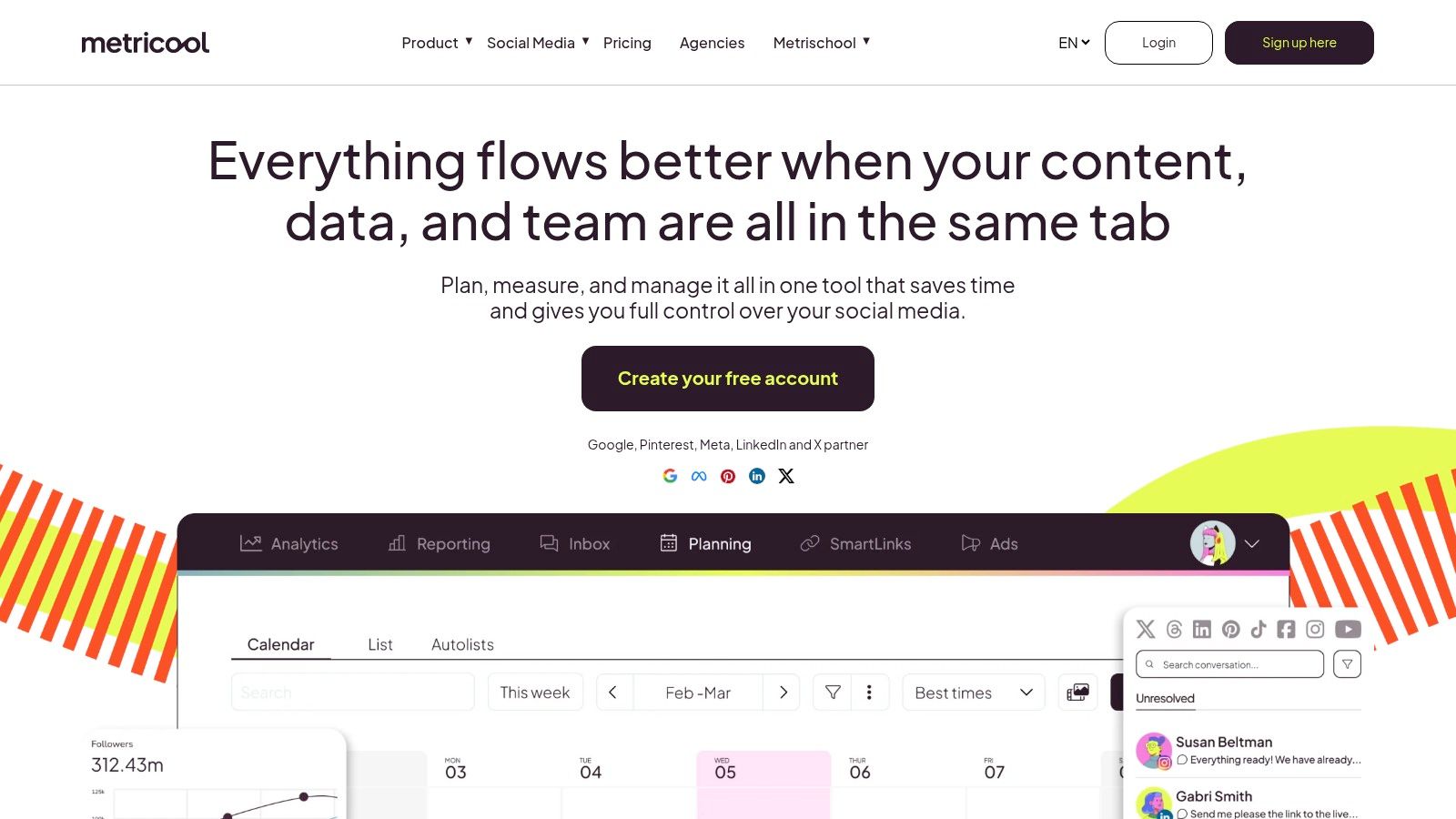
The free plan includes one brand, up to 20 posts per month, and 30 days of analytics. Paid plans add downloadable reports and scheduled report delivery. Competitor and hashtag tools exist, with limits that change by tier. Website and blog analytics sit in the same login, which helps a consultant show social and site traffic together. A wider pass at dashboards is in this guide to Instagram analytics tools.
History, competitor slots, and some advanced views move to an add-on or a higher tier. Instagram figures only appear for metrics the connected account can return. Export a monthly file before you rely on the in-app history. Details are on Metricool.
5. Sprout Social
Sprout Social sells process: one publishing calendar, one engagement inbox, and a permissions layer across every profile a team touches. In a weekly workflow, its real job is coordination, routing comments, approvals, and reports between people. Agencies and multi-brand teams get the value. A solo creator pays for approval flows nobody will click.
Pricing depends on the plan and the billing term, and some analytics plus paid-social reporting stay on higher tiers. That is a procurement question the homepage feature list will not answer. If the weekly workload includes ways to repurpose videos into social media content, that job runs outside this suite, so a separate editor belongs in the budget. A broader comparison of social media management platforms helps before you book a demo.
The trade-off is cost versus coverage. One calendar and one inbox for many profiles beats three cheap tools that never share a login. The bill can also dwarf a small brand's content budget.
Confirm user seats and profile caps on Sprout Social before a trial turns into an annual contract.
6. Hootsuite
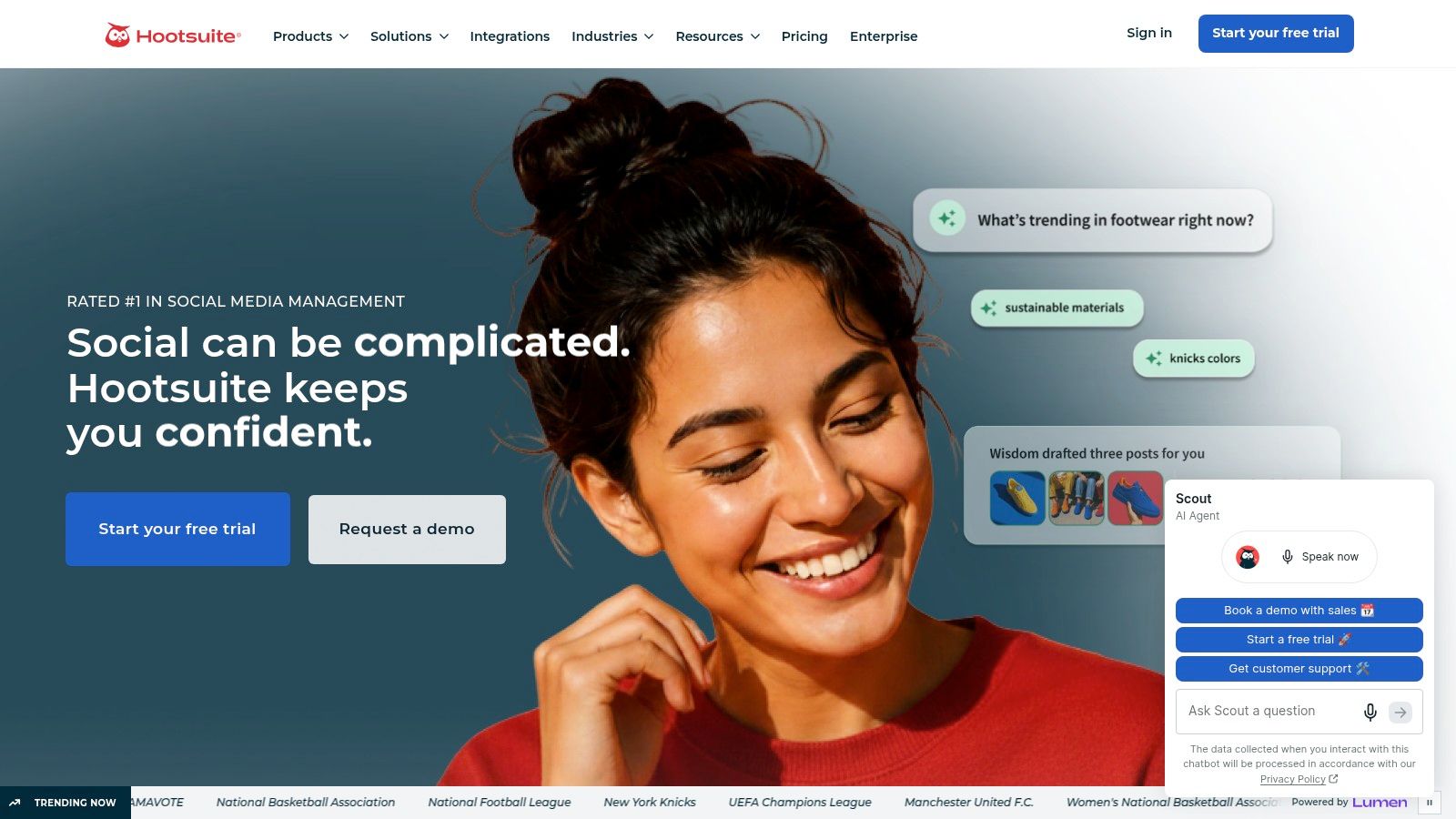
A shared inbox only pays off when several people work it. Hootsuite covers scheduling, engagement, analytics, and listening across networks, so Instagram sits beside every other channel the team runs. A solo creator funds seats nobody will open.
Paid plans are priced per user on Hootsuite, and trial terms shift, so confirm the current terms before a card goes on file. That per-seat math is the billing trap in this category. A three-person team triples the listed figure before a single profile gets connected.
You can schedule posts, carousels, and Reels, work from a shared inbox, and open analytics, competitor benchmarks, and social listening. AI writing and workflow tools are part of the pitch. For a team that already runs one calendar, the shared queue is the main product.
What to verify before the trial ends
Meta's Instagram Platform documentation is the benchmark I use for any vendor. Professional Business and Creator accounts can support publishing, comment replies, messaging, mention detection, hashtag search, and insights. Tools that touch accounts they do not own need Advanced Access, App Review, and Business Verification, plus the right permissions and token. Ask Hootsuite which of those your workspace has.
Account caps and advanced reports change by plan. Some Instagram posts still need a mobile notification step, so “set and forget” is not literal. If you are Instagram-only, this is more tool than you need.
7. Planoly
Planoly is for people who judge a feed as a whole, not as a pile of single posts. The drag-and-drop grid shows whether next week's Reels will break a color story you spent a month building.
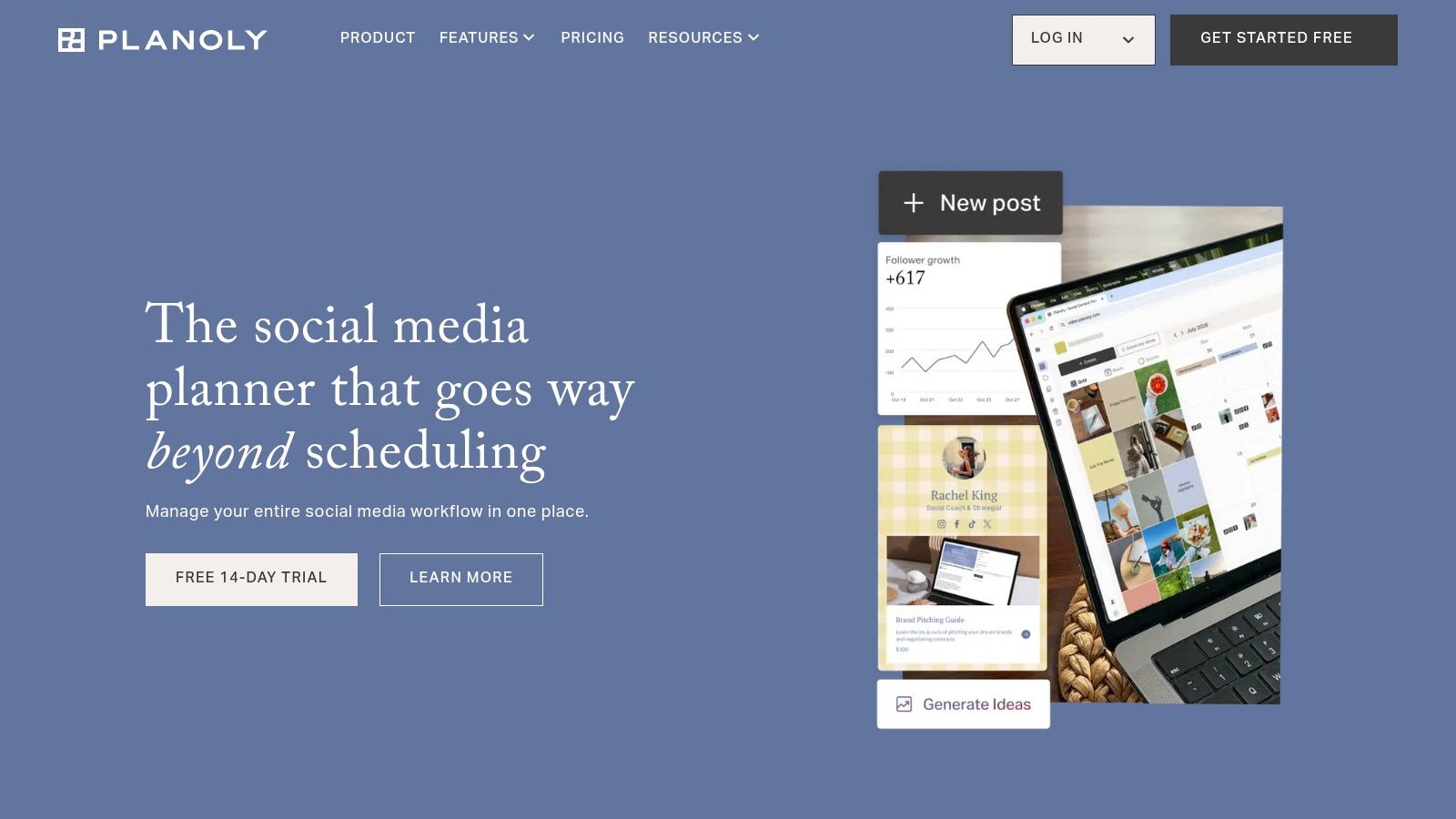
A free plan lets you try the basic planner. Paid Starter plans are listed from $14 per month when billed annually. You can schedule posts, carousels, Reels, and Stories, draft captions with AI, manage hashtags, and use a link-in-bio page plus creator-store features. If the blank grid is the hard part, pair it with a working Instagram content calendar so the visual plan has dates and owners.
Free upload and analytics limits get tight if you post most days. Workspace and planner features change by plan, so confirm which planner you are buying. This is a weak fit for a support team or an analyst who lives in reports. It is a strong fit for a creator who sells from the bio link. See current tiers on Planoly.
8. Iconosquare
Iconosquare leads with analytics and client reporting, then adds a calendar and an inbox. Marketers and agencies use it to compare accounts and send a recurring performance note. Individual creators often find the reporting heavier than the posting job.
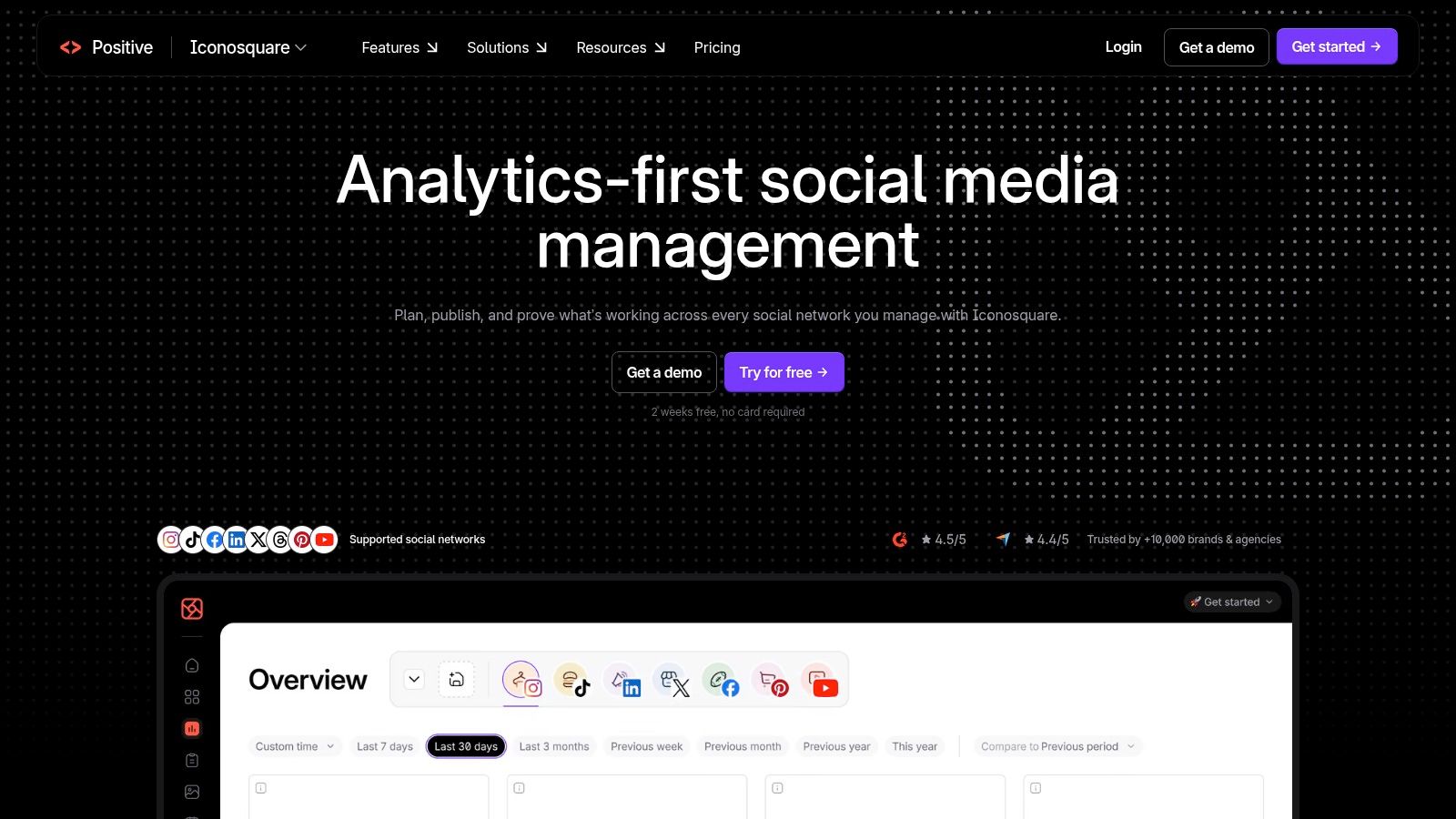
Dashboards, industry and competitor benchmarks, scheduling, and an inbox for comments and mentions are the core. Data retention, profile count, and price all move with the plan. Custom or agency setups can require a higher tier or a sales conversation.
Most tool roundups stop at reach, impressions, and a best-post list. A HubSpot look at Instagram reporting leaves the harder gap open. You can know a Reel traveled and still not know whether it produced a lead, a sale, or repeat revenue. Dark social, several touchpoints, offline purchases, and messy UTM tags break a pretty dashboard. I would only keep Iconosquare if the report names campaigns, tracks links, and records lead quality. Otherwise, you have a nicer vanity chart. Check plan limits on Iconosquare.
9. Canva
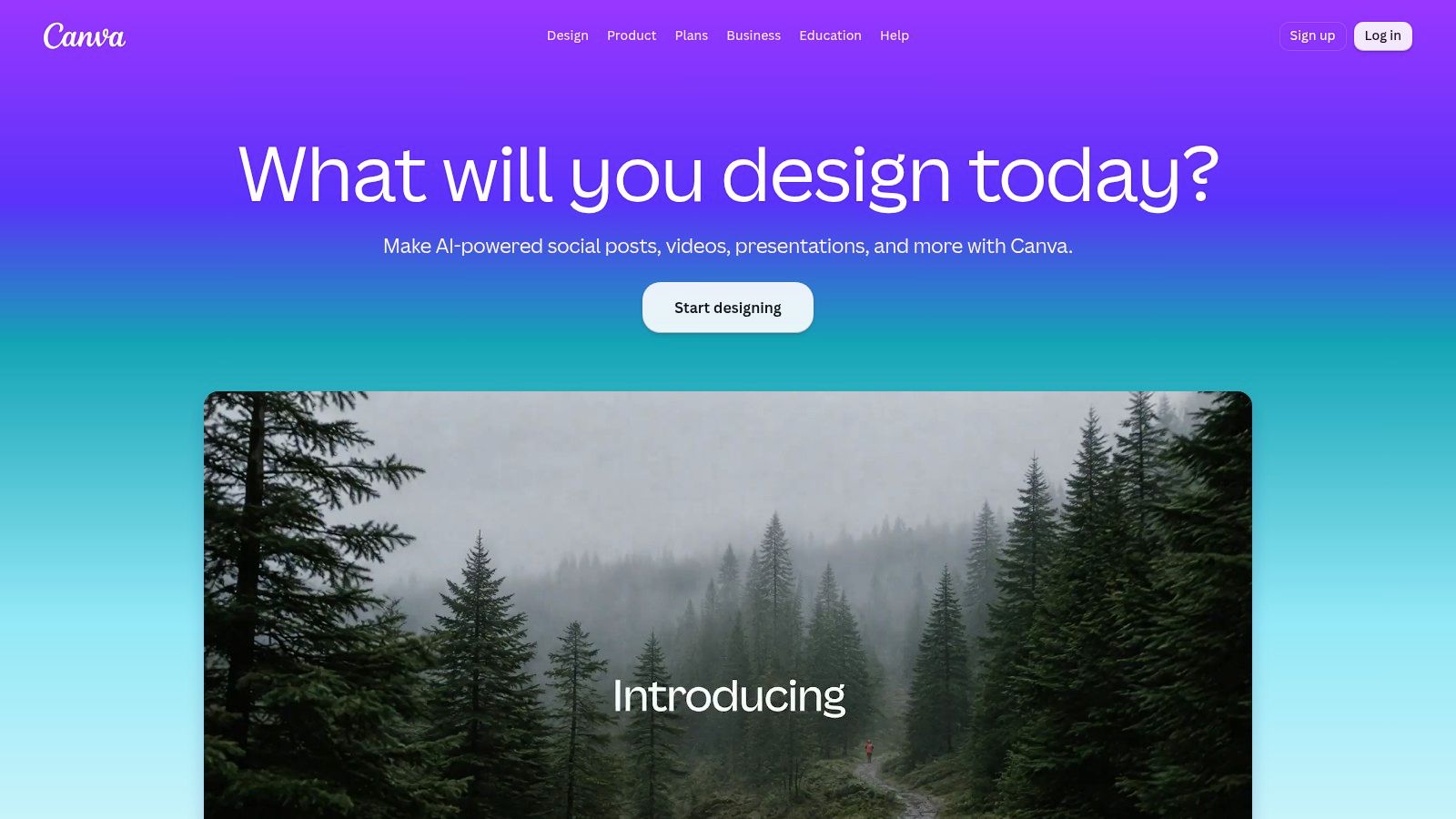
Canva covers the creative production slot in a weekly workflow: building posts, Stories, and short video from templates, with colors and type held in a brand kit on paid plans. Scheduling is attached to that design work rather than a full social suite. Pro and some team plans add content scheduling and AI editing. The free plan is enough to test a visual system before you pay.
Instagram scheduling here requires a Business account linked to a Facebook Page. The wider platform has loosened that rule. On July 23, 2024, Meta made the Instagram API with Instagram Login generally available, so developers can serve Business and Creator accounts without a linked Facebook Page. Canva scheduling still asks for the Business account and Page connection, so budget that setup step before you commit a client account to it.
Canva will not tell you which Reel deserved a reshoot. It will help you ship a consistent frame.
Pro features and prices vary by account and region. Keep your analytics or inbox tool; design and scheduling sharing a login changes nothing about reporting. Plan details are on Canva.
10. Manychat
Manychat starts after the post is live. It automates Instagram conversations for creators and businesses that answer the same questions, or that want a comment to open a thread and capture a lead. It does not schedule the grid, design the asset, or explain last month's reach.
You need an Instagram professional account to connect. Free and paid plans are both offered. Flows can reply in DMs, trigger from comments, and, on eligible plans, connect other messaging channels. Use it for routing real questions. It is not a tool for automated likes or follows, and treating it that way is how accounts get into trouble.
Paid cost can rise with contact volume and with the features you switch on. Build one flow for your most common question, run it beside a normal posting week, and read the conversations before you automate five more. If the replies sound like a script nobody would send, simplify the path. Setup details are on ManyChat.
Instagram Marketing Tools at a Glance
Ten tools, five jobs. Read the free option column first, then check the pricing signal for the billing term that will hit first. Several entries hide their real cost behind annual billing, per-channel pricing, or contact volume, so a low headline price is rarely the whole quote.
Gainsty suits brands seeking targeted Instagram audience growth. It offers a free trial and a no-login Instagram analysis tool that needs only a public username. Upgrade costs $177 and Turbo costs $237 for a four-month term; confirm the details at checkout.
Later suits visual planning and scheduling across social platforms. A 14-day trial is listed, but no free plan is stated. Features and limits vary by tier.
Buffer suits solo marketers and small businesses that want simple scheduling. Its free plan covers up to three channels, while paid plans charge per channel.
Metricool suits small businesses and agencies that need scheduling, analytics, and reporting. The free plan covers one brand, up to 20 posts per month, and 30 days of analytics. Paid features and limits vary by plan.
Sprout Social suits teams that need publishing, engagement, reporting, and collaboration. No free option is stated, and pricing varies by plan and billing term.
Hootsuite suits teams managing several social channels from one dashboard. It lists a 14-day trial and a Standard plan at $99 per month per user.
Planoly suits creators and brands planning the look of an Instagram feed. A free plan is available; Starter plans begin at $14 per month with annual billing.
Iconosquare suits marketers and agencies focused on social analytics and reporting. No free option is stated, and pricing and limits vary by plan.
Canva suits teams creating Instagram graphics, Stories, and video assets. It has a free plan; paid pricing varies by account and billing region.
Manychat suits businesses automating Instagram conversations and lead capture. A free plan is available, while paid costs can depend on contact volume and enabled features.
Two reads on this table. Metricool's free tier caps analytics at 30 days, which matters if you report quarterly. And the billing models differ more than the prices suggest. Schedulers typically charge per user or per channel, while Gainsty prices by term, so match the model to how your team is structured before signing anything.
Building a Stack That Fits Your Instagram Workflow
Pick one scheduler or visual planner first. Later, Buffer or Planoly will do that job for most small teams. Run it against the posts you already owe this month. If approvals, captions, or formats break, the rest of the stack will not save the week.
Add analytics only after someone opens the numbers every week. Metricool or Iconosquare makes sense once you separate Reels, carousels, and images, and once you refuse a score that divides interactions by followers. A higher engagement rate can show up next to lower total reach. Optimizing the rate alone can shrink discovery. Export account-level and post-level files each month, note bio-link and format changes, and mark product or algorithm shifts on the chart. Dash Social's notes on analytics tools make the same point in practice. Native Instagram Insights is a snapshot with short history and little customization. Third-party tools usually keep a longer file, but only if you export it before you switch vendors.
Bring in growth support or DM automation after that baseline exists. ManyChat belongs when comments and questions repeat. A growth service belongs when targeting and outreach are the bottleneck, not when the grid is empty. Judge both on downstream actions. Clicks, replies, and booked calls matter more than a follower total.
Checks before you pay
Plan caps: Count brands, profiles, users, scheduled posts, AI credits, and how far back the data goes.
Billing unit: Per channel and per user look small until a second client or a teammate is added.
Account type: Confirm Business or Creator access, and whether a Facebook Page is still required for the feature you want.
Trial against real work: Load next week's posts, not a sample image. Cancel if the workflow needs the phone for every Reel.
Instagram's audience is large enough that a sloppy stack wastes real demand. Industry reporting of Pew Research Center figures puts Instagram use at 50% of U.S. adults in 2025, up from 40% in 2021, behind YouTube and Facebook and ahead of TikTok in that survey. That is a U.S. figure, not a global one, and younger adults have long used the app at higher rates than older adults. It does not mean every tool on this list will move your revenue. It means a disconnected calendar, report, and inbox is an expensive way to miss a large audience.
Vendor growth claims and “results in a day” lines are marketing until your own export says otherwise. Keep follower growth, reach-based engagement, and conversions in separate columns. If a number only looks good because the denominator changed, do not renew the plan that produced it.
If the calendar is already steady and the missing piece is targeted organic audience growth, Gainsty connects your account, sets targets by competitors, age, location, gender, and language, and handles outreach manually without bots. Plans include a live dashboard, and Turbo adds a dedicated account manager, with a free trial if you want to test it against your own posting week. Visit Gainsty and confirm the current term before you start.