Introduction to Instagram Profile Views
Suppose you run a local bakery and post a Reel showing a new cake design. The Reel attracts attention, and people tap through to your profile to check your menu, location, or ordering link. Some follow immediately. Others browse, leave, and return later. The profile-view count cannot tell you who those people are, but it can tell you that the Reel created enough interest to move viewers closer to your business.
That makes profile views a curiosity and awareness signal. They sit between discovery and action. Someone may find you through search, Explore, a tagged post, a Story mention, or a recommendation, then visit your profile before deciding whether to follow or contact you.
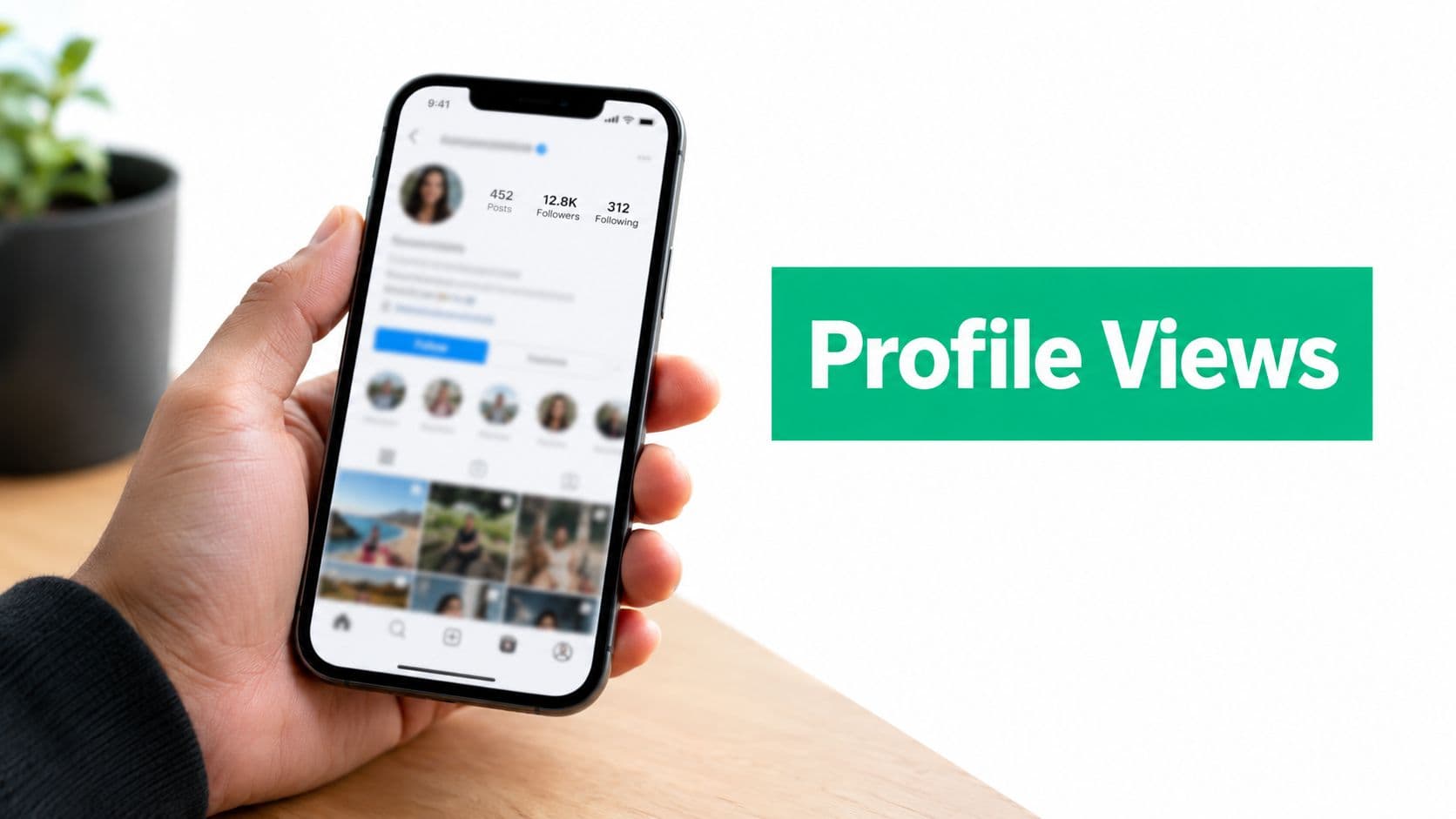
Instagram has historically kept profile visitors private. Users cannot see a list of who viewed their profile, while professional accounts can access aggregate profile-visit information through Insights, as explained in this overview of Instagram profile-view privacy.
The useful question is not “Who looked at me?” It is “What made people curious, and did my profile give them a reason to stay?”
That shift helps you avoid vanity-metric thinking. A larger count does not automatically mean stronger growth, and a smaller count does not mean your content failed. The value appears when you compare profile activity with what people do next, such as following, tapping your link, or pressing a contact button.
What Instagram Profile Views Actually Measure
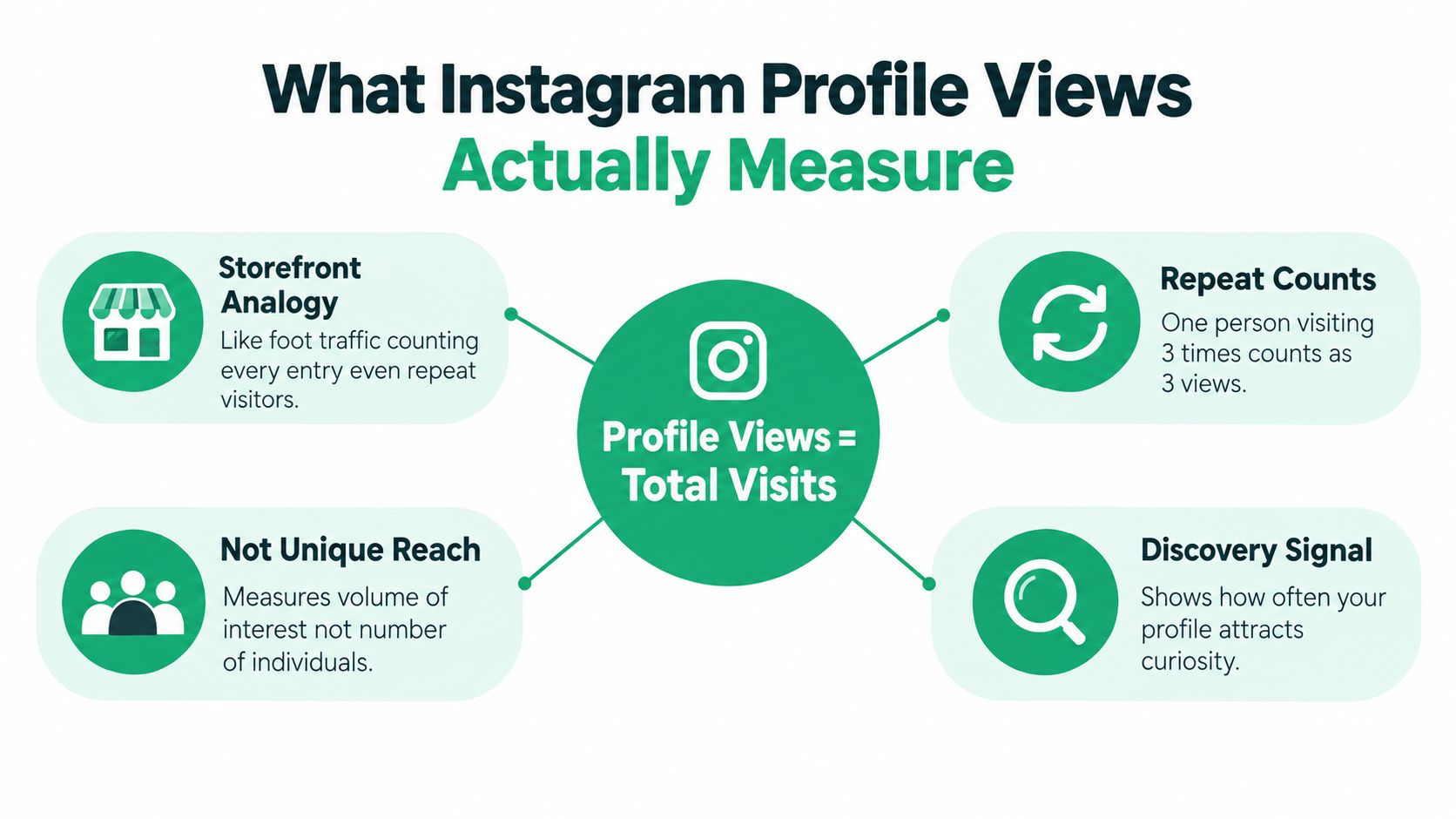
Think of your Instagram profile as a small storefront. Profile views count entries, not individual shoppers. If one person walks in, leaves, and returns several times, the shop's foot-traffic counter records several entries. Instagram's profile-view concept works in a similar way.
Reports in 2026 described a limited test of a profile-view counter showing a rolling total for the previous 14 days, visible only to the account owner and excluding self-views, according to coverage of Instagram's profile-view metric. The feature is not the same as a visitor directory. It adds a volume signal while preserving anonymity.
The numbers people often confuse
People often mix up profile views with other Instagram metrics, but each one answers a different question.
Profile views refer to the total number of profile visits recorded during the available reporting period, and repeat visits can count separately.
Reach shows how many accounts were exposed to your content, which is different from how many people visited your profile.
Followers are the accounts that chose to follow you, and a profile visit does not automatically turn into a follow.
Profile-view history refers to a rolling period or selected Insights range, not a permanent record of every visitor your account has ever had.
The number therefore measures volume of interest, not unique people. It can rise because many different accounts discover you, because a smaller group returns repeatedly, or because a campaign sends people to your profile. You cannot distinguish those situations from the count alone.
For a fuller framework on separating attention from meaningful outcomes, measuring editorial content impact can help you think beyond surface-level activity. Apply the same principle here: treat the visit as an early signal, then look for evidence of intent in the action that follows.
What Instagram Shows and What Stays Private
Suppose someone discovers your Reel, taps your bio, and leaves after a quick look. You may see that visit included in an aggregate profile-activity count, but you will not see that person's name. Instagram does not reveal who viewed your profile, including individual usernames, timestamps, or a history of repeat visits. Professional accounts can review grouped activity in Insights, while viewer identities remain private, as explained in this explanation of profile-view visibility.
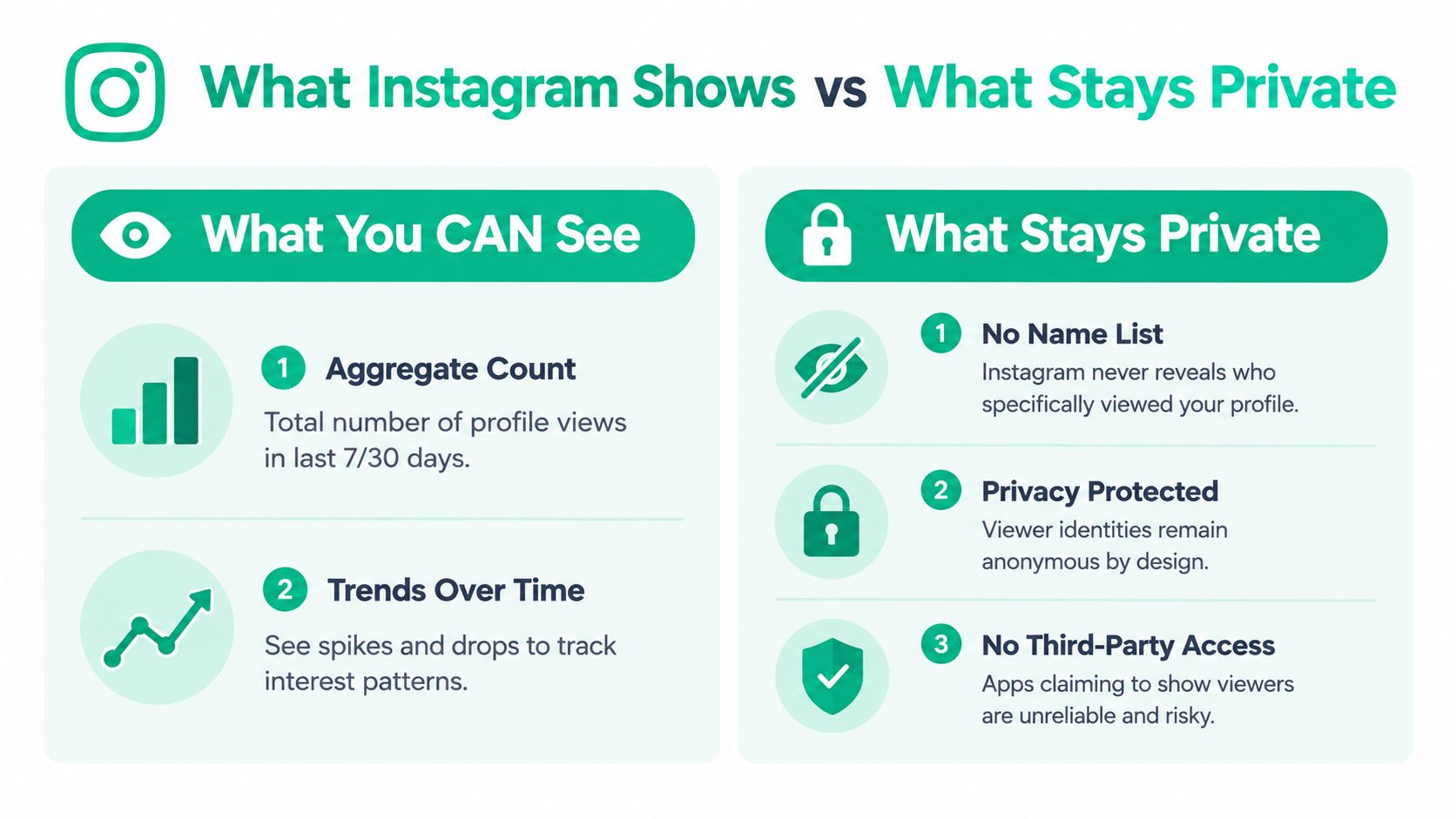
A profile visit also does not trigger a notification. Someone can read your bio, browse posts, and leave without becoming an identifiable visitor. Instagram handles visible actions differently: likes, comments, follows, Story views, and direct messages connect activity to an account you can usually recognize.
The anonymous count still has practical value. Treat it as a top-of-funnel curiosity signal, similar to people entering a shop before deciding whether to ask a question. A rise after a Reel or collaboration can show that your content created enough interest to prompt a profile check. Compare that movement with follows, link taps, or enquiries to see whether curiosity became intent.
You can ask whether a profile refresh attracted more visits, whether a campaign brought attention beyond existing followers, and whether profile activity led to a stronger next action.
You cannot identify a particular visitor, confirm which individual post caused a visit, or determine the exact time someone opened your profile. Instagram's analytics support group-level decisions rather than person-level surveillance, consistent with broader TikTok and Meta privacy details.
Be skeptical of websites or apps promising a secret viewer list. If Instagram does not provide that information in its own tools, an outside service cannot reliably retrieve it. Sharing login details may expose your account and personal information. This guide to whether you can see who looks at your Instagram explains the same privacy boundary in more detail.
How to Find and Check Profile Views in Insights
A creator posts a Reel, notices new interest, and wants to know whether people visited the profile. Instagram's own analytics can answer that at an aggregate level. Start with a professional account, either a business or creator profile, because account-level Insights are available through professional tools.
Open Instagram, visit your profile, and select the Professional dashboard. Depending on the app version, you may see Insights directly instead. Look for account activity and a metric labelled Profile activity, Profile visits, or a similar term for profile traffic.
The wording and layout can change between accounts, so a different screen does not necessarily indicate a problem. The guide to Instagram Insights explained provides a broader walkthrough of the dashboard.

Use this quick routine whenever you check the metric. First, confirm your account type and make sure the profile is set up as a creator or business account. Next, open professional analytics by selecting the dashboard or Insights option from your profile. Then locate account activity so you can find profile visits alongside other account-level actions. After that, select a reporting range and compare available periods instead of judging one isolated day. Finally, add context by noting recent Reels, posts, collaborations, tagged content, or profile edits.
Some accounts may see Instagram's limited 14-day profile-view counter, while others may only see aggregate profile visits in Insights. Availability can vary as Instagram tests and rolls out features. If the counter does not appear, your account is not necessarily malfunctioning, and outside tools cannot create access to private viewer identities.
How to Read Profile Views and Connect Them to Growth
A Reel about a photographer's behind-the-scenes process may bring a sudden wave of profile visits. Those visits do not prove the Reel succeeded on their own. They show that exposure created curiosity, giving people a reason to inspect the account. Growth depends on what happens after that visit.
Read the metric as a top-of-funnel signal. The anonymous 14-day profile-view count, when available, tells you how much recent interest reached your profile, not who viewed it or exactly where each person came from. Treat it like foot traffic outside a shop. More people may be stopping to look, but the storefront still needs to explain what they will find inside.
Connect the count with the action your profile is designed to encourage. Check whether follows, website taps, contact-button taps, or messages rise during the same period. If visits increase while those actions remain flat, your content may be attracting attention while your photo, bio, pinned posts, or highlights leave the offer unclear.
Use comparisons rather than searching for perfect attribution. Review periods with different Reels, posts, collaborations, tagged content, or campaign messages, then record what you published, how people could discover it, the profile-view count, and the downstream actions. Instagram does not identify each visitor or connect every visit to a precise source, so repeated patterns are more useful than one isolated spike.
A consultant might gain visits after contributing a thoughtful comment on an industry account. A local shop might see interest after a customer tags it. In both cases, profile views mark movement from exposure toward consideration. The next question is whether the profile makes following or contacting the account feel like a clear choice.
Practical rule: Pair profile views with the next action you want visitors to take. Use the count to improve that path, not to chase viewer identities.
This approach turns an anonymous metric into a growth check: discover what creates qualified curiosity, then refine the profile so more curious visitors become followers or leads.
Proven Ways to Increase Instagram Profile Views Organically
More profile views start with content that gives people a reason to investigate. A Reel can answer one useful question while leaving the broader solution on your profile. A Story can show a result and direct interested viewers to your bio. A collaboration can introduce your account to a relevant audience that already has context for what you do.
Your profile then needs to reward that curiosity. Use a clear profile photo, a bio that states your niche and benefit, and a link that leads to one obvious next step. Pin posts that explain your work, show proof of your expertise, or help a first-time visitor decide whether to follow.
Build discovery into everyday publishing
Try these practical adjustments. Create open loops by sharing a useful tip in a Reel, then making the profile the place for the related checklist, portfolio, menu, or service explanation.
Write for search with plain phrases your audience might type into Instagram, especially in captions and your profile description.
Use Stories deliberately by adding polls, questions, behind-the-scenes clips, and reminders that encourage people to visit your profile.
Collaborate with relevance by working with accounts whose audience needs your topic, rather than chasing broad exposure.
Comment with substance because helpful comments can prompt people to inspect your profile, but only when your contribution adds something to the conversation.
Improve the landing experience so your first visible posts and highlights answer what you do, who you help, and what someone should do next.
For more ideas on attracting the right people without relying on artificial activity, explore this guide to increasing Instagram reach organically.
A weekly profile-view checklist
Each week, review your bio and link, publish content with a clear curiosity hook, respond to relevant comments and DMs, and compare profile visits with follows or link taps. If you want structured support, Gainsty offers an AI-powered social assistant with audience targeting, analytics, and organic Instagram growth support without bots or fake followers. Use the data to improve your content and profile experience, not to chase the identities of anonymous visitors.
Visit Gainsty to explore organic Instagram growth support that connects profile activity with a practical content and engagement strategy. Use it to turn more anonymous profile visits into clearer profile positioning, meaningful follows, and relevant next steps.

.png&w=1920&q=75&dpl=dpl_34ZXCf12K5qjjdZjPn9snwDRADrB)






.png&w=750&q=75&dpl=dpl_34ZXCf12K5qjjdZjPn9snwDRADrB)