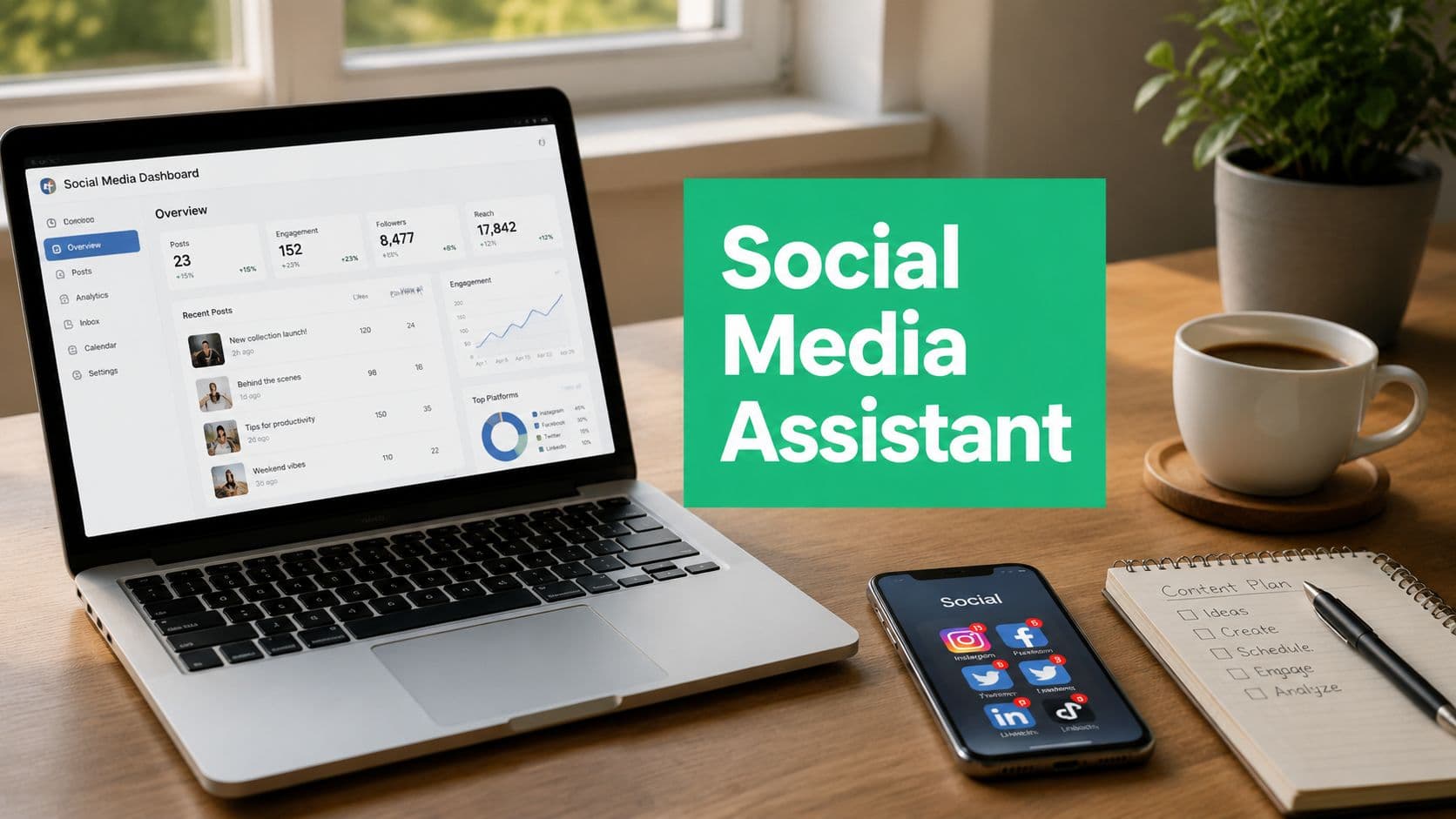
Defining the Social Media Assistant Role
A founder usually feels the need for this role long before the title gets clear. One day you're posting between meetings, the next day you're replying to comments late at night, and by the time you open analytics, the numbers are already out of date. That's the point where a social media assistant starts to make sense, not as a strategist, but as the person who keeps the engine running.

What the role actually does
A social media assistant is the execution layer of a social media operation. The work usually includes scheduling posts, answering routine comments, organizing assets, pulling basic performance numbers, and keeping the content calendar moving on time. The job exists because social channels need daily maintenance, not just big ideas.
That definition matters because the assistant doesn't own the plan. A social media manager, founder, or agency lead decides what the brand should say, which platforms matter, and how the campaign should be positioned. The assistant then turns that direction into finished posts, replies, reports, and handoffs.
Practical rule: if a task starts with “make this happen” rather than “decide what should happen,” it usually belongs with the assistant.
What it is not
Many small businesses get burned. They hire someone called an assistant, then expect them to invent the content strategy, choose channels, rewrite brand positioning, and rescue weak messaging. That's not an assistant job, that's strategy ownership.
The better mental model is simple. The assistant executes the social plan, the manager sets the plan, and the founder approves the business goals behind it. When those lines blur, expectations drift fast, and everyone feels under-supported.
A useful way to think about it is this, the assistant is there to protect consistency. The job keeps your brand visible, your community warm, and your workflow organized, even when the internal team is busy with sales, operations, or product work. That's why this role is a support function with real business value, not a catch-all for every loose social task.
Daily Tasks and Core Workflows
A good social media assistant works like a steady production desk. The day starts with what has to go live, moves into what needs a response, and ends with what the numbers say. That rhythm matters because social media breaks down when posting, engagement, and reporting all live in someone's head instead of inside a repeatable workflow.

Morning queue and publishing
The morning usually starts with a content queue review. The assistant checks what's scheduled in Later, Buffer, or Meta Business Suite, confirms that captions, tags, and creative assets are attached, then posts anything that needs a same-day push. If a product launch, holiday, or campaign update changed overnight, this is when the assistant flags it.
A clean queue review also catches simple problems, like a broken link, the wrong image crop, or a caption that needs approval before it goes live. That kind of quality control saves founders from publishing content that looks rushed or off-brand. It's also one of the clearest signs that the role is operational, not strategic.
Engagement and handoffs
Mid-morning usually belongs to comments, DMs, and mention monitoring. The assistant replies to routine questions, thanks people for engagement, and routes anything sensitive to the right person. Customer complaints, billing issues, media requests, or partnership proposals should not sit inside the assistant's inbox pile.
A strong assistant knows when to respond and when to escalate. Fast replies matter, but brand risk matters more.
Content support and reporting
Later in the day, the assistant often works inside Canva, shared drives, or a simple spreadsheet dashboard. That can mean resizing assets, preparing story variations, organizing user-generated content, or pulling a snapshot of what performed well. The point isn't to create original strategy from scratch, it's to keep the creative pipeline moving so the manager or founder can make decisions faster.
By the end of the day, the assistant should know what was posted, what was answered, and what needs attention tomorrow. Weekly work adds a content calendar review, and monthly work adds a performance summary for the manager or founder. That cadence keeps the role measurable without turning it into a full-time analyst job.
Social Media Assistant vs Manager vs Community Manager
The title confusion usually starts when every company uses the same labels differently. One business calls a comment responder an assistant, another calls the same person a community manager, and a third expects a virtual assistant to cover both while also doing admin work. The safest way to hire is to compare the roles by decision-making power, not by job title.
Community management basics and role clarity
Social Media Assistant: Has low strategic authority and generally follows an established plan. They may draft, format, and schedule content, but usually have little or no budget control. Their analytics work is typically basic, and they rarely lead other team members.
Social Media Manager: Has high strategic authority and is usually responsible for developing and owning the social media plan. They oversee campaigns, approve content direction, analyze performance in depth, and often manage or coordinate team members and external vendors. They may also control or strongly influence the social media budget.
Community Manager: Has moderate strategic authority, with a primary focus on relationships and audience engagement. They may help shape community-facing content, monitor engagement and sentiment, and coordinate conversations or community activities. They rarely control the overall budget.
Virtual Assistant: Has low strategic authority and mainly handles assigned social media and administrative tasks. They may assist with content scheduling, reporting, and other social tasks alongside broader administrative responsibilities. They typically have no budget control and usually work as an individual contributor.
Which role fits which problem
If a founder already knows what should be posted and just needs reliable execution, a social media assistant is usually the right first hire. If the brand needs platform strategy, campaign planning, and budget decisions, the company needs a social media manager instead. If the biggest need is relationship depth in comments, groups, or customer communities, a community manager is the better fit.
A virtual assistant sits in a different bucket. They can handle social tasks, but social is only one part of a wider admin load, so they're a fit when the business needs broad operational support more than focused channel execution. That's useful for very small teams, but it's not the same as hiring a dedicated social operator.
The boundary problem is the core issue here. Many job descriptions blur these roles into one vague support position, and then the founder expects strategy, the assistant expects instructions, and the work lands in the middle. Clear scope prevents that failure before it starts.
Essential Skills and Tools for the Role
A strong assistant does not need to own strategy, but they do need to keep the workflow organized, know their way around platform tools, and handle simple creative tasks without constant oversight. For a founder hiring the first social role, that boundary matters. The assistant keeps the machine running, while the founder or manager decides where the machine should go next. AI has changed the line a bit, but it has not erased it.

Foundational skills that keep the work moving
The base layer is operational. A solid assistant knows how to use native schedulers, write short captions that sound on-brand, resize visuals in Canva, and move between platforms without getting turned around. They should also be comfortable with tools like Meta Business Suite, Later, and Buffer, because the job is about consistent delivery, not theory.
A good tool stack can change what the role looks like day to day. If scheduling, asset storage, approvals, and reporting are all handled in one place, the assistant spends less time hunting for files and more time executing the plan. A useful place to compare options is social media management tools, especially if you are writing the job description from scratch and want the workflow to match the software.
Skills that separate reliable from excellent
Once the basics are in place, stronger assistants can read simple analytics, spot patterns in engagement, and notice when content types behave differently. They do not need to build forecasts, but they should be able to tell whether one post format is outperforming another and know when to flag that observation to the person running strategy. Basic trend spotting and audience research also matter, because the assistant often sees platform behavior before a manager does.
This is the part founders sometimes under-scope. An assistant who can publish and follow instructions is useful, but an assistant who can also notice a broken link, a comment pattern, or a sudden shift in post performance saves the team from small problems turning into bigger ones. That kind of judgment is still execution, not strategy, yet it makes the execution far more dependable.
AI fluency is now part of the job
AI is changing the skill profile, not just the tools. Analysts at the U.S. Bureau of Labor Statistics data discussed here reported that 61.0% of workers ages 16 to 64 used AI in 2024, up from 14.5% in 2023, and 27.4% used generative AI weekly or more often, which helps explain why assistants increasingly draft with AI and then edit for brand fit instead of writing everything by hand. For a practical look at helper apps and lightweight automation, free AI tools for creator workflow is a useful reference when you are building a lean stack.
Hiring filter: ask candidates to show one caption they improved, one report they summarized, and one time they spotted a platform issue before it turned into a problem.
A useful emerging option in this space is Gainsty's AI-assisted Instagram growth workflow, which sits closer to a system for repeatable growth than a traditional assistant task list, so it works best as part of the workflow rather than a replacement for human judgment. The human still needs to review voice, timing, and escalation.
When to Hire and Measurable KPIs to Track
The right time to hire usually shows up as friction, not inspiration. The founder is spending too much time on social tasks, posting becomes inconsistent, replies slow down, or content quality slips because the person running the account is stretched too thin. When that happens, the problem isn't motivation, it's capacity.

Signals that the hire is overdue
A founder who spends more than a healthy chunk of the week on scheduling, posting, and DM cleanup is already doing assistant work. Another warning sign is when engagement starts to feel uneven because the account isn't posting on a stable rhythm. If replies are going unanswered for too long, the brand starts looking inattentive.
There's also a quality test. If a team is shipping more content but every post looks rushed, the company has crossed from “busy” into “under-resourced.” That's usually when the first dedicated assistant saves the most time.
KPIs that prove the role is working
Track the assistant against a few simple measures from day one.
Posting consistency: the calendar should be executed reliably, because consistency is the first job of the role.
Engagement quality: look at comments, saves, and replies by content type, not just vanity totals.
DM response speed: the assistant should help keep inboxes from becoming dead ends.
Traffic movement: if posts drive clicks, that should show up in link tracking and referral visits.
For Instagram-specific growth, a lot of small businesses watch follower growth, engagement, and link behavior together because that's where execution shows up fastest. AI-led systems like Gainsty are built around organic Instagram growth workflows, so they can support the assistant's work on targeting and engagement while the human keeps the brand voice and community handling intact.
The smartest hiring move is to measure what the assistant can control. That keeps the review fair and prevents the role from being judged on strategy outcomes that belong to someone else.
Hiring and Onboarding Your First Social Assistant
A strong job description should make the boundary obvious. List the work you want executed, like scheduling, comment moderation, asset organization, and reporting support, then explicitly exclude strategy ownership, paid media planning, and brand positioning work unless you want the role to include them. If the business wants this person to grow into management later, say that clearly so candidates understand the path.
A better interview test
Skip the abstract interview questions that only reward polish. A paid test project works better, because it shows whether the candidate can operate inside your tools and your brand voice. Ask them to schedule a week of posts, reply to sample DMs, and produce a short performance summary from a mock dashboard.
You'll learn a lot from the details. Do they follow instructions? Do they ask smart questions before publishing? Do they know when to wait for approval? Those behaviors matter more than confident talk about “growing a brand.”
First 30 days of onboarding
Week one should focus on brand voice, access setup, and workflow rules. Give the assistant your content examples, response guidelines, approval process, and platform logins, then walk through the exact places where they should escalate. Week two can move into shadowing, where they watch the workflow, draft under supervision, and learn how your team defines “ready.”
Week three is where independent execution starts. Daily check-ins help catch mistakes early without making the assistant feel micromanaged, and week four can move to fuller ownership with weekly review points. The goal is not to make them guess what good looks like, it's to give them a stable operating system.
The best onboarding documents are boring in the right way. They tell someone what to post, where to find assets, who approves changes, and what to do when a message turns sensitive.
If you're using AI-assisted workflows from day one, make that part of training rather than an afterthought. The assistant should know what the tool does, what it doesn't do, and where human review still matters.
How AI Is Reshaping the Role in 2026
A founder hiring a first social media assistant often starts by assuming the job is mostly content output. AI changes that assumption. Drafting, scheduling, and basic metric collection can now happen faster, so the human role shifts toward judgment, voice consistency, and knowing when to escalate. The boundary matters because small teams can easily hand too much strategy to someone who was meant to run execution.
The clearest way to picture the shift is to separate repeatable work from decision-making. Software can take the repeatable steps, while the assistant keeps the process tied to business goals and brand standards. For a practical look at that handoff, how workflow automation works explains the mechanics behind systems that move tasks forward with less manual effort.
What changes and what stays human
The assistant still needs to write, organize, and respond. What changes is how much time goes into first-pass production versus review. AI can draft captions, group content ideas, and surface basic patterns, while the person checks whether the message fits the brand, the timing makes sense, and the response should be escalated.
That boundary is where first-time hires often get over-scoped. A social media assistant can keep the machine running, but strategy still belongs with the founder or marketing lead. If the assistant is asked to decide campaign direction, positioning, or what the brand should stand for, the role has turned into something else.
Tools like Gainsty show how that line is shifting in 2026. A platform can support Instagram growth with AI-assisted targeting and engagement, but a person still has to protect tone, timing, and community trust. How to use AI for social media marketing is useful if you want to map the workflow before you add another tool to the stack.
The strongest assistants in 2026 will not try to beat automation on speed. They will supervise it, correct it, and keep it from sounding generic. That means using AI as a draft and sorting layer, then applying human judgment where the work affects reputation, relationships, or approval.
If you are hiring your first social media assistant, Gainsty can help structure the Instagram side of the work with AI-assisted growth, targeting, analytics, and account support. Visit Gainsty to see how a social workflow can combine human oversight with automated execution while keeping brand control in place.

.png&w=1920&q=75&dpl=dpl_GUcAToL1a3NL5kKuAJzJmVu7hgv9)







.png&w=750&q=75&dpl=dpl_GUcAToL1a3NL5kKuAJzJmVu7hgv9)