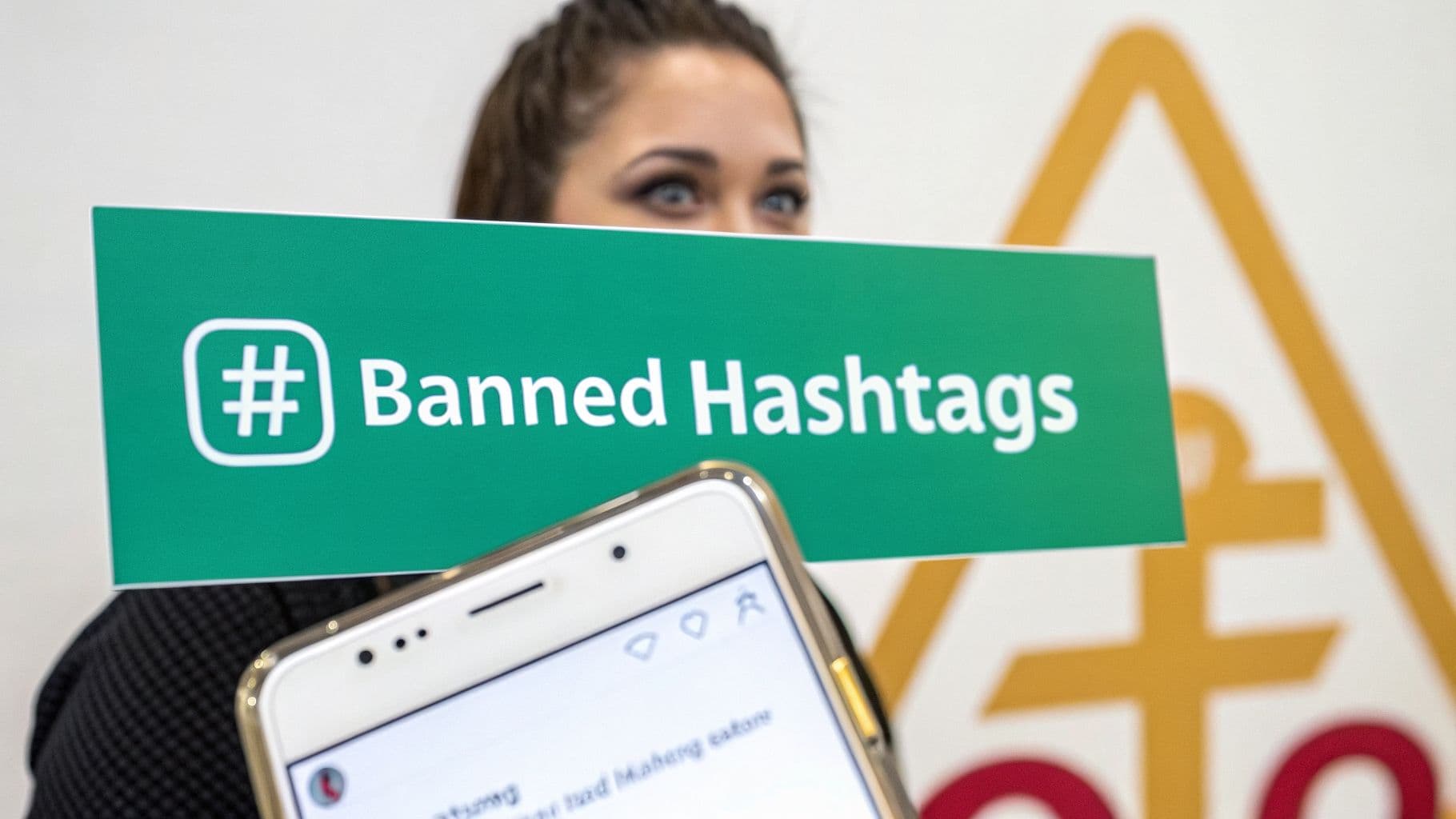
The Shadowban: Instagram's Silent Penalty

When this happens, you’ve likely been "shadowbanned." It’s one of the biggest and most frustrating hurdles to growing organically on the platform. Instagram quietly restricts your content's visibility without ever sending you a notification. Your posts simply stop appearing on hashtag pages and the Explore feed, which are the two main ways new people find your account.
This can be incredibly disheartening. You’re putting in the work, creating great content, but your reach and engagement have fallen off a cliff. For any brand, creator, or influencer who depends on discovery for growth, a shadowban can stop your momentum cold. It feels like you're shouting into an empty room.
Just How Big Is the Problem?
Most people are shocked to learn how many hashtags are on Instagram's naughty list. It's not just the obviously problematic ones. As of 2026, there are over 115,000 banned or restricted hashtags floating around. This includes seemingly harmless tags like #alone and even #pushups.
The impact is immediate and severe. Our data shows that using just one of these flagged tags can torpedo your post's reach by up to 90% the moment it goes live. If you want to see just how extensive the problem is, you can dig into the full guide and list of banned hashtags from IQHashtags.com.
A banned hashtag essentially makes your post invisible to anyone who doesn't already follow you. It’s like hosting a party but forgetting to send out the invitations—only your closest friends will know it’s happening.
This is why you can't afford to be careless with your hashtags. What seems like a small detail is actually one of the most critical factors for keeping your account healthy and growing. To protect your visibility, you first need to understand exactly what happens the second you use a bad tag.
The Immediate Impact of Using a Banned Hashtag
The moment you hit "Share" on a post containing a banned hashtag, the Instagram algorithm gets to work. It’s not a subtle process—the consequences are swift and automated.
Here’s a quick summary of what happens to your content and your account right away.
The Immediate Impact of Using a Banned Hashtag
Content Visibility – Your post may be hidden from hashtag pages and the Explore feed, which means people who don’t already follow you are unlikely to discover it. Severity level: High.
Audience Reach – The content is mostly shown only to your existing followers instead of reaching new audiences organically. This significantly limits growth potential. Severity level: High.
Account Health – The platform may classify your account as low-quality or potentially spammy if problematic behavior continues. Severity level: Medium.
Future Posts – If the behavior keeps happening, future posts may also struggle with visibility or distribution. Severity level: Medium–High.
As you can see, the damage is done instantly. Your content is cut off from new audiences, and your account's reputation takes a hit in the eyes of the algorithm, making recovery that much harder.
Why Does Instagram Ban Certain Hashtags?
Ever wondered why a hashtag you've been using suddenly seems to kill your reach? It’s not your imagination. Instagram is constantly policing its platform, and banning or restricting hashtags is one of its primary tools for keeping things safe and spam-free.
Think of it less as random censorship and more as community maintenance. Instagram's main goal is to protect users from harmful, spammy, or just plain junky content. When a specific hashtag becomes a magnet for that kind of stuff, Instagram has to step in. This usually happens for one of three key reasons.
1. Violating Community Guidelines
This is the most clear-cut reason. If a hashtag is consistently used on posts that break Instagram's Community Guidelines, it’s going to get banned. No questions asked.
We're talking about the obvious violations: content promoting hate speech, graphic violence, self-harm, or illegal activities. Hashtags explicitly tied to things like eating disorders or hate speech are permanently removed. Instagram's AI and its team of human moderators are always on the lookout for these, and shutting down the associated hashtags is their first move to stop the poison from spreading.
The consequences are serious. Getting your post "shadowbanned" for using a banned tag isn't a myth. Instagram's own head, Adam Mosseri, confirmed this back in 2021, and the platform's detection has only gotten smarter since. We've seen firsthand that posts with banned tags can see their engagement drop by a staggering 80-95%. Keep doing it, and you could face anything from a temporary shadowban to account suspension. You can see a full breakdown of how Instagram shadowbanning works at AndrewLee.Ventures.
2. Getting Hijacked by Spam and Bots
Sometimes, a perfectly innocent hashtag just gets too popular for its own good. It becomes a target for spammers and bots who want to piggyback on its traffic to push their own irrelevant content, from crypto scams to adult services.
Take a tag like #workflow. It started as a great way for professionals to share a peek into their day. But its popularity made it a goldmine for spammers. Before long, the hashtag's feed was flooded with junk, making it totally useless for its original community. When Instagram's algorithm sees this kind of bot-like activity—and the flood of user reports that follows—it takes action.
To protect the user experience, Instagram will essentially "quarantine" the tag by banning or restricting it. The once-helpful hashtag is now considered collateral damage in the ongoing war against spam.
This is why you’ll often find surprisingly generic words on the banned list. They simply attracted the wrong crowd.
3. Evolving Meanings and Hidden Context
The third reason is a bit more subtle. Hashtags can be banned because their meaning changes over time or gets co-opted by a subculture to mean something that violates Instagram's rules. A tag might seem harmless on the surface, but its underlying context has become problematic.
Instagram's AI is now smart enough to pick up on this coded language and context. Here are a few real-world examples of how innocent-seeming tags got flagged:
#single: This tag became overrun with spammy dating ads and inappropriate hookup content.
#skateboarding: It was hijacked by accounts that used it to share graphic injury videos, violating policies on gore.
#pushups: This one became a hotbed for spammy fitness "challenges" and bot-driven engagement schemes.
In each case, the content being shared with the hashtag took a turn for the worse. Instagram doesn't just read the word; its systems analyze the photos, videos, and captions associated with it. When a pattern of rule-breaking content emerges, the platform will restrict the tag to protect users who might stumble upon it by accident.
How to Check if a Hashtag Is Banned

Using a banned hashtag is one of the fastest ways to kill your post's reach. The good news? You don't need any fancy software to check if a tag is safe. The best way to protect your account is a quick, 30-second manual check right inside the Instagram app.
Think of it as a quick background check before you commit. Before you add a new or unfamiliar tag to your post, you need to vet it. This simple habit is the single most effective way to keep your account in good standing and ensure your content actually gets seen.
Let’s walk through the exact steps to spot a restricted tag before it ever touches your caption.
The Manual 3-Step Hashtag Check
This whole process takes less than a minute and requires nothing but your phone. Once you get the hang of it, you'll be able to spot a bad hashtag instantly.
Search for the Hashtag: Pop open the Instagram app and go to the search page (the little magnifying glass icon). Make sure you tap the "Tags" tab, then type in the hashtag you want to check. Tap it from the search results to open its page.
Look for a Warning Message: The most obvious sign of a banned hashtag is a direct warning from Instagram. If a tag is fully restricted, you'll often see a message right at the top of the page.
It typically says something like: "Recent posts from #[hashtag] are hidden because some posts may not follow Instagram's Community Guidelines." This is a dead giveaway. If you see this message, do not use the tag. Period.
Examine the 'Top' and 'Recent' Tabs: Now, even if there's no warning message, a tag can still be "shadowbanned." The next thing to check is the content itself. A healthy, active hashtag page will always have both a "Top" posts section and a "Recent" posts section, with new content showing up every few minutes or seconds.
If the "Recent" tab is missing entirely, or if the posts you see there are weeks or months old, that's a huge red flag. It means Instagram has stopped indexing new content for that tag, making it completely useless for discovery.
Using Third-Party Hashtag Checkers
While the manual method is the most reliable, some third-party tools can help speed up the process, especially if you're managing multiple accounts or using large sets of hashtags.
These platforms can be a helpful part of your workflow, but it’s smart to know their limitations.
Benefits:
Speed: You can check an entire list of hashtags in seconds, which saves a ton of time compared to doing it one by one.
Deeper Insights: Many tools offer extra data like post volume and competition levels, which is great for refining your overall strategy.
Monitoring: Some paid services can even monitor your go-to hashtags and alert you if one gets flagged or banned.
Drawbacks:
Accuracy isn't guaranteed: These tools scrape data from Instagram, so there can be a lag. A tag might get banned before the tool's database updates, leaving you vulnerable.
They Can Cost Money: While some have free versions, the most reliable and feature-rich tools usually come with a monthly subscription.
Don't Get Complacent: Relying only on a tool can make you less vigilant. It's always a good idea to manually spot-check your most important tags from time to time.
Ultimately, the safest approach is a mix of both. Use a trusted tool for efficiency, but back it up with your own manual checks. This is also closely related to account health—if you think your reach is already being suppressed, it's worth running an Instagram shadowban test to see what's going on.
Surprising Hashtags That Can Get You Banned
You probably think you’ve got a handle on which hashtags to skip—the obvious ones that are offensive, spammy, or explicit. But the world of banned Instagram hashtags is a lot weirder and more complicated than that. Plenty of seemingly innocent, everyday tags have ended up on the restricted list, creating hidden traps for even the most careful creators.
Using one of these tags is like stepping on an algorithmic landmine. Your post's reach gets cut off at the knees, and you’re left scratching your head, wondering why your engagement just flatlined. To keep your account safe, you need to know which innocent-looking tags have been secretly flagged by Instagram.
Everyday Life and Generic Tags
Some of the most common banned hashtags are words you’d use without a second thought. These tags usually get restricted because they're so broad that they become easy targets for spammers, or they slowly get associated with content that breaks Instagram’s rules.
Take #adulting. It started as a relatable tag but quickly became a dumping ground for low-quality memes and spam. In a similar vein, #alone was taken over by users posting content that strayed into sensitive territory, forcing Instagram to restrict it.
Here are a few more examples that might surprise you:
#workflow: This once-popular tag was completely hijacked by bots and spam accounts, making it useless and prompting Instagram to kill its visibility.
#dating: What should have been a simple tag for relationship posts was overrun by sketchy dating services and inappropriate content.
#singlelife: Just like #dating, this tag became a magnet for content that went against community standards.
#todayimwearing: A former go-to for fashion bloggers, it unfortunately attracted spammers and sellers of counterfeit goods, which led to its ban.
A hashtag's meaning is really defined by the people who use it. When a community's behavior turns spammy or toxic, Instagram has no choice but to quarantine the tag to protect everyone else—even if the word itself is completely harmless.
This is exactly why you can't just trust your gut. The list of permanently banned hashtags on Instagram is thousands of words long. These "forever" bans often hit neutral words that were simply caught in the crossfire, like #saltwater. When you search for these tags, you might see a warning from Instagram, and posts using them get practically zero reach. We're talking impressions dropping by as much as 99% in hashtag searches. For a deeper dive, you can explore the latest updates on banned hashtags at SoravJain.com.
Fitness and Wellness Tags
The health and fitness world is another minefield of surprisingly banned hashtags. These tags often get flagged for promoting an unhealthy body image, getting spammed with bogus fitness challenges, or being associated with graphic injury photos.
For instance, #pushups was restricted after being hammered by bots running fake fitness giveaways. The tag #curvy, which was intended to be empowering, was unfortunately co-opted by accounts posting explicit content, causing Instagram to ban it.
Keep an eye out for these other fitness-related tags:
#swole: This one became heavily associated with the promotion of steroids and other illegal substances.
#bikinibody: The tag was flagged for pushing potentially harmful body image standards.
#loseweight: Much like #bikinibody, it was restricted to stop the spread of unhealthy or dangerous weight-loss advice.
Knowing these hidden risks exist is the first step toward building a smarter, safer hashtag strategy. Always check a tag before you use it, no matter how innocent it seems. It's a simple habit that can be the difference between reaching thousands of new people and having your content disappear into the void.
Your Action Plan for Recovering from a Shadowban
So, your engagement has flatlined. Your posts are going nowhere, and it feels like you're shouting into the void. If this sounds familiar, you've likely been hit with a shadowban. The good news is that it’s not a life sentence for your account, but you do need a solid game plan to get your visibility back.
The very first thing you need to do is stop posting. Seriously. Put your account on a brief hiatus for at least 48 to 72 hours. This short break acts as a cool-down period, giving the Instagram algorithm a chance to reset its perception of your account and break any negative feedback loops.
Audit and Cleanse Your Recent Content
While your account is on a time-out, it’s time to put on your detective hat. The problem is almost always a banned hashtag you used, probably without even knowing it was an issue.
You’ll need to go through your last 10 to 15 posts with a fine-tooth comb. Scour the captions and the first comment for every hashtag you used. If you find any tag that you even suspect might be banned or restricted, edit the post and get rid of it. This cleanup is critical; even one bad tag can keep your account’s reach suppressed.
After you’ve cleaned up your hashtags, take a look at the performance of your most recent content. Do you see one or two posts with shockingly low reach compared to your usual numbers? Those are your prime suspects. It can be painful, but you should delete these underperforming posts entirely. Think of it as a necessary sacrifice to get your account back in good standing.
Report the Problem and Practice Patience
Once you’ve done the cleanup, you should reach out to Instagram. But how you do this is key. Whatever you do, don't ask "Why am I shadowbanned?" or admit you might have broken a rule. You'll get a canned response or no response at all. Instead, you need to frame it as a simple technical problem.
Here’s how to do it:
Head to your Settings and Privacy.
Scroll down to the bottom and tap on Help.
Choose Report a Problem.
Select the Report problem without shaking.
Keep it short and sweet. Explain that you believe you're experiencing a glitch because your posts are not reaching anyone outside of your followers.
After you've reported the issue and cleaned up your content, the hardest part begins: being patient. Getting your reach back isn't an overnight fix. It can take anywhere from a few days to two weeks.
During this recovery phase, you have to play it safe. Avoid any risky hashtags and don’t go on a posting spree the moment you think you’re in the clear.
It's also worth noting that if your follower count is dropping at the same time, there might be more going on. Understanding why you might be losing Instagram followers can help you tackle other underlying problems. For an even deeper dive into recovery tactics, our guide on how to get unbanned on Instagram is a fantastic resource. By following these steps, you can fix the immediate issue and get your account’s growth back on track.
Building a Future-Proof Hashtag Strategy
The real goal isn't just to reactively fix shadowbans—it's to build a content strategy so strong that you sidestep the problem entirely. Instead of constantly worrying about which banned Instagram hashtags to dodge, you can create a robust and safe system for growth that works on autopilot.
One of the most effective ways I've seen this done is with the Hashtag Tier System. Think of it like building a smart investment portfolio. You wouldn't pour all your money into one volatile, high-risk stock, right? You diversify to spread the risk and maximize your potential returns. Your hashtag strategy should follow the same logic.
The Hashtag Tier System Explained
This approach is all about blending different types of hashtags to get the perfect mix of broad reach and targeted relevance. A healthy combination means you're never overly reliant on those huge, popular tags that are often magnets for spam and, eventually, restrictions.
Here’s the breakdown I recommend to clients:
Broad, Popular Tags (3-5): These are your heavy hitters with over 500,000 posts. While they offer a shot at massive reach, the competition is fierce. Use them sparingly, almost like a lottery ticket, to get your content in front of a huge crowd.
Specific, Niche Tags (10-15): This is where the magic happens. With post volumes between 10,000 and 200,000, these tags connect you to a highly engaged audience that’s actively searching for your kind of content. This is your core set.
Unique, Branded Tags (1-3): These are hashtags that are all your own (like #GainstyGrowth, for us). They are perfect for building a community and creating a dedicated content library that your followers can browse.
This tiered approach naturally protects you. If a massive, popular tag suddenly gets banned or restricted, it’s not a catastrophe. Your niche and branded hashtags will keep the lights on, driving targeted engagement and ensuring your visibility stays stable.
This method does more than just help you avoid penalties; it makes sure you’re actually connecting with the right people. Integrating a solid hashtag plan into your wider Instagram marketing strategies is fundamental for any kind of lasting growth. If you want to dive even deeper, our complete Instagram hashtag strategy guide breaks it all down.
This flowchart lays out the step-by-step process for account recovery, guiding you from diagnosis all the way to restoration. It really helps to see that getting your account back on track is a structured process—not a frantic reaction—with clear stages for taking back control.
Automating Safety and Growth with AI
Now, let's be honest. Manually researching, organizing, and tracking a tiered hashtag system is a ton of work. This is where smart, AI-powered tools come in, helping you build a strategy that truly lasts. Platforms like Gainsty essentially automate this whole process, acting like an intelligent assistant for your social media.
A system like Gainsty doesn't just run a one-time check for banned hashtags. It's constantly monitoring the entire hashtag ecosystem in real time. The AI is designed to spot high-potential, emerging tags that your competitors haven't even heard of yet, giving you a serious leg up.
By letting technology handle the heavy lifting, you accomplish two critical things:
Risk Mitigation: The system automatically steers clear of any flagged, restricted, or outright banned hashtags, keeping your account in good standing without you having to think about it.
Opportunity Identification: The AI uncovers those trending and niche hashtags that perfectly match your audience, ensuring your content lands in front of the people most likely to engage.
This kind of intelligent approach means your strategy is never stale. It breathes and adapts with the platform, making sure your content is always optimized for safe, sustainable, and authentic growth.
Frequently Asked Questions About Banned Hashtags
There's a lot of confusing advice and plenty of myths floating around about banned Instagram hashtags. Let's cut through the noise and set the record straight on the questions creators and brands ask us most often.
Getting these details right is the key to protecting your account's health and keeping your reach from tanking.
How Long Does an Instagram Shadowban Last?
If you suspect you've been shadowbanned, the first question on your mind is probably, "When will this be over?" Instagram doesn't publish official timelines, but based on what we've seen in the community, a shadowban can stick around for anywhere from 24 hours to a full 14 days.
How long it lasts really comes down to what you did. A first-time mistake with a single, mildly restricted hashtag might just get you a day or two in the penalty box. But if you're constantly using spammy or banned tags, the algorithm will see you as a repeat offender, and you can expect a much longer time-out.
Can Using Too Many Hashtags Get Me Banned?
This is a big one, and the short answer is no. You will not get banned simply for using all 30 hashtags that Instagram allows. They give you that space for a reason, so if you have 30 great, relevant tags, go for it.
The real trouble starts when you fill that space with junk. Slapping 30 irrelevant, spammy, or banned hashtags on your post is like waving a huge red flag at Instagram's algorithm. It’s a desperate move for visibility, and it almost always backfires. You're far better off using 15-20 highly-targeted, safe tags than 30 random ones.
Remember this: It's all about quality, not quantity. The algorithm doesn't care about the number of hashtags you use, but it cares a lot about their relevance and safety.
Do Hashtags in Comments Avoid Bans?
People are always looking for a loophole, and a popular theory is that "hiding" hashtags in the first comment makes them invisible to the algorithm. Unfortunately, this is just another myth that won't die.
Think about it—Instagram's algorithm is designed to read and categorize content. It scans both the caption and the comments for hashtags. There's no secret hiding spot. A banned hashtag in your first comment is just as damaging as one in your caption. The only real difference is how clean your caption looks; the penalty is the same.
Are Banned Hashtags Banned Forever?
Thankfully, not all bans are a life sentence. Some hashtags, particularly those tied to serious violations of the Community Guidelines like hate speech or graphic content, are gone for good.
However, many others are only temporarily restricted. This usually happens when a perfectly innocent hashtag (like #workflow or #elevator) gets overrun by bots and spam accounts. Instagram will essentially put the tag in quarantine to clean it up. Once the spammy content is gone, they often bring it back. Because a tag’s status can change overnight, checking them before you post is just good practice.
Ready to stop worrying about banned hashtags and build a growth strategy you can actually count on? Gainsty uses advanced AI to find safe, high-performing hashtags, so you can focus on creating amazing content while we handle your organic growth. Discover how Gainsty can grow your Instagram followers today!
.png&w=1920&q=75&dpl=dpl_2si4hWs7xtpQVmrY6d8xhJ1wLJZL)




.png&w=750&q=75&dpl=dpl_2si4hWs7xtpQVmrY6d8xhJ1wLJZL)