The Moment of Panic and the Quick Fix
You send a DM, then catch the mistake a second too late. It might be the wrong media kit, an internal note dropped into a client thread, or a reply that reads sharper than intended. For creators and brands, that kind of slip is not just awkward. It can create trust issues, pricing confusion, or a messy handoff inside a shared inbox.
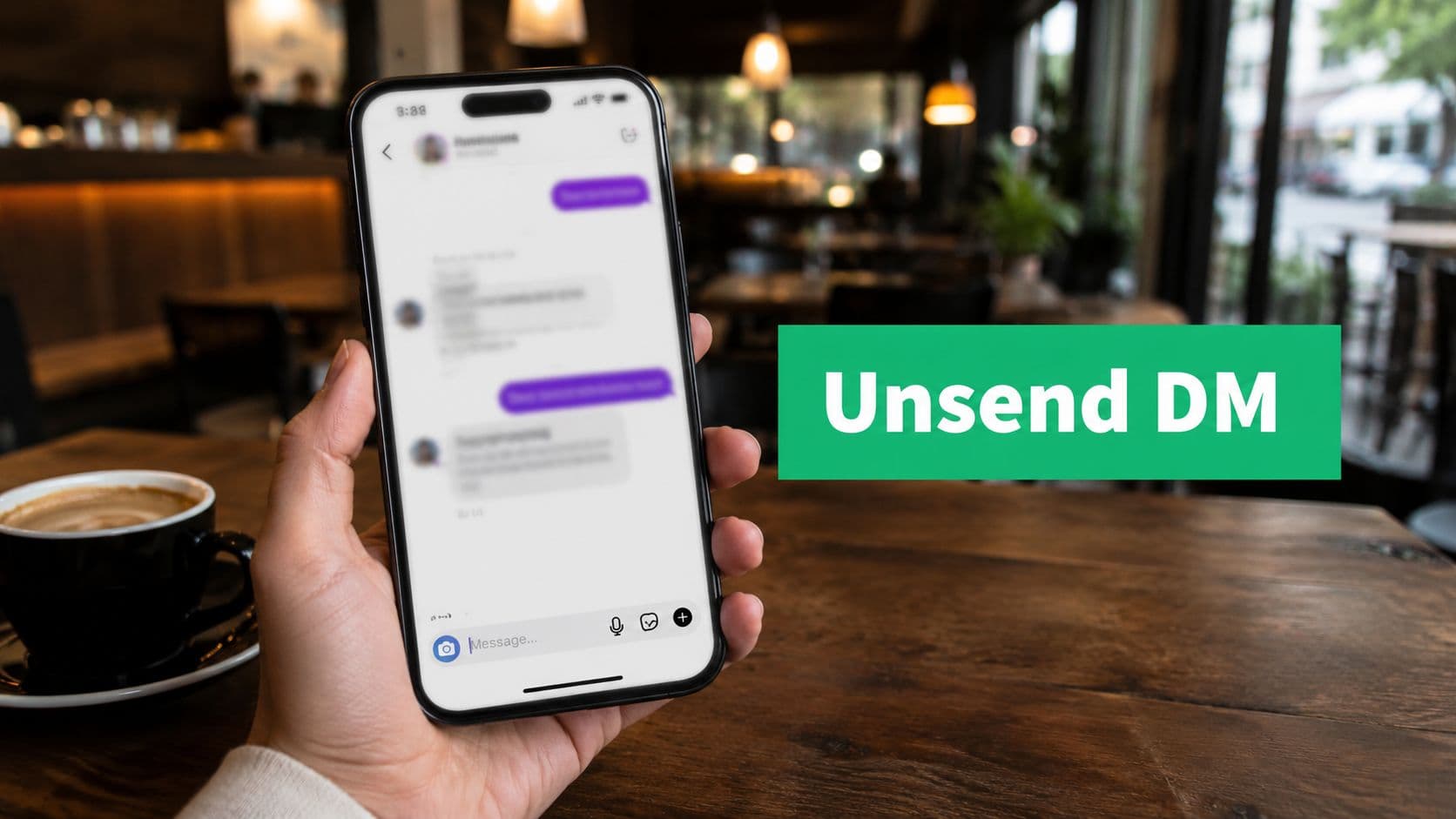
The answer is straightforward. Yes, you can unsend an Instagram message, and Instagram has supported that option since 2018. Instagram explains that unsending removes the message from the conversation for everyone, which is why it remains the fastest fix when a DM should not stay live in the thread (Instagram's help documentation on deleting and unsending messages).
Act fast.
That matters because unsend solves one problem only. It removes the message from the chat. It does not guarantee the other person did not already read it, screenshot it, copy it, or react to it before you pulled it back. In professional use, that distinction matters. A pulled rate quote can still affect a negotiation, and a deleted customer reply can still leave a teammate wondering why the conversation suddenly changed.
I tell teams to treat unsend as damage control, not record management. It helps in the moment, but it can also create analytics gaps and internal confusion if no one logs what happened. If multiple people handle DMs for a creator, agency, or support team, an unsent message can erase context that another teammate needed five minutes later.
If your goal is broader inbox cleanup rather than a true recall, this guide on how to delete Instagram messages explains the difference between removing a message for yourself and removing it for everyone.
How to Unsend an Instagram Message on Any Device
A bad DM often happens fast. A rate card goes to the wrong brand contact, a junior teammate sends an outdated link, or a creator replies from the wrong account. In that moment, speed matters, and Instagram keeps the unsend steps nearly the same on iPhone, Android, and desktop.

On iPhone and Android
Open Instagram, tap the DM inbox, and enter the conversation with the message you need to remove.
Then follow these steps:
Find the exact message.
Press and hold it.
Tap Unsend.
Confirm if Instagram asks.
The option is available inside the message thread itself, so accuracy matters. In a fast-moving client or creator conversation, double-check the message before you press and hold. Pulling the wrong note can create a second problem, especially if another teammate is already reviewing the chat.
On desktop web
A desktop is common for community managers, brand partnership teams, and support staff because it is faster for long conversations and easier in shared workflows.
Use this sequence:
Open Messages: Click the paper airplane or messenger icon.
Enter the chat: Select the conversation.
Select the message: Click the three-dot menu or interact with the message directly.
Choose Unsend: Confirm the action.
Choose Unsend, not a thread-level cleanup option. Removing or hiding a conversation from your own view does not recall the message from the other side.
Teams that handle a high volume of DMs should also separate recall from organization. If the goal is cleaner inbox management, this guide on how to archive Instagram messages covers a better workflow for that task.
What to do right after
For personal chats, unsending may be the end of it. For creators, agencies, and brand teams, it usually is not.
Use a simple follow-up rule:
Minor typo in a casual DM: If you make a small mistake in an informal message, unsend it and resend a corrected version. This keeps the conversation clear with minimal disruption.
Wrong file or link sent to a client: If you send the wrong attachment or link, unsend the message, send the correct file or link, and acknowledge the correction so the client knows which version to use.
Sensitive information sent to the wrong person: If confidential or sensitive information is sent by mistake, unsend it immediately, notify the account lead or appropriate team member, and document what happened so the incident can be handled properly.
Message sent in frustration: If you send an emotional or impulsive message, unsend it if possible, avoid replying further, and have someone else review any follow-up before you send it. This helps prevent the situation from escalating.
That internal note matters more than many teams realize. Once a message is gone from the thread, reporting gets murkier, context disappears for coworkers, and account managers may not know why the conversation suddenly shifted. For agencies and in-house social teams, that is part of the importance of social ops.
What Unsend Actually Does and Does Not Do
Unsend solves one problem fast. It removes the message from the Instagram thread. That matters in a panic, but it does not give creators, agencies, or brand teams a clean reset.

What it does
Instagram's Unsend feature removes a message from the conversation for both sides of the chat. In practice, that makes it useful for obvious correction work: a wrong link, the wrong asset, a duplicate send, or a DM sent to the wrong contact.
It can also reduce exposure when a message should not stay in that thread at all. For a creator manager or community lead, that might mean pulling a draft response that sounded off-brand before the chat keeps moving.
What it does not do
Unsend does not erase what has already happened.
If the recipient has already read the message, they have already read it. If part of the message appeared in a push notification, unsending does not pull that text back from their lock screen. If they took a screenshot, copied the text, or shared it internally, the message may still exist outside Instagram.
That is the part professionals need to treat seriously. A deleted thread item can create the impression that the risk is gone, even though the reputational risk is still live.
There is also an internal visibility problem. Once a teammate unsends a DM, other people managing the account may lose context about what was said, why the recipient reacted a certain way, or why a conversation suddenly changed tone. For teams with approvals, client reporting, or regulated communications, that gap is part of the importance for social ops.
Why the distinction matters for professional accounts
For personal use, unsend is often just damage control. For creators and brands, it is also a workflow decision.
A removed message can create holes in reporting and handoff notes. It can also distort performance review if your team audits outreach quality, lead handling, or influencer communications later and the original mistake is no longer visible in the native thread. I have seen this cause more confusion than the original typo, especially when multiple account managers share one inbox.
Do not confuse unsend with temporary message settings either. Standard DMs, vanish-style interactions, and other ephemeral behaviors are different tools with different risks. If you need that distinction, this guide to Instagram disappearing messages breaks down how those features differ from a standard unsend action.
Common Instagram Unsend Issues and Solutions
You notice the mistake, press and hold the message, and the option you need is nowhere to be found. That is usually a platform or workflow problem, not user error. For creators, agencies, and brands, the fix matters because a bad recovery can create more confusion than the original message.

The Unsend button isn't showing
Start with the basics. Update Instagram, force close the app, then reopen the conversation and press on the specific message again. On managed business devices, delayed app updates or mobile device management rules can also limit what your team sees.
If the button still does not appear, treat it as a workflow issue. Check whether someone is using an older device, a desktop view with limited controls, or a shared login with inconsistent permissions. In a team inbox, I would also confirm that the person trying to fix the problem is working from the same account session that sent the message.
Is there a time limit
Instagram has changed DM behavior over time, and users do not always see identical results across devices and app versions. The safe rule is simple. If you need to unsend, do it as soon as you catch the error.
Waiting creates two problems. The recipient has more time to read it, and your team loses time deciding whether to remove the message or correct it publicly. In brand communication, that delay is often the bigger mistake.
The recipient already saw it
Unsend can remove the message from the thread, but it cannot erase what the recipient read, screenshot, or mentally forwarded to someone else. At that point, the right response depends on the stakes.
Use a direct follow-up when the mistake affects clarity, trust, or a business decision:
Send the correct file, link, or timing detail immediately.
Acknowledge the error if the original message could damage confidence.
Log the incident internally if private details, pricing, approvals, or client information were involved.
This matters even more for visual assets. If the wrong draft clip or branded video went out in a creator thread, your team may need to correct the asset source, confirm version control, and compare Instagram video editors if the issue started in production rather than messaging.
Does it work in group chats
Yes, but group chats are harder to contain. More people can see the message before you remove it, and one confused teammate or partner can keep the mistake alive by replying to it after it disappears.
For professional accounts, group chat errors also create audit gaps. If a manager unsends a message in a campaign thread, the remaining participants may not understand why the conversation suddenly shifts. That is why teams should pair unsend with internal notes in Slack, a CRM, or another record of what happened and how it was handled.
An Unsend Strategy for Creators and Professional Accounts
For personal chats, unsend is reactive. For creator businesses and brands, it should be deliberate.

When unsend is the right move
Use it for errors that create unnecessary confusion and are better removed than explained.
Examples:
You sent the wrong booking link to a prospect.
You dropped a draft caption into a client DM instead of your internal chat.
You attached the wrong media file to a creator collaboration thread.
You caught a line that shared private information before the other person engaged with it.
In those moments, unsend protects clarity and can reduce reputational risk.
When a follow-up is better than unsend
Some mistakes are better handled in the open. If a customer already saw the message, or if the content affects trust, a clean correction is often stronger than pretending the message never existed.
That applies when:
the issue involves policy, pricing, or availability
a creator partner may rely on what was sent
the tone came off dismissive or confusing
your team needs a visible correction in the thread
A quick "Correcting my last message" can be more professional than a silent disappearance.
The workflow problem most teams miss
Unsend is good for the conversation. It can be bad for reporting.
For professionals using Instagram DMs in customer service or sales workflows, unsend behavior is rarely logged in third-party inbox management tools, which can create gaps in responsiveness metrics, reporting, and audit readiness, according to this discussion of Instagram unsend tracking gaps in professional workflows.
That creates three operational risks:
Missing context: A teammate reviewing the thread later doesn't know a message was sent, then removed.
Skewed metrics: Response-time or inbox reporting may not reflect the actual sequence of communication.
Weak compliance records: If you're in a regulated category, disappearing actions can complicate oversight.
A simple team standard
If more than one person manages the account, create a short policy. It doesn't need to be fancy.
Typo or broken link: If you notice a simple mistake like a typo or a broken link, unsend the message immediately and resend a corrected version. Acting quickly helps prevent confusion.
Wrong asset or private detail: If you accidentally send the wrong file or share confidential information, unsend the message as soon as possible and document the incident in your team’s internal communication channel so the issue is tracked and addressed.
Sensitive or risky message: If the message could create legal, reputational, or other significant risks, unsend it immediately if possible and escalate the situation internally so the appropriate people can decide on the next steps.
Already seen by the recipient: If the recipient has already viewed the message, don’t rely on unsending alone. Follow up with a clear correction or clarification to make sure they have the accurate information.
This also matters for content teams that coordinate DM outreach with creative assets. If you're regularly sending reels, promos, or deliverables through Instagram, having clean source files and approval-ready edits reduces DM mistakes in the first place. For that side of the workflow, this guide comparing Instagram video editors is a useful practical reference.
The best professional use of Unsend is selective. It should fix clear errors, not hide sloppy processes.
The Bottom Line on Unsending Instagram Messages
The ability to unsend an Instagram message is a standard feature, and you should know how to use it before you need it.
That matters even more for creators, agencies, and brand teams. Unsend can fix a wrong link, an off-brand reply, or a message sent from the wrong account. It can also create a false sense of safety. If the other person already saw the message, took a screenshot, or received a notification preview, removing it does not erase the professional impact.
Use unsend as a correction tool, not a cleanup strategy.
The practical rule is simple. Act fast. Assume the recipient may have seen some version of the message already. If the mistake affects trust, campaign details, pricing, approvals, or sensitive information, follow the unsend with a clear internal note or direct correction. That protects context for your team and reduces confusion later.
For professional accounts, judgment matters more than speed alone. A deleted typo is usually harmless. A deleted partnership instruction, customer reply, or creator brief can create reporting gaps and accountability problems if nobody logs what happened. The strongest teams treat unsend as one small part of message control, not as a cover for a weak process.
If you're growing a creator or brand presence on Instagram, clean communication is only one part of the job. Gainsty helps individuals and businesses grow with AI-powered Instagram support focused on organic followers and engagement, without bots or fake followers. If you want a stronger reach alongside better day-to-day Instagram operations, it's worth a look.
.png&w=1920&q=75&dpl=dpl_D59Qa4oJ5cFQ7dZDLQ1JPQVnqHSs)





.png&w=750&q=75&dpl=dpl_D59Qa4oJ5cFQ7dZDLQ1JPQVnqHSs)