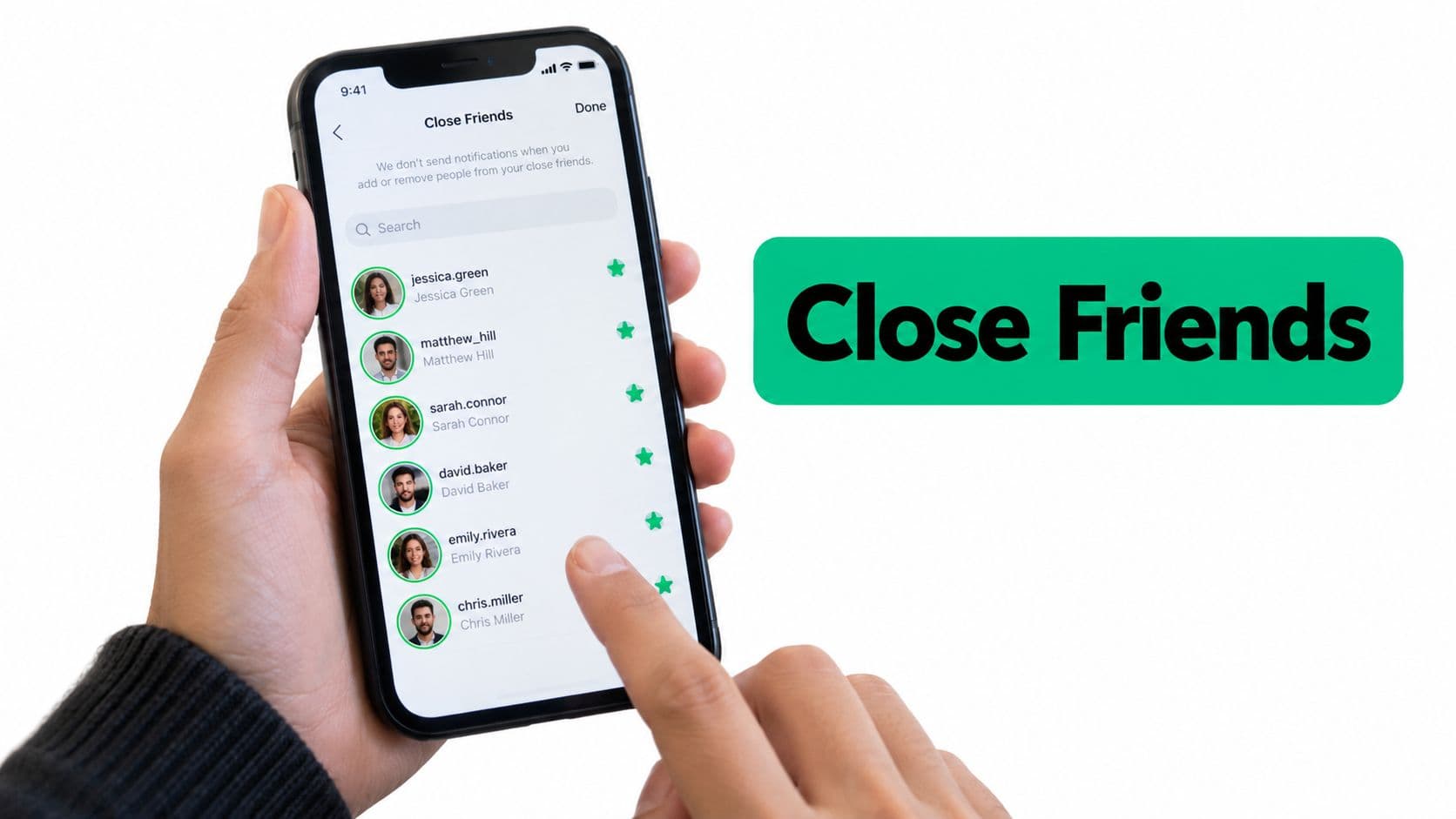
Why Close Friends Works Differently From Followers
Close Friends is one built-in audience list. It is not a second Instagram login, and it is not a friendship request someone has to accept. Instagram launched it globally on November 30, 2018, after about 17 months of testing, on both iOS and Android, as described in TechCrunch's account of the Close Friends launch.
The feature answered a specific mess. People wanted personal or informal Stories that shouldn't land in front of every follower. At launch, the tool focused on Stories, which still disappear after 24 hours, and the audience was limited to people the account owner picked by hand.
Adding a name changes who can view eligible private Stories. Followers outside the list stay excluded from those posts. The add does not create a follow, a reciprocal friendship, or a direct-message relationship. You are editing a viewer group, not sending an invitation.
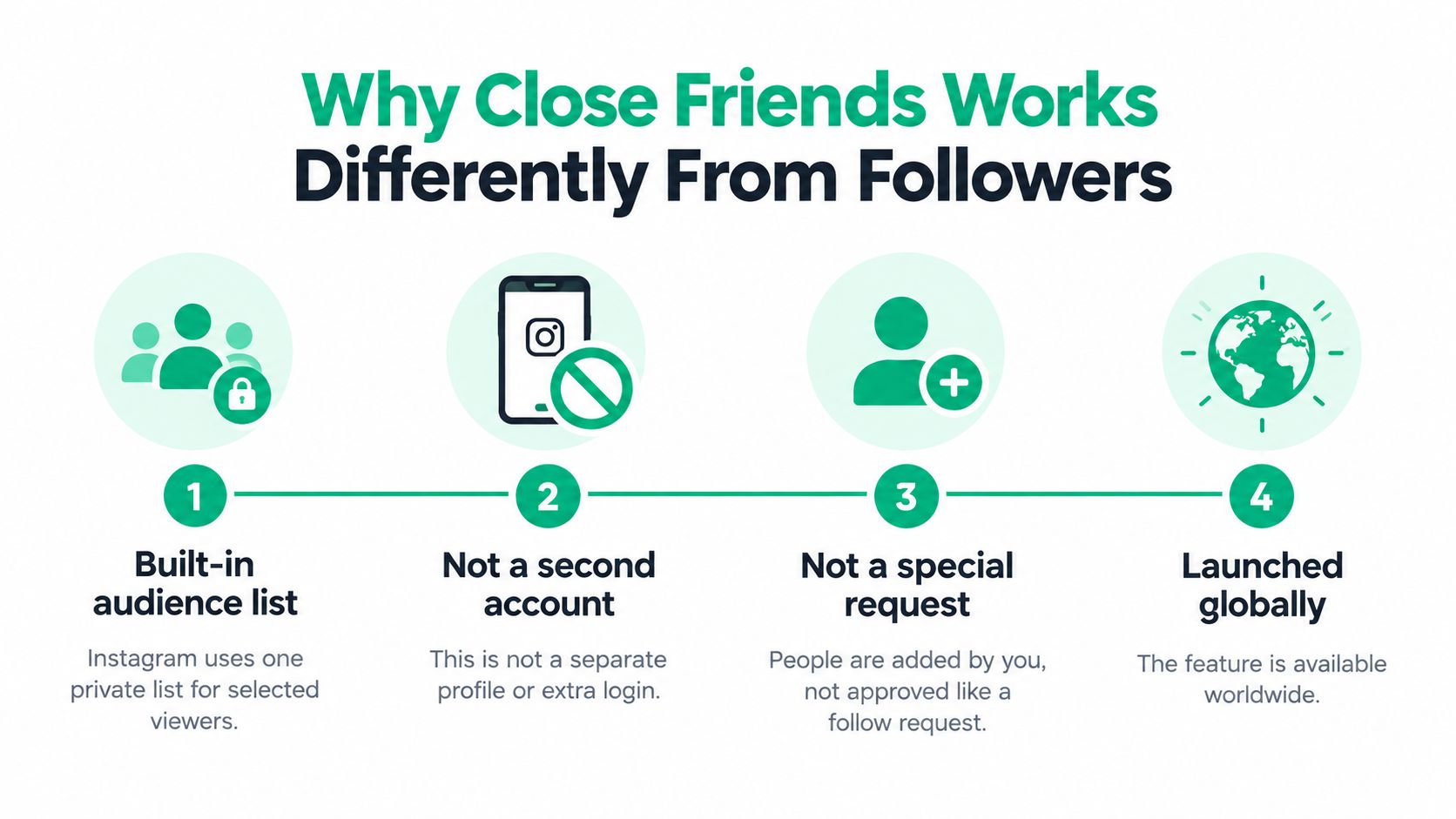
What changes when someone is on the list
Private Stories only. Members can see Stories you publish to that audience. People who aren't on the list don't get those posts.
No automatic relationship. They don't have to follow you back, and Instagram doesn't open a chat because you selected them.
One list per account. You don't spin up a fresh list for each Story. You keep editing the same membership.
A private Instagram account already limits who can follow you. Close Friends sits on top of that. It narrows Stories further, inside the people you chose, rather than replacing your public or follower audience.
Practical rule: Add someone only if you'd be fine with them seeing the next restricted Story, not the last public one.
That distinction matters before you touch settings. A suggestion in the app is not a reason to include them. Decide the purpose of the list first, then use the steps below to match names to that purpose.
Adding People to Your Close Friends List
Do this in the mobile app, not through a third-party tool that asks for your password. The sequence below is the standard path, and labels can shift slightly by app version.
Set a rule before you search
Write one eligibility line outside the app. Examples that hold up in real audits:
Personal accounts: Genuine relationships you'd text, not every mutual follow.
Small brands: Active customers or people who already bought, not everyone who liked a Reel.
Creator teams: Approved collaborators on the current project, not the whole agency roster from last year.
A food creator I audited wanted early menu photos seen by three recipe testers and two wholesale buyers. Casual followers who comment "yum" stayed off the list. The rule made the search boring, which is what you want. Boring searches catch fewer wrong accounts.
The in-app sequence
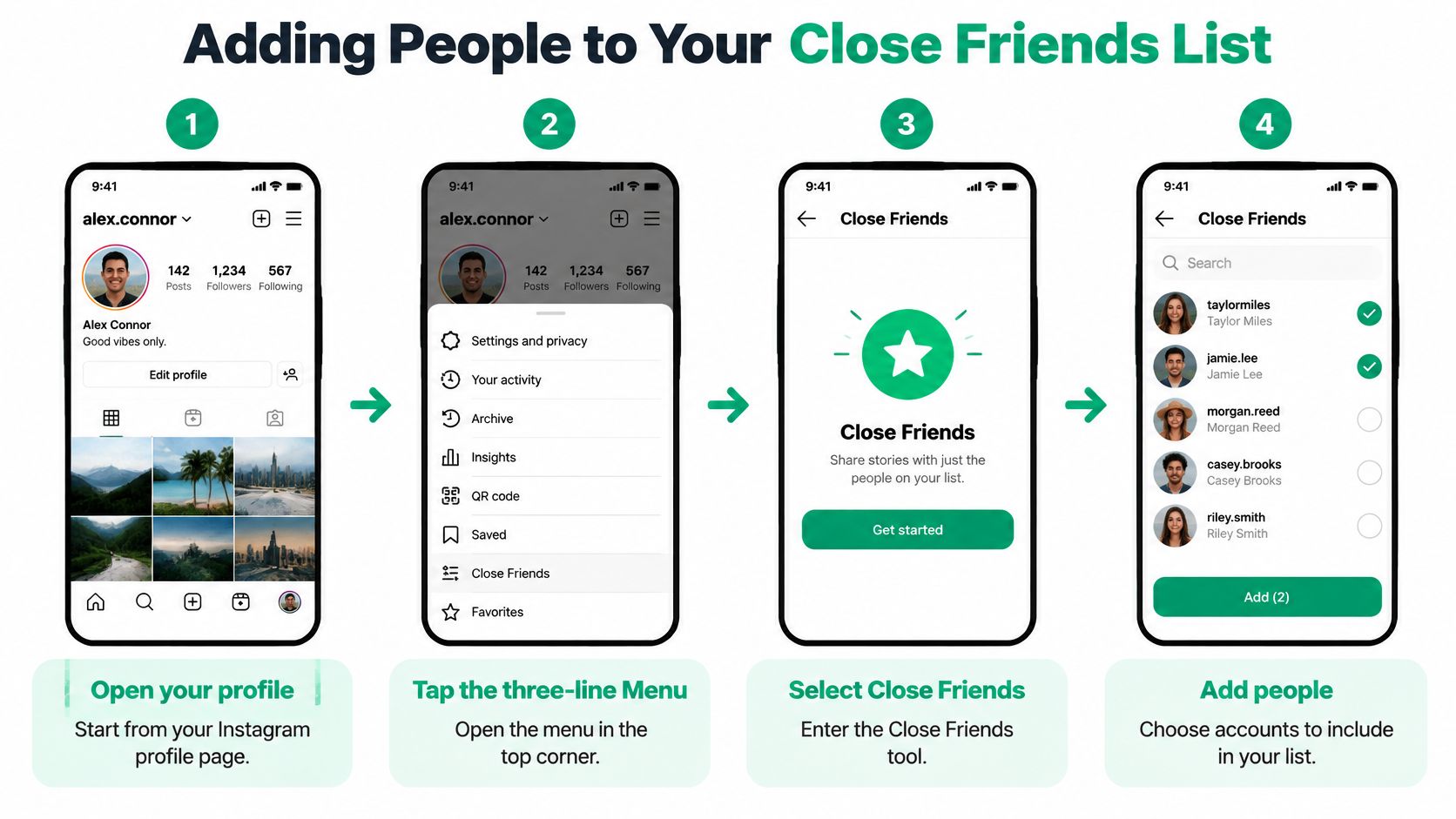
Open your profile, tap the three-line Menu, and select Close Friends. Search by exact username, or browse suggestions only after you've already decided who qualifies. Tap Select or Add beside each person, review the selections, and tap Done. Robots.net's Close Friends walkthrough matches that account-level flow. You can add and remove people again later without rebuilding the list.
Instagram doesn't notify anyone when you add them. There's no confirmation they accepted. If "Close Friends" isn't in the menu, update the app and look under audience or privacy controls on your profile Menu. Don't hand the job to an automation tool.
After you tap Done, publish a low-risk test Story with the Close Friends audience selected. A plain "test, ignore" frame is enough. Confirm the audience control before you share it. If the control still says your public Story, stop and switch it. The list being correct doesn't help if the post goes to everyone.
Removing People and Auditing Your List
People treat removal like tidying a contacts app. It isn't. Removing someone is an access change. Instagram lets you add or remove people manually at any time, and it doesn't notify them either way, which Buffer's Close Friends guide is clear about. You have to verify the change yourself.
Removal stops that person from seeing future Close Friends content. It does not pull back a Story they already watched, screenshotted, or copied. If they saw a price, a client name, or an unreleased photo, that copy is already outside your account.
A short audit you can repeat
Keep the list honest with a routine, not a memory.
Record names outside the app: Write the usernames that match your rule in a note or spreadsheet before you edit.
Compare the selection screen: Open Close Friends and check every starred account against that note. Deselect anyone who isn't on it.
Recheck after real-world changes: Do this when a freelancer leaves, a campaign ends, or a staff member changes roles.
Separate "on the list" from "saw the post": Someone only sees restricted content if you publish a Close Friends Story, or another supported format, while they're still a member.
A skincare brand once left a former agency contact on the list through a product preview. Nobody pinged the brand. The contact still had the green-ring Stories. The fix was the audit above, done before the next drop, not after the leak.
Removal is silent, so silence is not proof the list is clean.
Schedule the check the same way you'd schedule a password review. Once after setup, again before any sensitive Story, and again when the people around the account change. Being added is not the same as having viewed something. Viewers still have to open a Close Friends Story. That gap is why a stale name can sit there for months and only become a problem on the day you post something you can't take back.
Choosing Close Friends or Organic Growth
Close Friends decides who may see private Stories. It does not, by itself, grow reach or followers. There is no reliable published benchmark for a universal list size or a guaranteed engagement lift from using the feature, so treat "it boosts reach" claims as unsupported. If the goal is a larger public audience, that's a different job.
A 2022 peer-reviewed study of 1,646 adolescents found that 1,163 respondents, 70.66%, had used Close Friends at least once, and 754, 45.81%, were frequent users, with a 95% confidence interval of 0.43 to 0.48 for the frequent-user estimate, as reported in the PMC study of adolescent Close Friends use. The sample is adolescents, not every Instagram user, so don't treat those figures as a market-wide rate. What it does show is audience splitting. Many younger users already keep a broad follower group and a smaller trusted group.
Matching your goal to the right approach
Early product preview: Add named testers and buyers you trust with the preview. Check that former partners are no longer selected.
Paid-community perk: Add people who paid for extra access. Make sure a public teaser doesn't give away the exclusive post.
Client update: Add current clients on that account. Remember that they can screenshot a Story containing customer details.
Public follower growth: Don't use Close Friends for this goal. A private list isn't a substitute for distributing public posts.
Organic growth is the other lane. You publish for people who don't already have special access, and you measure follows and saves from that wider audience. SleekPost's guide to audience growth is a useful companion when the question is how a public audience compounds, not who may see a private Story. If you want the Instagram-specific version of that public path, start with how to grow Instagram followers organically.
Use Close Friends for retention moments, a first look, a client note, a perk. Use public posts, collaborations, and consistent publishing when you need new people to find the account. Mixing the two, by dumping thousands of casual followers onto one private list, makes the green ring meaningless and still doesn't replace a growth plan.
Privacy and Engagement Best Practices
The list is private, but it isn't invisible. Instagram doesn't show the membership or ping people when it changes. A member can still infer they're included when a Close Friends Story shows a green ring or a Close Friends label. Unfollr's Close Friends guide is direct about that signal, and about two limits creators keep ignoring.
There is no published universal cap on list size, and no guaranteed "success rate" for engagement. A longer list doesn't automatically perform better. One account also gets one list, not a stack of native VIP, beta, and customer lists. If you need those groups separated, you'll have to track them outside Instagram and only load the group that matches today's Story.
Habits that keep the green ring honest
Stay selective. If you'd post the same frame to everyone, it doesn't belong on Close Friends. The restriction is the point. A huge list turns the ring into decoration.
Write the purpose on the note. "Recipe testers for the spring book" is a purpose. "People I like" is not. When the purpose ends, the names should leave.
Check the audience on every sensitive Story. Unreleased launches and anything with customer data get a second look at the audience control before you tap share. Yesterday's correct list can be wrong after one staffing change.
Run a non-sensitive test. Post a harmless frame to Close Friends, then open an authorized test account that's on the list and confirm the green ring. Open a second account that isn't on the list and confirm the Story isn't there.
Screenshots and resharing by someone you authorized are outside your control. "No notification" never meant "nobody can tell." It only means Instagram won't announce the membership change. Assume a member can save what they see.
That selective habit is what makes replies worth reading. People answer when the Story feels meant for them. They scroll past when the same "insider" frame goes to half the follower count.
Next Steps for a Safer Close Friends List
You don't need a new system. You need the same decisions in order, done once today and then on a calendar.
Write the eligibility rule in one sentence. Who may see restricted Stories on this account, and who may not.
Add only the usernames that match. Search exact handles. Skip the suggestion row unless the person is already on your note.
Post a low-risk test Story to the Close Friends audience, and read the audience label before you share.
Confirm from a test login that the green ring shows for a member and that a non-member doesn't get the Story.
Put the next audit on a date. Before the next launch, and whenever a collaborator leaves.
A Close Friends list is an audience-permission decision, not a growth tactic.
If the account's real job is more public followers, keep this list small and do that growth work in public posts. Don't stuff the private list and call it distribution. Private sharing and public growth fail in different ways, and fixing one doesn't fix the other.
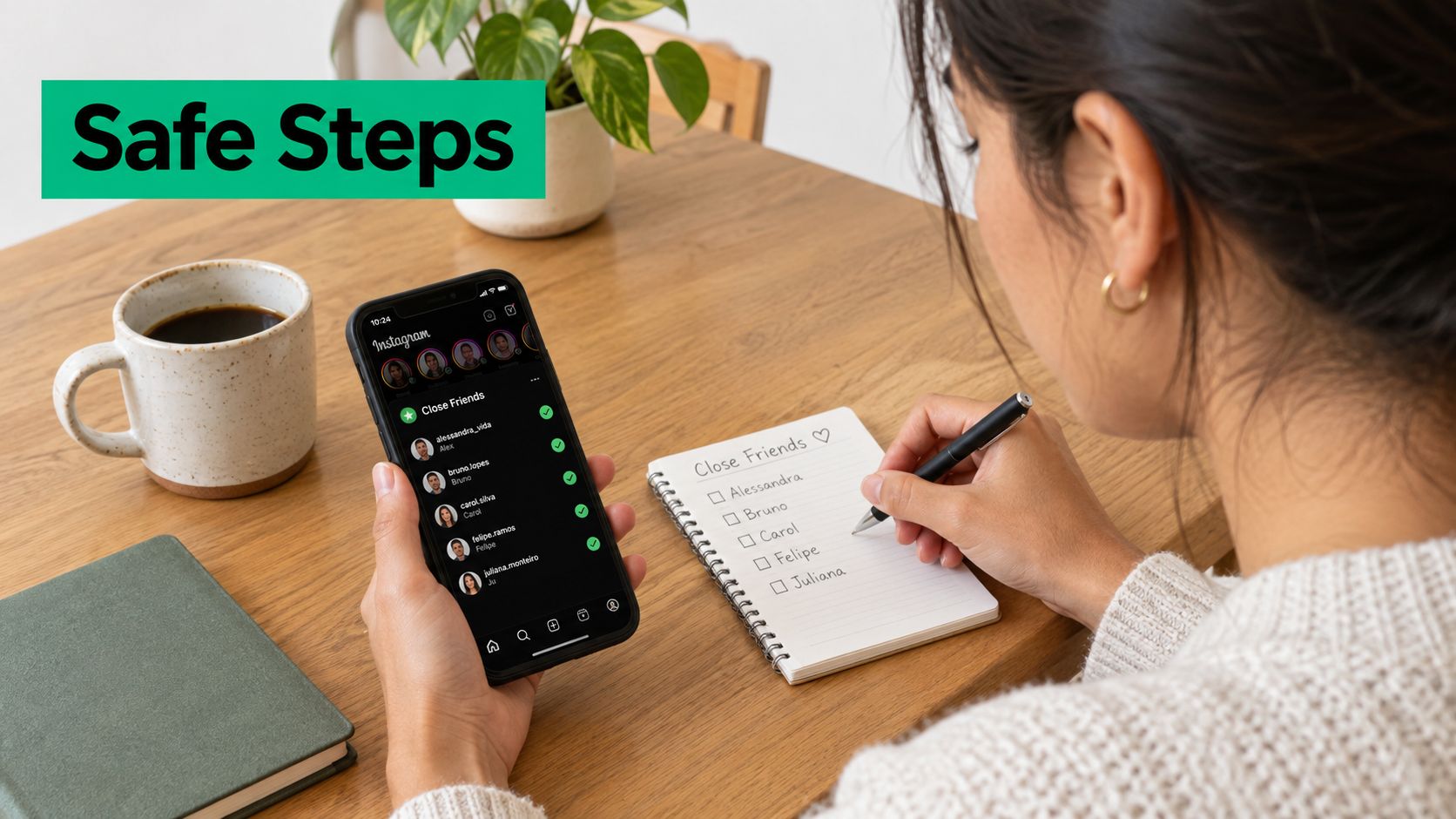
What to open today
Open your profile Menu, select Close Friends, and read every name against the sentence you wrote. Remove anyone who fails it before you post anything sensitive. Then lock the account habits around that list. How to secure your Instagram account covers the login and recovery steps that matter once a private audience holds real client or launch material.
That review is the single action that changes today's risk. The menu takes a minute. The rule you wrote is what stops the list from filling up again next week.
Close Friends is for the people who should see a private Story, not for chasing a bigger public audience. When you want more organic followers and engagement without bots or fake accounts, Gainsty is an AI social assistant with targeting, analytics, and hands-on account management built for that public growth job. Visit Gainsty if the next step is growing the audience outside your Close Friends list.
.png&w=1920&q=75&dpl=dpl_C723nkStk4By7P6JWE3DQWUAB8y4)




.png&w=750&q=75&dpl=dpl_C723nkStk4By7P6JWE3DQWUAB8y4)