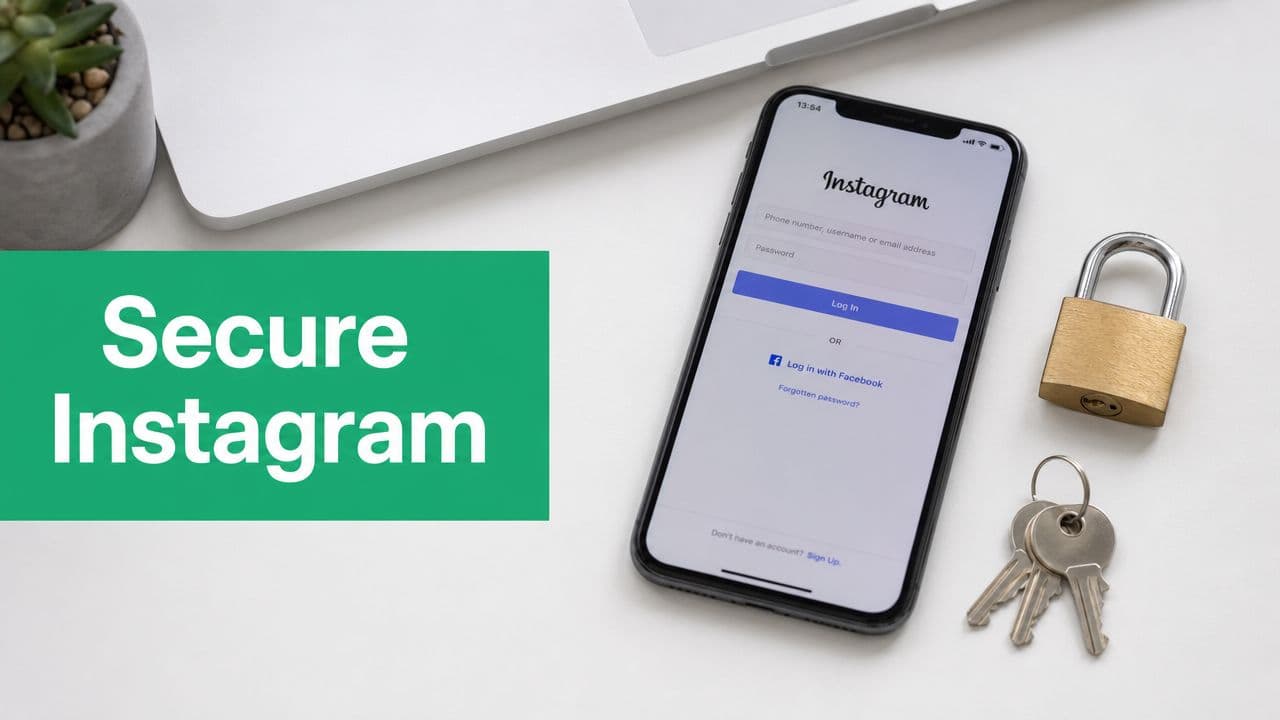
Why Securing Your Instagram Is Non-Negotiable
For influencers and businesses, Instagram often becomes a primary channel long before anyone formalizes ownership or security. One person starts the account. A freelancer gets added informally. A social tool gets connected for scheduling. A team member logs in from a hotel Wi-Fi network and stays signed in on a shared device. Nothing breaks, until it does.
The damage usually spreads in layers. First, you lose control of posting. Then you lose control of messaging. After that, the attacker starts using your audience's trust against them. A fake investment pitch from a creator account or a malicious checkout link from a local brand account can do more reputational damage than the actual lockout.
Accounts with real audience value attract different kinds of attacks. Criminals don't care whether you call yourself a creator, retailer, coach, or startup. They care that your login can be monetized.
High-value Instagram accounts are especially exposed because visibility creates an opportunity for attackers. Public contact details, known collaborators, agency relationships, and frequent inbound messages make impersonation easier. If your account is tied to brand deals or lead generation, an attacker doesn't need to keep it forever. They only need enough time to redirect trust.
Security has to be operational, not cosmetic. That means hardening login, limiting unnecessary exposure, auditing connected apps, training anyone who touches the account to spot scams, and having a recovery process ready before anything goes wrong.
Build an Impenetrable Wall Around Your Login
The first layer is still the most important. If an attacker can get in, every other setting becomes secondary.

Start with password discipline
A lot of Instagram compromises still start with basic password failure. People reuse an old password from another service, share credentials in a team chat, or create a “complex” password that's still predictable because it follows a common pattern.
The safer baseline is clear. A strong password alone isn't considered sufficient protection, and the U.S. Chamber of Commerce notes expert guidance to use at least 12 characters, combine uppercase and lowercase letters, numbers, and symbols, and avoid reusing passwords across accounts. The same guidance recommends two-factor authentication through an authentication app as the safest option over SMS or WhatsApp in Instagram's Accounts Center flow, as explained in the U.S. Chamber's Instagram safety guide.
Use a password manager such as 1Password, Bitwarden, or LastPass to generate and store a unique password. Don't build your Instagram credentials around your brand name, birthday, agency name, or anything a public attacker could guess from your profile.
Turn on 2FA the right way
If you only do one thing today, do this. Two-factor authentication adds a second verification step beyond the password, which blocks a large share of opportunistic attacks that succeed through stolen credentials alone.
Inside Instagram's Accounts Center, enable 2FA and choose an authenticator app if possible. Google Authenticator, Authy, and similar tools are commonly used because they don't rely on text messages reaching your phone number. SMS is better than nothing, but it introduces a weak point. Phone numbers can become a recovery target. If someone convinces a carrier to transfer service or gains access to your messages, they may intercept codes that were supposed to protect you.
Practical rule: For a business-critical Instagram account, use a unique password stored in a password manager and pair it with authenticator-app 2FA. That's the minimum viable setup.
This is also a good time to tighten how your team works. Don't pass one shared password around forever. If multiple people need account access, document who has it and remove people who no longer need it. If you depend on notifications to catch unusual sign-in prompts or message activity, tighten your Instagram notifications settings so security-related alerts don't get buried.
A short walkthrough helps if you're setting this up live:
Open the Accounts Center and go to the password and security.
Change the password first if the current one has ever been shared or reused.
Enable 2FA and select an authenticator app as your primary method.
Store backup codes securely in your password manager or internal security vault.
Test the login flow on a second device so you know the prompts are working.
Later, if you bring in tools that need account access, convenience should never override credential control.
Lock Down Your Privacy and Digital Footprint
Login security keeps attackers out. Privacy controls reduce how much they can learn about you in the first place.

Decide what needs to be public
For many creators and businesses, making the whole account private isn't realistic. Discovery matters. Brand work depends on visibility. Customers need to browse products, testimonials, or recent content without friction.
That doesn't mean every setting should stay open. Consumer Reports recommends limiting exposure by turning the account private where appropriate, disabling or restricting location services, and reviewing Meta activity settings to disconnect future activity used for ad targeting because public visibility and third-party permissions can give attackers more ways to profile an account, as outlined in this Consumer Reports guide to Instagram privacy settings.
If public reach is part of your business model, think in layers. Keep the profile public if you need it. Restrict everything else that doesn't directly help growth.
Reduce the information that attackers can map
A public account doesn't need to reveal your routines, staff structure, or physical patterns. That's where many businesses overshare without noticing.
Use this audit lens:
Location data: Turn off location access for the Instagram app unless you have a specific operational reason to keep it on. Posting from real-time locations can expose travel patterns, office locations, or home routines.
Activity visibility: Hide activity status if your business doesn't need followers or prospects to see when the account is online.
Tag and mention controls: Limit who can tag or mention the account. This cuts down on spam, impersonation bait, and low-quality notifications.
Story interactions: Restrict who can reply or send message reactions to Stories if your inbox is a target-rich environment for scams.
Personal details in bio: Remove email addresses or phone numbers that don't need to be public. Use official contact buttons or a managed landing page instead.
A private profile can still be the right move in some situations. If you run a niche community, a founder account, or a members-only brand strategy, there are real trade-offs worth considering in this private Instagram account guide.
Public visibility helps growth. Unnecessary visibility helps attackers.
Review settings like an operator, not a casual user
Instagram changes settings over time, and teams change too. Someone may have enabled broader permissions months ago for a campaign and forgotten about them. A security review should include account privacy, story controls, tags, mentions, and any activity-sharing settings tied to Meta.
If your account is valuable enough to hurt when lost, privacy settings are no longer “preferences.” They're controls.
Audit and Revoke Risky App Permissions
Third-party apps are one of the most overlooked Instagram risks because they often enter the account through normal marketing work. Scheduling tools, analytics dashboards, giveaway platforms, link-in-bio products, and automation services all ask for access. Some are legitimate. Some are sloppy. Some become risky after you stop using them.
The danger isn't always obvious compromise. Sometimes an old integration keeps more permission than it should. Sometimes a tool changes ownership, support quality drops, or your team forgets it's still connected.
What to review
Check the list of apps and websites connected to your Instagram or broader Meta account. Look for active tools you recognize, expired connections that should be gone, and anything you don't remember authorizing.
Use a simple decision test:
Scheduler – Keep it if your team still uses it regularly. Revoke it if the campaign has ended or you’ve switched vendors/tools.
Analytics tool – Keep it if it still supports your current reporting and decision-making needs. Revoke it if nobody is actively using its data anymore.
Contest or giveaway app – Keep it if it is tied to an ongoing or active promotion. Revoke it once the event is finished and no longer needed.
Unknown integration – Keep it only if you can clearly verify the owner, purpose, and permissions. Revoke it immediately if you cannot explain why it has access to your account.What good security teams do differently
Mature teams don't ask only, “Do we trust this app?” They ask, “Do we still need this app to have access right now?” That's the better question.
If you use outside vendors or software partners, it helps to think about their security posture too. A practical primer is this guide to SaaS pentesting process, which gives useful context on how software gets evaluated for real security weaknesses. You don't need to become a penetration tester, but you should understand that every connected tool expands your exposure.
One operational note matters here. If you use an Instagram growth or support platform, confirm how the connection is handled, what access is required, and who can manage it. For example, Gainsty states that it uses a secure Instagram account connection as part of the setup for managed organic growth. That doesn't remove your responsibility to review permissions. It means you should treat any tool, including one you chose intentionally, as part of your regular audit cycle.
Develop an Eye for Phishing and Social Engineering
Most account owners expect attackers to “hack” them technically. In practice, many attackers would rather talk you into opening the door.

A common pattern goes like this. You receive an email that says your account infringed copyright, violated community rules, or will be removed unless you act immediately. The branding looks close enough. The message creates urgency. The link sends you to a login page that resembles Instagram. Once you enter your credentials, the attacker has what they need.
DMs are just as dangerous. Creators get fake verification offers. Small brands get “partnership” requests with malicious attachments. Agencies get impersonated by fake managers asking for access to ad accounts or Business Manager tools.
What these scams usually look like
Watch for repeated patterns instead of memorizing one script.
Urgency first: “Respond now,” “final warning,” or “account deletion pending.”
Credential request: anything asking you to send a password, code, or backup code through email or DM.
Near-match branding: logos that look right, but wording feels slightly off.
Strange destinations: a login page that isn't where you normally sign in.
Emotional pressure: fear, scarcity, status, or a fake business opportunity.
The attacker's real goal is speed. If they can make you react before you verify, they don't need a sophisticated exploit.
Train your team on the human weak points
Influencers and businesses often have more than one person touching Instagram. That raises the risk. A founder may be cautious, but a junior coordinator, assistant, or contractor might click the wrong thing during a busy day.
Create a rule that nobody changes credentials, approves login requests, or responds to account-warning messages without a second check through an internal channel. If someone gets a scary email about the account, they should stop and verify before doing anything else.
There's another modern wrinkle. Attackers increasingly use fake voice notes, manipulated videos, and impersonation content to add pressure. If your brand gets creator pitches, media requests, or executive outreach, basic media literacy matters too. This resource on how to detect deepfakes is worth sharing with anyone on your team who handles inbound messages or partnership requests.
Build skepticism into routine work
Good operators slow down at the exact moment a scam tries to make them move faster. They don't log in through links sent in DMs. They don't trust a screenshot of a “Meta case number.” They don't hand over one-time codes to someone claiming to help.
If a message threatens your account, don't engage with the message itself. Open Instagram directly, check your account status from inside the app, and verify through official account tools you already use.
Create Your Instagram Incident Response Plan
When an account is under attack, panic causes extra damage. Teams waste time arguing in group chats, trying random fixes, or trusting the wrong recovery path. You need a playbook before that happens.
Meta recommends pairing account hardening with recovery preparation by enabling 2FA, verifying the recovery email and phone number, and using login-request alerts plus recent login activity to spot and terminate suspicious sessions quickly, as described in Meta's Instagram safety and recovery guidance.
What to do first
Start with control, not messaging.
Try a password reset immediately using the legitimate recovery path you already know.
Check whether the recovery email or phone number has been changed.
Review login activity and terminate devices you don't recognize.
Use Instagram's hacked-account flow at the official support path.
Check your email account security, too, because attackers often target the inbox tied to recovery.
If you've already lost access, don't keep chasing links from emails or DMs. Go straight to Instagram's official hacked account process and document every step your team takes.
What to review after you regain access
Recovery isn't finished when you can log in again. Attackers often leave behind changes designed to keep access or monetize the account later.
Check these areas closely:
Profile edits: bio links, contact buttons, category, and profile photo
Security settings: recovery email, phone number, and sign-in methods
Connected tools: any apps or websites that appeared during the incident
Inbox activity: scam messages sent from your account
Content changes: unauthorized posts, Stories, Highlights, or deleted material
Response priority: regain control, remove persistence, document what changed, then communicate publicly.
For businesses and creators, public communication matters. If followers may have received malicious messages, tell them plainly. Keep it short. Say the account was compromised, confirm whether control has been restored, and warn people not to click prior suspicious messages or links.
If access problems continue or the account is locked for review, this Instagram suspended account recovery guide can help you sort through the recovery path without making the situation messier.
Your Quarterly Instagram Security Checklist
Most Instagram security advice fails because people treat it like a one-time setup. High-value accounts don't stay secure by default. Teams change. tools change. Attack patterns change. Your audit process has to be repeatable.

Run this every quarter, and any time your team, vendors, or campaigns change.
The operating checklist
Review login security: confirm the password is still unique, stored in a password manager, and accessible only to current approved staff.
Test 2FA access: make sure the right people can complete authentication and that backup codes are stored securely.
Inspect active sessions: remove unfamiliar devices and old logins from people who no longer manage the account.
Audit privacy settings: check visibility, tags, mentions, story replies, and location permissions.
Clean up app connections: revoke anything inactive, unfamiliar, or no longer necessary.
Verify recovery controls: confirm the recovery email and phone number still belong to the right owner.
Review phishing readiness: remind staff never to share passwords, one-time codes, or backup codes.
Document ownership: know who approves changes, who handles incidents, and which inbox receives security alerts.
This is the practical answer to how to secure an Instagram account risk when the account is a business asset. Security isn't one feature. It's a maintenance habit.
If Instagram matters to your growth, treat security and account operations as part of the same system. Gainsty helps brands and creators manage Instagram growth workflows, and that only works well when the account itself is protected with disciplined access, clean permissions, and regular audits.
.png&w=1920&q=75&dpl=dpl_2si4hWs7xtpQVmrY6d8xhJ1wLJZL)



.png&w=750&q=75&dpl=dpl_2si4hWs7xtpQVmrY6d8xhJ1wLJZL)