The Mechanics of Making Your Voice Heard on Instagram
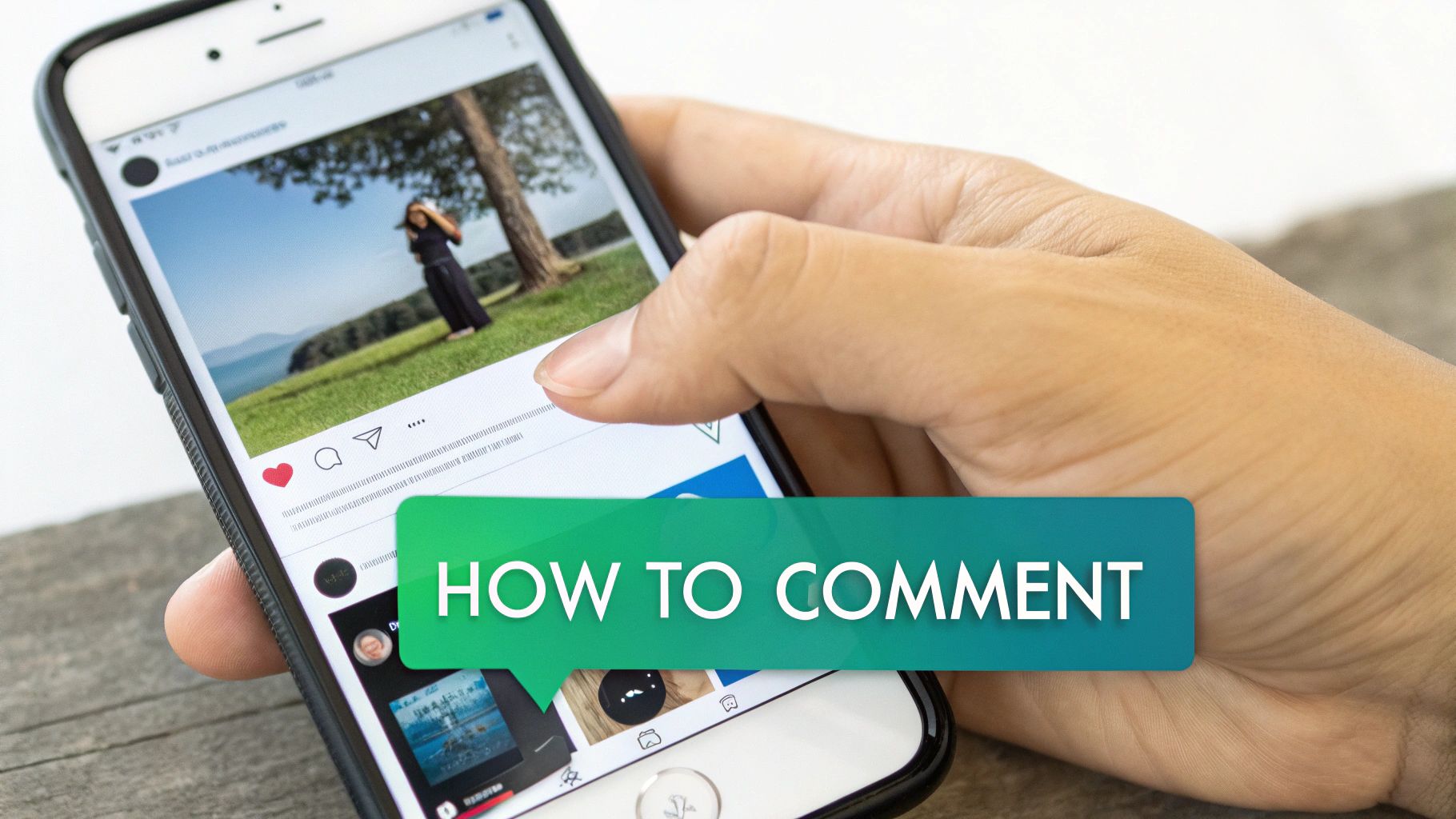
Before you can start using comments to grow your account, you've got to nail the fundamentals. Commenting isn't just about sharing your opinion; it's the most direct way to engage with creators and other users. It shifts you from being a silent observer to an active member of the community.
The good news? The process is super simple, no matter if you're scrolling on your phone or browsing on your computer.
For a quick reference, here's the fastest way to leave a comment on an Instagram post, broken down by device.
Mobile App (iOS/Android): To comment on a post, first find the post, then tap the speech bubble icon below it. Type your comment in the “Add a comment…” field and tap the blue Post button to submit.
Desktop Web Browser: To comment, navigate to the post on Instagram.com, find the “Add a comment…” text box (usually at the bottom or right of the post), type your comment, and click Post or press Enter.
This list covers the absolute basics, but there's a bit more to it when you want to create real conversations.
Finding and Using the Comment Feature
On the mobile app, that little speech bubble icon under a photo or Reel is your entry point. A quick tap opens up the full comment thread and pulls up your keyboard, ready for you to type. If you're on a desktop, the “Add a comment…” field is already visible and waiting for you right beside or below the post.
Once your message is ready, you're just a click away from joining the public conversation. But don't stop there.
Essential Secondary Actions
Posting your comment is just the beginning. To really make an impact and build relationships, you need to use two other crucial features.
Replying to Comments: See a comment that sparks an idea or one you want to add to? Just hit the “Reply” button directly under it. This keeps your response neatly threaded, making the conversation organized and much easier for others to follow along.
Liking Comments: The simplest way to show you agree or appreciate what someone said is to tap the heart icon next to their comment. It’s a fast, positive nod that signals you're paying attention, even when you don't have time for a full reply.
Mastering these three simple actions—commenting, replying, and liking—is the bedrock of any solid Instagram engagement strategy. Each tap and keystroke sends a signal to the algorithm and the community that you're an active participant.
To stay on top of these interactions, I highly recommend you fine-tune your Instagram notifications settings. This ensures you get an alert whenever someone replies to you, so you can jump back in and keep the momentum going.
Why Comments Are Your Secret Weapon for Growth
Anyone can figure out how to post a comment. But knowing why they matter is what separates a casual Instagram user from someone serious about growing their account. Comments aren't just replies; they're one of the most powerful signals you can send to the Instagram algorithm.
Think of it this way: a 'like' is a passive nod. A comment, on the other hand, is an active conversation. The algorithm is designed to push content that sparks real interaction because that's what keeps people on the platform. A thoughtful comment signals that your post was compelling enough to make someone stop, think, and take the time to type out a response.
This is precisely why your goal should be turning passive scrollers into active commenters. It's one of the most direct ways to build a real identity, as every single authentic comment gives your content a little more fuel.
How Comments Influence the Algorithm
Comments are a huge ranking signal that tells Instagram who should see your posts. For Reels, this is especially true. Strong engagement right after you post can trigger a massive 45% algorithmic boost in the first hour alone. This means getting comments quickly is a core part of getting your content in front of new eyeballs during that critical initial window.
And it's not just about one post going viral. A healthy comment section builds momentum for your entire account over the long haul. The algorithm starts to recognize your profile as a place where good conversations happen, which can help give all your future content a leg up.
Key Takeaway: The algorithm values meaningful comments far more than it values likes. Stop chasing hearts and start inspiring conversations. Dialogue is what drives real visibility and reach.
Building a Community, Not Just a Follower Count
Beyond trying to please the algorithm, comments are where you build a real, loyal community. Every single interaction is a chance to connect with someone on a human level, transforming a passive follower into a true fan. When you take the time to reply thoughtfully, you're showing them that there's a real person behind the account who's actually listening.
That human touch is what builds trust and a sense of belonging. People are far more likely to stick around and support a creator or brand they feel a genuine connection with.
It builds loyalty. Replying to comments makes your audience feel seen and appreciated, giving them a reason to keep coming back.
It shows your personality. The way you respond in comments gives your brand a voice and a feel that a perfectly polished post just can't.
It gives you priceless feedback. Comments are a direct line to your audience. You get to see what they love, what they want more of, and what they're thinking, all for free.
At the end of the day, a lively comment section is the sign of a healthy, engaged community—and that’s the most valuable thing you can build on Instagram. To take this even further, you should check out these proven strategies to boost social media engagement that work across different platforms.
Crafting Comments That Actually Start Conversations

Knowing how to post a comment is easy. Knowing how to write one that actually gets a response and builds a relationship? That’s a different game entirely.
Think about it: generic replies like “Nice pic!” or “Great post!” are the digital equivalent of a polite nod in a crowded room. They're easily given and just as easily forgotten. They don't invite a response because they don't give the creator anything meaningful to respond to.
To stand out, you need to shift from dropping one-word compliments to sparking genuine dialogue. This means writing comments that prove you’ve actually paid attention. The goal is simple: make the creator feel seen and give them an easy, compelling reason to reply. When you pull this off, you’re no longer just another name in their notification feed; you're building a real connection.
Ask Open-Ended Questions
If you want a reply, the single most effective thing you can do is ask a question that can’t be answered with a simple “yes” or “no.” Closed questions kill conversations before they even start. Open-ended questions, on the other hand, require a thoughtful response and invite the creator to share more details, opinions, or stories.
Instead of just saying, “Love this recipe!” try digging a little deeper.
Before: “Looks delicious!”
After: “This looks astonishing! What was the trickiest part about getting the sauce consistency just right?”
That small change does two massive things: it proves you engaged with the content, and it gives the creator a specific, interesting prompt to answer. You've just opened the door for a real back-and-forth.
Give Specific and Sincere Compliments
Vague praise feels impersonal and, frankly, a little lazy. A specific compliment shows you’ve noticed the details and genuinely appreciate the work that went into the post. It validates the creator’s effort in a much more powerful way.
Pinpoint what truly stands out to you and mention it directly.
Generic: “Cool outfit.”
Specific: “The way you paired that vintage jacket with modern sneakers is brilliant! It creates such a unique silhouette.”
This level of detail makes your comment memorable and so much more likely to get a warm reply. It signals that you’re not a bot or a casual scroller, but someone who is genuinely engaged.
Don’t just state that you like something; explain why you like it. The 'why' is what adds value and turns a simple compliment into a conversation starter.
Add Value With Your Story
Relatability is a powerful connector. Sharing a brief, relevant personal experience in your comment can make you instantly more memorable. It adds a human element to the interaction and might even help others in the comment section who've gone through something similar.
For example, on a post about overcoming creative block:
Instead of: “So inspiring!”
Try: “This is so helpful. I was struggling with a similar block last month and found that stepping away for a day completely reset my perspective. Thanks for sharing your process!”
This approach adds to the conversation rather than just observing it. You're contributing your insight, which provides value to both the creator and their audience.
Use Mentions and Hashtags Strategically
Beyond your words, you can use Instagram's own features to make your comments richer and more interactive.
@-Mentions: Tagging another user (@username) is perfect for pulling someone else into the conversation. On a post about a travel destination, you could comment, “This looks incredible! Reminds me of that spot we wanted to visit, @friend_name.”
Hashtags: You should never spam hashtags in comments, but adding one or two relevant ones can add great context or a bit of humor. On a funny pet video, a comment like, “This is the best thing I've seen all day #DogLife” feels completely natural.
Used sparingly, these tools can make your comments more dynamic and encourage even more people to join the discussion you've just started.
Comment Examples for Driving Engagement
To put it all together, here’s a quick-glance table of comment formulas designed for specific outcomes, from building relationships to sparking deeper conversations.
Start a Conversation: You could comment, “This is a fantastic perspective. What inspired you to approach the topic from this angle?” This works because the open-ended question invites a detailed response and shows genuine curiosity about the creator’s process.
Build a Relationship: A good comment might be, “I’ve been following your journey for a while, and the progress you’ve made is incredible. Your post on [specific topic] really helped me.” This is effective because it combines a specific, long-term compliment with a personal impact statement, making the creator feel valued.
Add Value & Credibility: You could say, “Great tips! For anyone struggling with step 3, I found that using [specific tool/technique] made a huge difference.” This validates their content while contributing helpful, actionable information for the community.
Drive Community Interaction: For example, “Love this debate! I’m team [Option A]. What does everyone else think? Curious to see where @friend_name lands on this.” This works because it states your opinion, asks the community for theirs, and tags someone to pull more people into the discussion.
These aren't rigid scripts, but frameworks to help you move beyond generic replies. The key is always to be genuine, specific, and focused on adding to the conversation, not just being another voice in the crowd.
Managing Your Comment Section Like a Pro
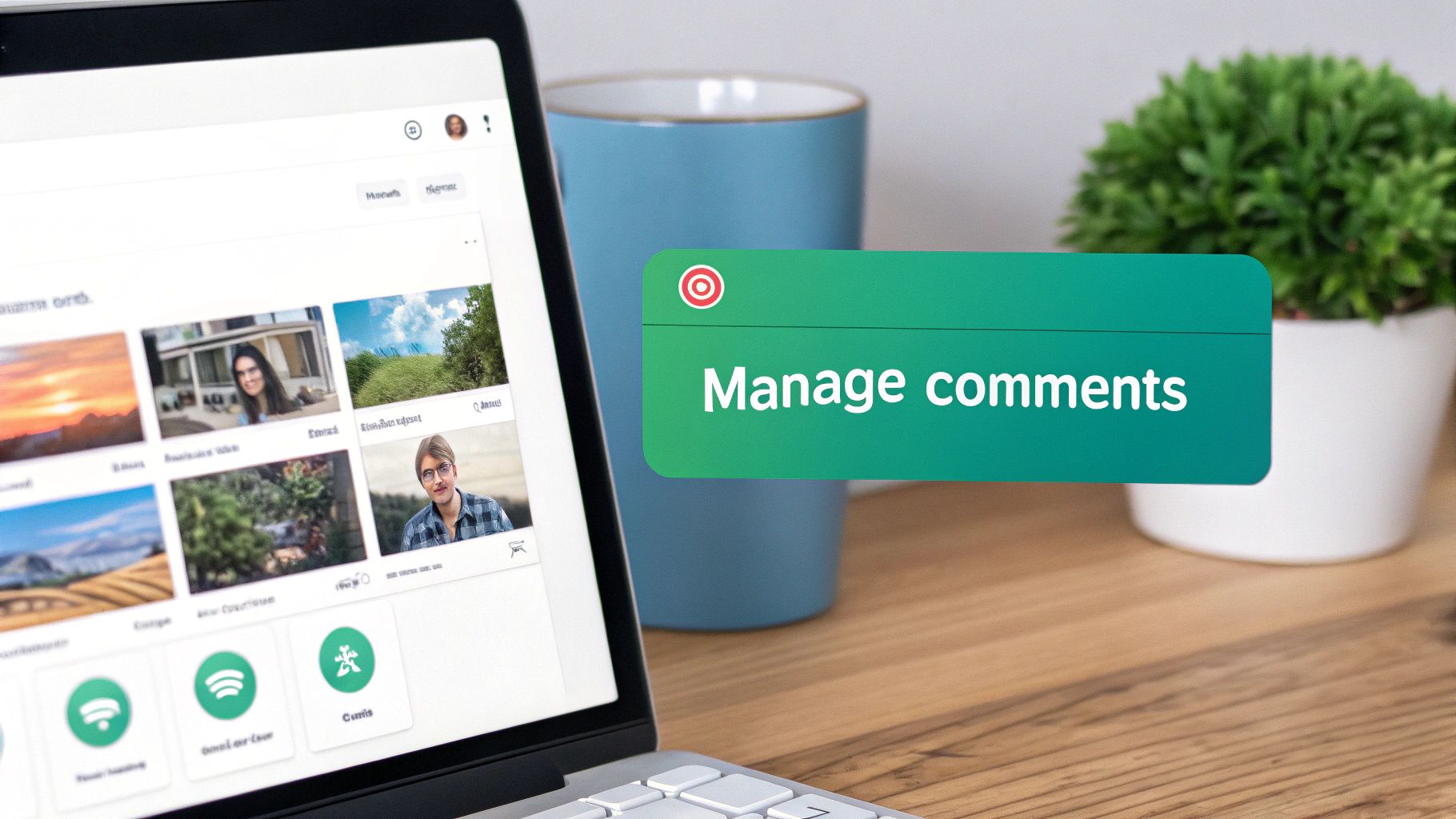
Knowing how to leave a great comment is one thing, but managing the ones you receive? That’s where the real community building happens. A healthy, buzzing comment section is never an accident—it's a space you have to actively cultivate.
Thankfully, Instagram gives you the tools to be a good host. Learning to moderate your posts is a non-negotiable skill if you're serious about growth. It’s how you protect your audience, reward your best followers, and create an environment that actually makes people eager to join the conversation.
Pinning Comments to Guide the Conversation
One of the simplest yet most effective tools in your arsenal is the ability to pin comments. When you pin a comment, it anchors itself to the very top of the thread, making it the first thing everyone sees. This is your chance to control the narrative.
You can pin up to three comments on any given post. Here's how I like to use them:
Showcase Great Feedback: Got a glowing testimonial or a really thoughtful compliment? Pin it! It’s instant social proof.
Answer a FAQ: If you see the same question popping up, pin the most helpful answer to save everyone a bit of time.
Spotlight a Brilliant Insight: Sometimes, a follower leaves a comment that adds a whole new layer to your post. Pinning it rewards them and enriches the conversation for everyone else.
Think of pinned comments as your post's unofficial headline. They set the tone for everyone who arrives and can steer the discussion in a much more positive and productive direction.
Deleting and Filtering Unwanted Comments
Let's be real—not every comment adds value. Spam, trolls, and just plain nasty remarks can quickly sour the atmosphere for your genuine followers. Dealing with them swiftly is key to keeping your corner of Instagram a safe and welcoming place.
Here are your go-to moves for keeping things clean.
Deleting Comments: For the random spam or one-off offensive remark, a quick delete is all you need. Just swipe left on the comment (iOS) or press and hold (Android) and tap the little trash icon. Gone.
Restricting Accounts: Have a user who's constantly borderline but not quite block-worthy? Restricting them is the perfect solution. Their future comments will only be visible to you and them. It’s like putting them in a quiet corner without them even realizing it.
Using Hidden Word Filters: This is your best proactive defense. Head into
Settings > Privacy > Hidden Wordscreate a custom list of words, phrases, and even emojis you would rather not see. Any comment containing one of your hidden terms gets automatically filtered out. This is a game-changer for blocking common spam phrases or trolling insults before they even see the light of day.
Of course, managing your comments well also means being able to find the good stuff when you need it. If you're trying to track down a specific conversation, learning the ins and outs of searching Instagram comments can be a massive help.
By combining these moderation tools, you turn your comment section from a potential free-for-all into a curated community hub that reflects your brand and keeps people coming back.
Level Up Your Comments: Advanced Tactics for Real Growth

Alright, you've got the basics down. You know how to leave a good comment. Now, let’s get strategic.
For brands, creators, and anyone trying to build something on Instagram, commenting is so much more than just engagement. It's a powerful way to network, build authority, and even generate leads. This means getting out of your feed and into the broader conversations happening in your niche.
Think of it like walking into a room full of your ideal clients and collaborators. By consistently leaving insightful, value-packed comments on their posts, you put your name—and your expertise—right in front of them. This isn't about spamming “great post!” everywhere. It's about becoming a recognized, helpful voice in your community.
How to Land in the “Top Comments”
One of the most valuable spots on all of Instagram is the “Top Comments” section under a popular post. Getting your comment featured there can send a flood of relevant people back to your profile. It's prime real estate.
Getting there isn't about luck; it's a repeatable strategy.
Be Fast: The algorithm loves comments left soon after a post goes live. Turn on post notifications for key accounts so you can be one of the first to chime in.
Be Interesting: Don't just echo what everyone else is saying. Add a unique take, ask a smart question that makes people think, or offer a genuinely useful tip that builds on the original post.
Spark a Conversation: Write comments that beg for a reply. A great comment often kicks off its own mini-discussion, which is a massive signal to the algorithm to push it to the top.
Honestly, it's a bit of a numbers game. If you consistently engage with 5-10 key accounts in your niche, your odds of a comment catching fire and getting pinned skyrocket.
Your profile is your digital business card. When someone discovers you from a brilliant comment, they're going to click over. Make sure your bio and recent posts instantly tell them who you are and why they should follow you.
Create Content That Begs for Comments
On the flip side, you need to make your own content a magnet for comments. Some post formats are just naturally better at getting people to talk than others. If you would like to learn how to gain more comments strategically on Instagram, you have to think like a conversation starter.
Comments have become a key metric for success on the platform, and the data is clear: Reels generate the most comments, no matter the profile size. While carousels get solid engagement, Reels have completely rewired user behavior. People are just more primed to comment on them. For more platform-wide data, you can discover more insights about Instagram benchmarks on Socialinsider.io.
So, what does this mean for your content strategy? It means leaning into formats that naturally invite a response.
Ask Questions in Your Reels: Use a text overlay or a direct call-out in your caption to ask your audience a specific question.
Use Fill-in-the-Blanks: A simple prompt like, “The one marketing tool I can't live without is ______,” is incredibly easy for people to answer.
Share a Controversial (but Respectful) Opinion: A well-argued, slightly contrarian take on a topic in your industry can ignite a fantastic debate in the comments.
When you treat commenting as a strategic outreach tool and design your own content to be a conversation hub, you turn a simple feature into a powerful engine for growth.
Do you have Questions About Instagram Comments? Here Are Some Answers
As you start using comments more strategically, you’re bound to hit a few snags or wonder about the unwritten rules. Let's tackle some of the most common questions that pop up.
Why Can't I Comment on a Post All of a Sudden?
It’s frustrating when you go to leave a comment and suddenly can't. Usually, it boils down to one of a few things. The original poster might have limited comments to just their followers or a specific group they've created. Sometimes, they shut comments off completely for a post to manage the discussion.
Another reason could be on Instagram's end. If you’ve been commenting a lot quickly, especially with similar text, the system might temporarily flag your activity as spam-like and put a brief hold on your ability to comment. If you're running into persistent issues like Instagram comments not showing up at all, there are a few other technical fixes you can try.
What’s the Best Length for a Comment?
There isn't a perfect character count, but quality will always beat quantity. As a general guideline, aim for comments that are at least a full sentence or around 4-5 words long to avoid looking automated.
A thoughtful comment that asks a genuine question or shares a personal insight is infinitely more powerful than a single fire emoji or a generic "Great post!" Your goal is to add to the conversation, not just make a sound.
How to Spot and Handle Spam and Bot Comments
Ever get comments like “DM to be featured” or “Send this pic to @FakePromoPage”? These are classic signs of spam or bot accounts trying to get you to buy their phony promotional services.
What they're after: They want you to pay for a shoutout on their network of pages, which are almost always filled with fake followers and offer zero real value.
What you should do: Don't engage. The best move is to simply delete the comment and block the account. Replying or even acknowledging them just invites more spam.
Keeping your comment section clean from this kind of junk makes your profile look far more professional and trustworthy to your actual audience. It’s a small act of community management that shows you care about the quality of the space you're building.
Ready to turn those high-quality comments into real, organic growth? Gainsty uses advanced AI and expert strategy to help you attract authentic followers who genuinely care about your content. Stop guessing and start growing with a team dedicated to your success. Discover how Gainsty can change your Instagram followers today!

.png&w=1920&q=75&dpl=dpl_D59Qa4oJ5cFQ7dZDLQ1JPQVnqHSs)






.png&w=750&q=75&dpl=dpl_D59Qa4oJ5cFQ7dZDLQ1JPQVnqHSs)