Why Sharing Your Instagram Profile Matters
Getting your profile out there effectively is fundamental to growth. For creators, it’s the gateway to brand partnerships. For businesses, it’s how you safely hand the reins to a social media manager without ever giving up your password. Even on a personal level, sending your profile to a new friend should be second nature.
This guide will walk you through practical and secure methods for almost any scenario you can think of.
We're going to move beyond the obvious and dig into the specifics of each sharing option. Your strategy will shift depending on what you need in the moment.
Personal Connections: The goal here is speed and simplicity. You're just trying to connect with new friends or contacts without any fuss.
Business Growth: This involves driving traffic from other platforms—such as your website, email newsletters, or other social profiles—to your Instagram account.
Team Collaboration: Security is paramount. You need to grant access to agencies or employees with specific roles and permissions.
This is where you need to think strategically about your "why." The reason you're sharing dictates the best tool for the job.
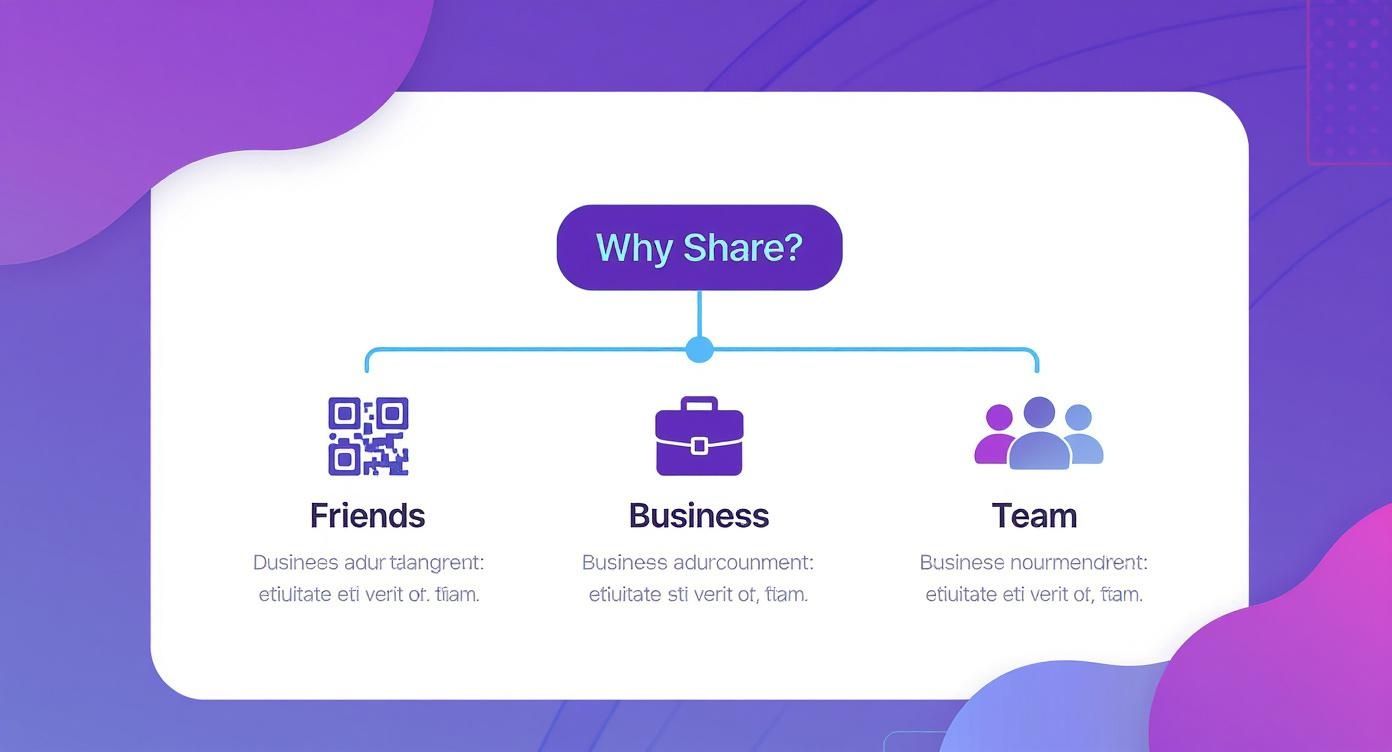
As the visual shows, your path diverges based on whether you're connecting with friends, growing a business, or managing a team. Each requires a different approach.
Choosing the Right Method
With over 2 billion active monthly users, Instagram is a crowded space. Getting your profile in front of the right people is what counts. Each sharing method we'll cover serves a specific purpose, from a casual "hey, follow me" to formal business operations. If you want to dive deeper, you can find more insights into Instagram's massive user base and what it means for marketing.
The key isn't just knowing how to share your account, but understanding why you're sharing it. A business owner giving access to their marketing team has completely different security concerns than a content creator doing a simple Story shoutout with a fellow influencer.
Ultimately, getting these techniques down pat ensures your profile reaches its intended audience efficiently and safely. A simple share can quickly turn into a valuable opportunity for connection and growth.
7 Simple Ways to Share Your Instagram Profile
Knowing how to share your Instagram account isn't just about chasing follower counts; it's about making smart, quick connections that matter. The most straightforward way is to grab your profile link. Think of it as your digital business card—perfect for dropping into an email signature, a text message, or anywhere else online.
You can find this unique URL right in the app. Just head to your profile, tap "Share Profile," and hit "Copy Link." If you're ever stuck or need to find it another way, our guide on how to find your Instagram URL breaks it all down for you.
1. The Classic: Copy and Paste Your Profile Link
This is your go-to method for sharing your profile outside of Instagram. Once you have the link, you can put it practically anywhere.
Email Signatures: Add a professional touch and let every contact know where to find you.
Other Social Media Bios: Cross-promote your Instagram on your Twitter, LinkedIn, or TikTok profiles.
Text Messages and Messaging Apps: Quickly send your profile to a new friend or business contact.
It's simple, universal, and effective.
2. QR Codes for Real-World Connections
Instagram’s built-in QR code is fantastic for bridging the gap between offline and online. Instead of awkwardly spelling out your username at a networking event, you can just show your QR code.
Imagine you're an artist at a gallery showing—you can put the QR code right next to your work. A restaurant can stick it on the menu. It turns a fleeting real-world interaction into an instant follow. To find yours, go to your profile, tap "Share Profile," and a customizable QR code will pop right up.
3. Share Directly Within Instagram
Sometimes, the best way to share a profile is right inside the app itself.
You can send a profile directly to someone via Direct Message (DM). This is great for making personal introductions or recommending an account to a friend. It’s a low-key, direct approach that feels more like a personal tip than a broadcast.
4. Use a Story Mention for a Public Shout-Out
The @mention A sticker in your Stories is a powerhouse. When you want to give a shout-out to a collaborator, feature a brand you love, or highlight a customer, this is the way to do it.
Not only does it share their profile directly with your audience, but it also sends them a notification. This often encourages them to re-share your Story to their audience, giving you a valuable boost in visibility.
Pro Tip: Don't just slap a mention sticker on a plain background. Give it some context. Tell your followers why they should check out the account. A genuine, enthusiastic recommendation is far more likely to get that tap-through than a lazy tag.
To really level up your content game, it's worth exploring the various tools and software for Instagram content creators that can help you create and manage posts more efficiently.
Take Your Instagram Beyond the App
Your Instagram profile can't live on an island. If you want to see real growth, you need to build bridges from your other digital spaces directly to your Instagram. It's all about creating a connected ecosystem for your audience. The easiest place to start? Simple cross-promotion.
Pop your Instagram handle into your TikTok, LinkedIn, or X (formerly Twitter) bios. This is a classic, easy win that creates a direct path for people to find you. I've seen business consultants on LinkedIn do this brilliantly; they use their professional profile to drive traffic to an Instagram that showcases visual case studies and a more personal, behind-the-scenes look at their work.
This strategy is universal. A graphic designer might use their X profile to tweet about industry news, but their bio points everyone to the main event: their visual portfolio on Instagram. This kind of integration is fundamental to a smart cross-platform content strategy, ensuring you're meeting your audience wherever they hang out online.
Make Your Website a Living Showcase
Another fantastic way to pull people into your Instagram world is by embedding a live feed directly onto your website. This is so much more than just a space-filler. It makes your site feel alive and current, constantly updating with fresh content without you having to lift a finger.
> Think about it: embedding your feed gives website visitors an immediate, authentic peek into your brand’s personality and what you’ve been up to. It turns a static webpage into something interactive and often convinces people to hit that "Follow" button right then and there.
This is a go-to move for so many different niches:
E-commerce brands can feature user-generated content and the latest product drops.
Artists and photographers can use it as a self-updating, portfolio-style grid.
Service businesses can show off client testimonials and day-to-day updates.
Ultimately, embedding your profile turns passive website visitors into engaged followers. You create a powerful, self-sustaining loop between your website and your social media, which is exactly what you want.
Granting Account Access Without Sharing Your Password
When it's time to bring a team member or agency into the fold, the single biggest mistake you can make is just handing over your Instagram password. I've seen it happen too many times. Sharing direct login credentials is a massive security risk, plain and simple. It opens the door to getting locked out of your own account, unauthorized changes, or even having your entire digital asset stolen.
Fortunately, there’s a much smarter, more professional way to share access to your Instagram account. The key is to grant permissions, not passwords. This approach gives collaborators the access they need to do their jobs while keeping your core login information completely private and secure.
Use Meta Business Suite for Native Control
Your first and best option is built right into the ecosystem: Meta Business Suite. This platform was designed for exactly this scenario, letting you assign specific roles to people without them ever needing to know your password.
Here's how it generally breaks down:
Admin Access: This grants full control—managing people, changing settings, the works. You should reserve this level of access for only the most trusted business owners or top-level managers.
Editor Access: This allows users to create and publish content, respond to comments and DMs, and look at the analytics. It's the perfect role for your social media manager, content creators, or agency partners.
By assigning roles, you always maintain ultimate control. You can see exactly who has access at any given time and can revoke their permissions instantly if a team member leaves or a contract ends. This is non-negotiable for brands, especially those targeting younger audiences where Instagram's user base is heavily concentrated in the 18 to 34 age range. Account security is paramount for protecting your brand's reputation.
Leverage Third-Party Management Tools
Another excellent route is to use a third-party social media management tool. Platforms like Buffer, Sprout Social, or Hootsuite act as a secure go-between. Your team logs into that platform, not your Instagram account directly.
These tools provide a controlled environment where collaborators can schedule posts, analyze performance, and engage with the audience. It’s the industry standard for agencies and growing businesses that need to scale their social media efforts securely.
While some situations might call for different password-sharing solutions, you can explore resources on a secure way to share passwords without the risk for those unique cases. But for day-to-day Instagram management, role-based access is always the superior choice.
For a more detailed walkthrough, our complete guide on how to add admins to your Instagram account breaks down the entire process.
Essential Security Practices for Account Sharing
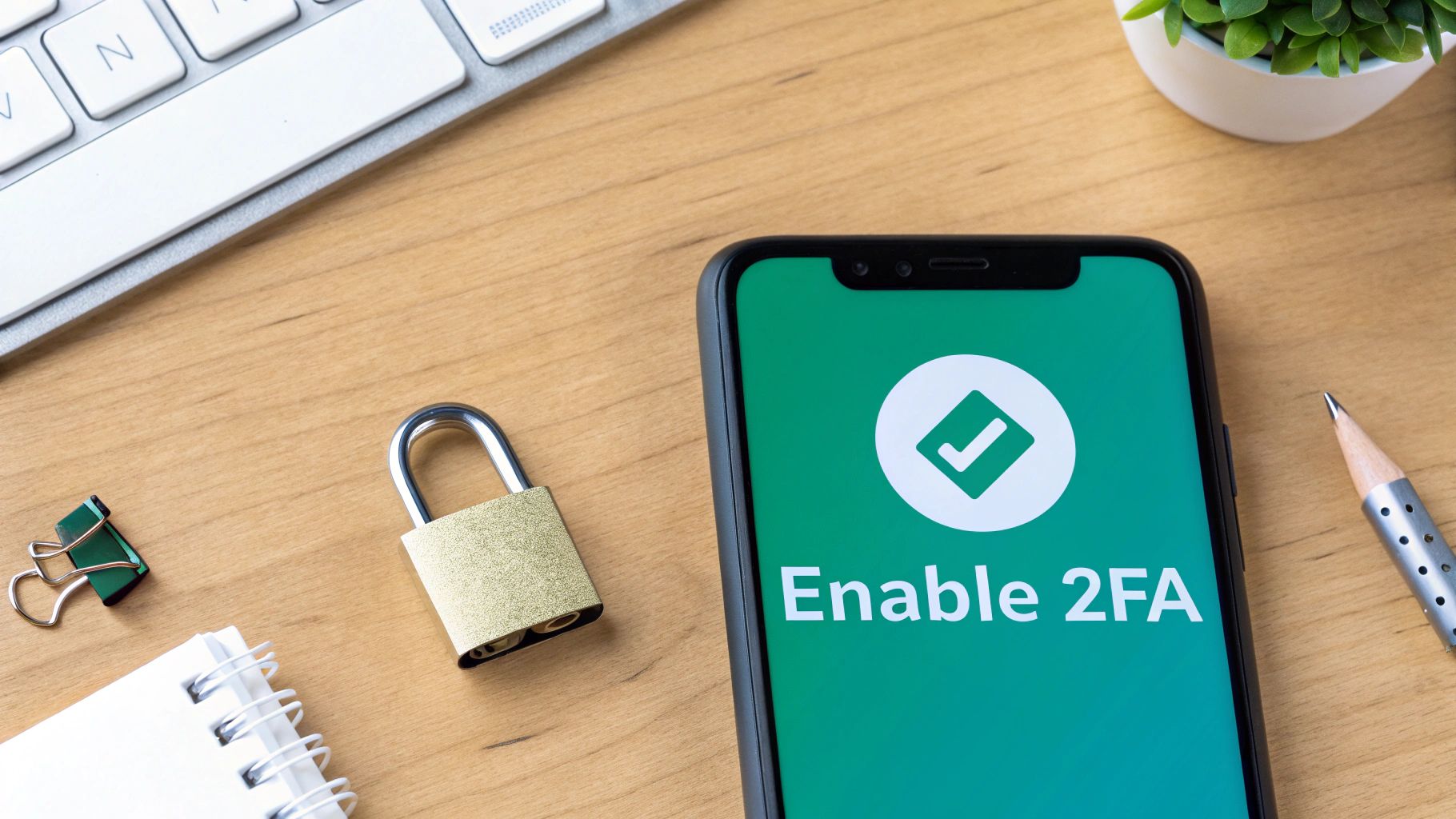
Look, sharing access to your Instagram is a big step. It’s not just about letting someone post for you; it's about handing over the keys to a valuable digital asset. So, before you do anything else, let’s talk about locking it down. The single most important thing you can do is enable two-factor authentication (2FA).
Seriously, don't skip this. Turning on 2FA means that even if someone gets your password, they can't log in from a new device without a second code, usually sent to your phone. It’s a simple flick of a switch in your settings that stops the vast majority of hijacking attempts cold. Think of it as your account's deadbolt.
Conduct Regular Security Audits
Giving someone access isn't a one-and-done deal. You need to get into the habit of regularly checking who—and what—has permission to be in your account.
Set a reminder to do this once a quarter. It only takes a few minutes and can save you a world of headaches. Here’s what to check:
Meta Business Suite: Pop over to the "People" section and look at every single person with an assigned role. Is that freelancer's project over? Did that team member move to a new department? If they don't need access anymore, remove them. Right away.
Third-Party Apps: Dive into your Instagram settings and find "Apps and Websites." This is a list of every tool and service you’ve ever connected. If you see an app you haven't used in months or one you don't even recognize, revoke its access.
I’ve seen this happen countless times: a company parts ways with an employee or agency but forgets to cut off their social media access. This leaves a massive vulnerability wide open. Make revoking permissions a mandatory step in your offboarding checklist.
By being diligent with these security habits, you can confidently share your Instagram account to grow your brand without ever putting it at risk.
Got Questions About Sharing Your Instagram? We've Got Answers
When it comes to sharing your Instagram profile—or even access to your account—a few questions pop up time and time again. Let's tackle the big ones so you can share your content confidently and, most importantly, safely.
A lot of people ask how to share their account without just handing over the password. The short answer is: you don't. Sharing your password directly is a huge security risk you should never take.
Can I Give Someone Access to My Instagram Without My Password?
Yes, absolutely. In fact, this is the only way you should be doing it. The professional, secure methods involve using tools that act as a secure gateway to your account.
You can either assign specific roles through Meta Business Suite or use a dedicated social media management platform. These tools let collaborators post content and manage their profiles without ever seeing your login credentials. It's the industry standard for a reason—it protects everyone involved.
What Is the Quickest Way to Share My Profile in Person?
Hands down, the Instagram QR code is your best friend for in-person sharing. Just go to your profile, tap "Share Profile," and pull up the QR code. The other person scans it with their phone's camera, and boom—they're on your page. It's perfect for networking at events or even just meeting someone new.
Your QR code is more than a gimmick; it's a powerful networking tool. It removes the friction of someone having to manually search for your username, which significantly increases the chances of getting an immediate follow.
How Do I Know Who Has Access to My Account?
It's smart to do a regular security check-up. If you're managing a team, you can see exactly who has what permissions in the "People" section of your Meta Business Suite.
For any third-party apps you've connected, head to your Instagram settings and look for "Apps and Websites." I recommend you review these lists quarterly and immediately revoke access for any tools or people you no longer work with or don't recognize.
Ready to grow your Instagram followers safely and organically? Gainsty uses advanced AI and expert strategies to connect you with real followers who care about your content. Start growing with Gainsty today!
.png&w=1920&q=75&dpl=dpl_2si4hWs7xtpQVmrY6d8xhJ1wLJZL)



.png&w=750&q=75&dpl=dpl_2si4hWs7xtpQVmrY6d8xhJ1wLJZL)