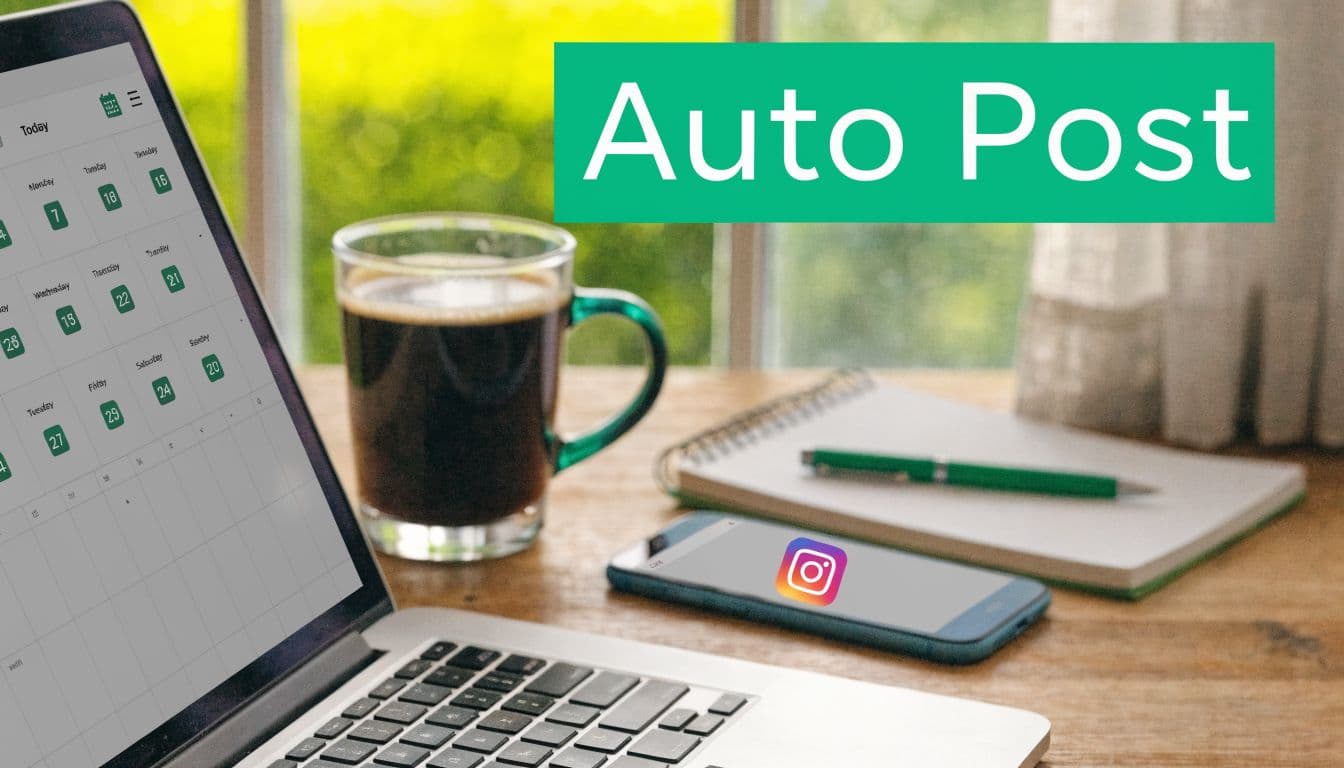
Why Automating Instagram Posts is a Game-Changer
A lot of creators hit the same wall. They can make the content. They know what they want their brand to sound like. They even know roughly when their audience is active. But posting becomes a daily interruption. You stop thinking strategically because you're constantly stopping to publish.
That's where automation helps. Not fake engagement. Not bots liking random posts. Just scheduled publishing that keeps your feed active while you spend your time on better work, like creative, replies, partnerships, and content planning.

If your current process is chaotic, it helps to see how teams save hours with social media automation before you start adding tools. The value isn't just speed. It's consistency without the daily scramble.
What consistency actually changes
When you post to Instagram automatically in a controlled way, you reduce operational friction. That matters because Instagram rewards creators who show up regularly with content formats that people already engage with.
Instagram's average engagement rate is 0.50%, with Reels at 0.52% and Carousels at 0.55%, according to Sprout Social's Instagram stats roundup. The same source cites Buffer's analysis that posting 3 to 5 times a week can double follower growth and increase per-post reach by 12%.
Practical rule: Automation works best when it protects consistency. It stops working when you use it to publish more than your content quality can support.
That's why the best automation setup feels boring. A calendar. Approved tools. Clear review steps. Real captions. Manual comment replies. No weird growth hacks. The boring setup usually wins because it keeps your account healthy.
What automation does not fix
Automation won't rescue weak creatives. It won't make generic posts feel personal. And it won't protect you if you choose tools that push past Instagram's boundaries.
Used well, automation is a publishing system. Used badly, it looks like spam.
Prepare Your Account for Safe Automation
Before you schedule anything, your account has to be configured correctly. This is the step people skip when they're in a hurry, and it's usually where their problems start.
Instagram requires a Business or Creator profile linked to a Facebook Page if you want approved partners like Later or Buffer to publish directly through the official API. Buffer's data, cited in this walkthrough on auto-posting setup, shows that attempts to auto-connect without that setup fail in 40% of cases, which pushes people into reminder-based posting instead of true automation.

Switch to a Professional account
If you're still using a Personal profile, change that first inside Instagram.
Open your profile menu and go to account settings.
Choose the Professional account option and select either Creator or Business.
Pick the category that fits your brand so your profile setup stays coherent.
Finish the prompts and confirm the switch.
The choice between Creator and Business is mostly operational. Creator tends to fit public-facing personal brands, influencers, and solo creators. Business usually fits local businesses, e-commerce brands, agencies, and service companies. Both provide the infrastructure you need for scheduling.
Link the account to a Facebook Page
This is the part that breaks a lot of setups. You can have a Professional Instagram profile and still fail to connect a scheduler properly if the Facebook Page link is missing or misconfigured.
Use the Instagram and Facebook account linking flow inside Meta's settings, then verify that the Instagram profile is attached to the right Page. If you manage multiple Pages, double-check this manually.
A content calendar also helps here because it forces you to think in systems before tools. If you need a planning structure, this Instagram content calendar guide is a useful reference point for organizing posts before you automate them.
Set up the account structure first. Tool shopping comes second.
Keep engagement human
Scheduling posts is one thing. Automating interaction is where people often get reckless. If you're exploring workflows around replies and moderation, keep them narrow and reviewed. For example, these automatic comment Instagram strategies for influencers are only useful if they support response management rather than spammy mass engagement.
A safe setup has a simple principle. Automate publishing. Keep relationship-building supervised.
Master Native Scheduling with Meta Business Suite
A common safe-automation setup looks like this: posts are planned for the week, assets are final, captions are reviewed, and everything is scheduled inside Meta before anyone starts testing extra tools. That approach reduces failure points. It also gives you the lowest-risk way to post to Instagram automatically because you are publishing through Instagram's own infrastructure.

For the safety ladder, Meta Business Suite sits at the bottom in the best sense. It is the safest tier. Before adding an approved scheduler or building custom workflows, get your process stable here first. Teams that skip this step often blame automation for problems that were really content approval issues, bad account permissions, or sloppy scheduling habits.
What to schedule natively
Meta Business Suite is a strong fit for routine publishing tasks:
Single-image posts with finalized creative
Carousels that have already passed review
Reels that do not depend on unsupported publishing options
Cross-platform posts when Instagram and Facebook are planned together
The main advantage is control. You can review the exact post before it goes live, keep publishing in one dashboard, and avoid the extra risk that comes from browser automation or unofficial posting methods.
That matters because native scheduling is not just about convenience. It is a compliance choice. If the goal is consistent posting without account trouble, the safest move is to automate only the part Instagram clearly supports.
A simple workflow that works
Use a repeatable sequence inside Meta Business Suite:
Upload finished assets only. Last-minute swaps create mistakes in crops, cover frames, and carousel order.
Write Instagram captions for Instagram. Cross-posted copy from LinkedIn or X usually reads wrong here.
Pick time slots from your own insights. Account-level behavior beats generic “best time to post” advice.
Schedule in batches, but not too far ahead. A week or two is manageable for many brands. A month of queued posts often goes stale.
I like native scheduling for one more reason. It forces discipline. If a team cannot run a clean weekly workflow in Meta Business Suite, adding more automation usually makes the mess bigger, not smaller.
If you want a wider comparison before choosing a long-term stack, this guide to the best social media management platforms helps clarify when native scheduling is enough and when a larger toolset starts to pay off.
When native tools are enough
For many local businesses, solo creators, and small ecommerce teams, Meta Business Suite covers the core job well.
Use it if you need:
Reliable scheduling
Basic calendar visibility
Direct control over edits and publish timing
Low account-risk automation
Use this tier as long as it keeps up with your workflow. Once you need heavier approvals, better reporting, visual feed planning, or multi-client coordination, then it makes sense to review approved alternatives. A market overview of effective Instagram scheduling solutions is useful at that stage, especially if you want more workflow depth without jumping straight into risky automation.
Leverage Trusted Third-Party Scheduling Tools
Meta Business Suite is the safest foundation. Third-party schedulers become useful when your workflow gets more demanding and native tools start feeling tight.
The good ones are not random automation apps. They're approved tools that use Instagram's official API. That distinction matters because the safest upgrade path is still built on official access, not on workarounds.

Choosing the right tool
Later, Buffer, Hootsuite, and similar platforms usually earn their place when you need more than basic scheduling.
Meta Business Suite – Best for solo creators and simple brand accounts. Its main advantage is that it is native, straightforward, and easy to use without external tools. The main caution is that it offers fewer advanced planning, collaboration, and optimization features compared to more specialized platforms.
Approved third-party schedulers – Best for agencies, brands, and content teams managing multiple accounts or complex workflows. Their main advantage is better planning capabilities, deeper analytics, and more structured content workflows. The main caution is that they require more setup, configuration, and careful management of settings to avoid errors or misalignment across platforms.
If you're comparing platforms, this roundup of effective Instagram scheduling solutions gives a useful market view without pushing you toward risky shortcuts.
A broader platform comparison can also help if you manage more than Instagram. This review of the best social media management platforms is helpful when you need to judge tools by workflow fit rather than by feature hype.
The safety rules that still apply
Using an approved scheduler doesn't mean you can ignore pacing. Instagram's automation limits still shape how safe your setup is.
According to Mixpost's guide to safe Instagram automation, official scheduling tools must stay within API limits that cap posting at 25 to 50 posts per day, and best practice is to space posts 3 to 4 hours apart while varying timing inside your peak windows. The same source notes an example like posting at 9:13 AM instead of exactly 9:00 AM to avoid robotic patterns.
That matters because safe automation is partly about volume, but it's also about rhythm. Accounts get into trouble when everything looks too neat, too repetitive, or too aggressive.
A scheduler should remove manual friction, not erase human judgment.
What third-party tools do better than native tools
Third-party platforms usually improve these parts of the workflow:
Visual planning for brands that care about feed layout and post sequencing
Approval flows when more than one person signs off on content
Cross-platform publishing for teams running Instagram alongside other channels
Deeper analytics views that make it easier to spot weak post types or timing problems
Reusable assets like caption banks, hashtag sets, and media libraries
What they don't do is make bad content good. They also don't shield you from bad habits. If you bulk-load repetitive captions, schedule every post at the exact same minute, and never check comments, the tool didn't create the problem. Your process did.
Build Advanced Automation with Custom Workflows
This is the upper tier. It's powerful, but it's also where the risk rises.
Custom workflows are what you build when standard scheduling isn't enough. Maybe your team stores approved content in Airtable or Google Sheets. Maybe you want a trigger that moves a reviewed asset into a posting queue. Maybe you're trying to connect content approval, scheduling, and logging into one system.
That's a very different goal from just picking a calendar slot in Later or Meta Business Suite.
Where custom automation makes sense
Advanced workflows are useful when publishing is part of a larger system.
A few practical examples:
A content team approves captions in a spreadsheet, then pushes them into a posting queue.
A brand logs every published asset automatically so the same creative doesn't get reused too quickly.
An agency routes approved client content into a scheduling process after internal review.
The key is that each automation step should support operations. It shouldn't mimic random human behavior just for the sake of looking busy.
Browser automation versus API workflows
Axiom.ai is a good example of no-code browser automation. It can read post data such as image paths, captions, and hashtags from Google Sheets, loop through the rows, upload content to Instagram, and log what happened. According to Axiom.ai's guide to automating Instagram posting, these workflows can reach 90% to 95% success rates, but popup interruptions can break 70% of runs if you don't add explicit close-popup steps.
That tells you exactly where browser automation fits. It can work, but it's fragile.
API-based systems are usually cleaner when you can use them. Browser automation is closer to driving the front end with a robot hand. It's useful when no direct integration solves your problem, but every interface change creates maintenance work.
If you need browser automation, build it like a monitored process, not a set-it-and-forget-it shortcut.
How to reduce failure risk
If you go down this road, keep the design conservative:
Use structured source data
Keep assets, captions, and status fields organized in one source like Google Sheets or Airtable.Add logging from the start
Every run should record whether a post succeeded, failed, or stalled.Handle interruptions explicitly
Popups, prompts, and changed selectors are normal failure points in browser automation.Review before scale
Test on a small batch before you trust a larger queue.Keep a human approval step
The best advanced workflows still include manual review before content goes live.
Advanced automation is not the default recommendation. It's the right move only when your process is mature enough to support it. If you're still struggling to keep captions fresh and reply to comments on time, custom automation is probably solving the wrong problem.
The Golden Rules for Safe and Effective Automation
Instagram automation gets dangerous when people treat it like a loophole instead of a workflow. If your goal is sustainable reach, account health matters more than squeezing every possible post into the calendar.
That's not paranoia. A 2025 Social Media Today report on social media automation found that 28% of business accounts using third-party auto-posting tools faced temporary suspensions in one quarter. The common thread was poor compliance with Meta's rules and overly aggressive behavior that looked unnatural.
Rule one: automate publishing, not fake engagement
This is the cleanest line in the whole topic. Scheduling posts is one thing. Automating likes, follows, or broad engagement behavior is where accounts get exposed.
Keep your automation limited to content operations:
Scheduling approved posts
Organizing assets
Logging what published
Supporting response workflows
Don't hand your account to anything that promises “engagement automation” in a vague way. If the behavior sounds like impersonation, it's a bad bet.
Rule two: don't post like a machine
Even approved tools can create bad patterns if you use them lazily.
Avoid:
Identical posting times every day
Recycled captions with tiny edits
The same hashtag blocks on repeat
Large bursts of scheduled content with no monitoring
Safer automation keeps variation in the process. If your audience is active around a certain window, schedule inside that window rather than at the same exact minute every time. If you rely on hashtag groups, rotate them. If you use templates, rewrite them.
Rule three: treat warning signs seriously
Most accounts don't go from healthy to banned without showing signals first. Watch for repeated publishing failures, suspicious drops in content response, or authentication problems with your connected tools.
When those signs appear, pause. Audit the workflow. Remove anything unofficial. If you're already in trouble, this guide on how to get unbanned on Instagram is useful as a recovery reference.
Stop automations at the first sign of instability. Recovery is always harder than prevention.
Rule four: keep humans involved after publication
A scheduled post is only half the job. Instagram still reads interaction quality after the content goes live.
A good operating rhythm looks like this:
Publish automatically
Check comments manually
Reply within a reasonable window
Use the post's performance to adjust the next batch
That's what separates a content system from spam. The publish step is automated. The relationship work is not.
Rule five: Use the lowest-risk tool that solves the problem
This is the framework that keeps people safe.
Start with the tool tier that matches your needs:
Tier one is Meta Business Suite for direct, native scheduling.
Tier two is approved third-party scheduling for better planning and analytics.
Tier three is custom workflow automation when the business process requires it.
A lot of accounts get into trouble because they jump straight to tier three. They build a complicated setup before they've mastered the simple one.
The safest way to post to Instagram automatically is also the most practical. Use official access where possible. Keep your cadence realistic. Review what goes out. Stay involved after publishing.
If you want help growing on Instagram without crossing into risky bot behavior, Gainsty is built around organic growth and managed support rather than fake followers or spammy automation. It's a better fit for creators and brands that want consistency, real engagement, and a safer path to long-term growth.

.png&w=1920&q=75&dpl=dpl_34ZXCf12K5qjjdZjPn9snwDRADrB)





.png&w=750&q=75&dpl=dpl_34ZXCf12K5qjjdZjPn9snwDRADrB)