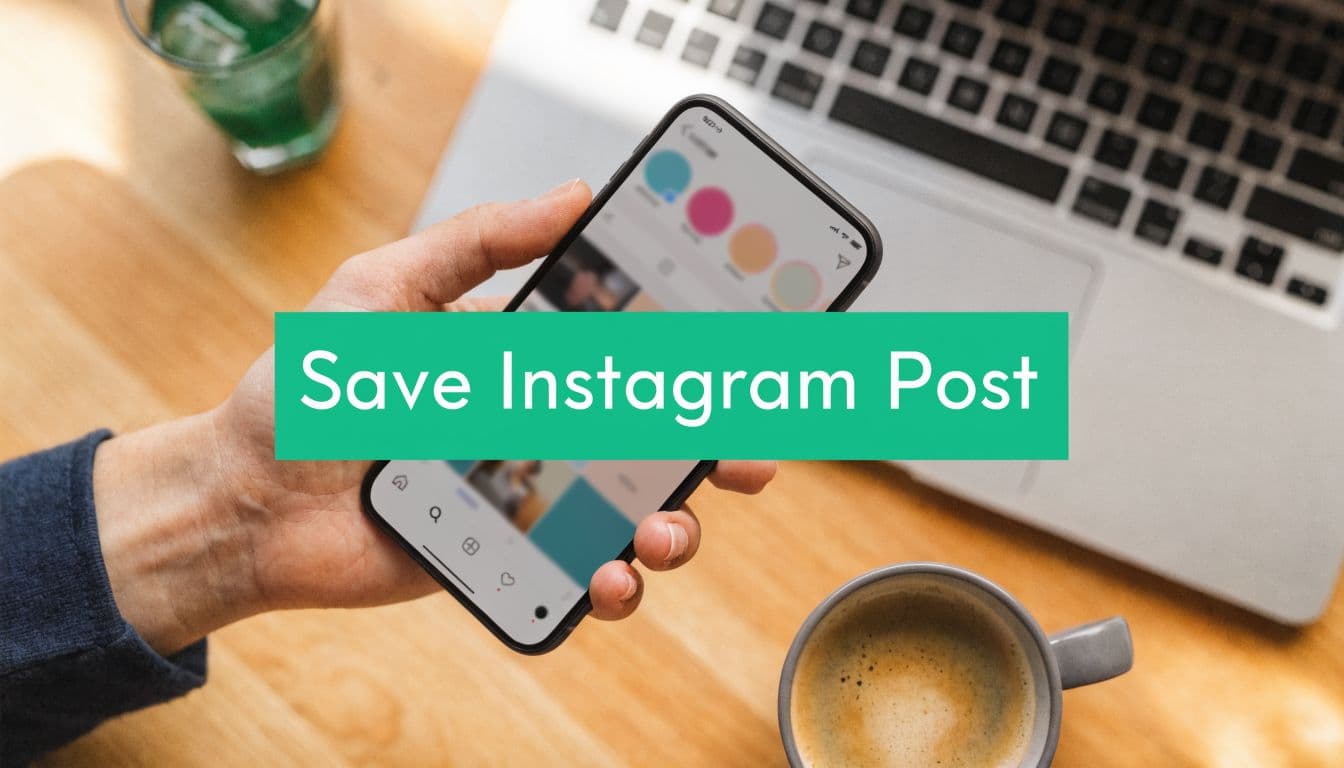
Why Saving Instagram Posts is a Secret Superpower
A lot of creators treat saved posts like a junk drawer. They save recipes, meme formats, hook ideas, competitor launches, design references, and then never look at them again. The result is a full folder and no real system.
The smarter use is much more tactical. A saved post can be a swipe-file entry, a competitive research note, a future brief for your designer, or a reminder that a certain type of educational content is working repeatedly in your niche. That’s where this feature becomes useful for growth instead of just convenience.
I’ve seen the biggest difference when saved content gets tied to an actual publishing process. A creator saves a carousel not because it looks nice, but because the structure is reusable. A small business saves a customer testimonial post because the framing works. An agency saves three competitor posts on the same topic and notices they all use the same opening slide pattern.
Save posts for a reason. “Useful later” is too vague to be a workflow.
That’s also where content repurposing starts to get practical. A saved post can become the seed for a Reel, a Story sequence, a caption angle, or a fresh carousel built from your own voice and examples. If you want a deeper playbook for that process, this guide on what content repurposing actually looks like is worth reading.
Saving isn’t passive if you use it to answer one question: what exactly made this post worth coming back to?
Mastering Instagram's Built-In Bookmark Feature
The native Instagram save feature is still the cleanest and safest starting point. It doesn’t notify the original creator, it doesn’t require another app, and it keeps the post attached to the original context.

How to save a post inside Instagram
Under any post, look for the bookmark icon on the right side, below the image or video. Tap it once, and Instagram saves that post to your private Saved area.
That’s different from liking a post. A like is lightweight social feedback. A save is private and usually more intentional. People use likes casually. They use saves when they want to return.
To find what you’ve saved:
Go to your profile.
Tap the menu in the top corner.
Open Saved.
Browse everything you’ve bookmarked or sort by collection if you’ve organized them.
The small habit that makes this useful
Don’t save everything that catches your eye. Save posts that solve one of these jobs:
Reference later for caption structure, layout, or storytelling
Study a competitor to understand what angle they’re pushing
Use as creative fuel when your content calendar feels flat
Track a format you want to test in your own niche
Practical rule: If you can’t say why you saved it in one sentence, it probably doesn’t belong in your library.
If Reels are a big part of your workflow, this walkthrough on how to save Instagram Reels pairs well with the standard bookmark method because the organization problem gets bigger fast when short-form ideas pile up.
What this method does well
The native feature is best for privacy, speed, and staying compliant with the platform. It also preserves the original caption, comments, and context, which matters when you’re studying why something worked.
What it doesn’t do well is export. You can revisit saved posts in-app, but moving them into a wider planning system takes extra work. That’s where collections and a better review habit matter.
Organize Your Inspiration with Smart Collections
Most saved folders become digital storage, not usable research. Collections fix that.

Instagram lets you save a post directly into a named collection, or move it after the fact. That one extra click is what turns random inspiration into something you can act on during planning week.
A useful data point backs this up. A 2026 Buffer survey of 5,000 influencers found that 72% save posts weekly for inspiration, yet 59% struggle with organization and exporting their saved content. That tracks with what happens in real workflows. People save constantly, but retrieval breaks down.
Build collections by decision, not by mood
The mistake is creating vague folders like “Ideas” or “Cool Posts.” Those don’t help when you need a caption angle for a launch or a visual style for a testimonial.
Create collections around actual use cases:
Hooks worth testing
Save posts with strong first lines, opening slides, or thumbnail text.Carousel structures
Keep educational posts here if you want to study pacing, slide sequence, or how creators hold attention.UGC references
Save examples of customer storytelling, creator partnerships, unboxings, or casual product demos.Competitor positioning
Use this for offers, messaging shifts, launch frameworks, and audience objections.Visual direction
Save posts for lighting, color treatment, framing, typography, and product styling.
Examples by niche
A creator might use:
Pose ideas
Brand collabs
Reel cover styles
Viral audio concepts
A service business might use:
Client wins
Educational carousels
Lead magnet promo
Local content ideas
An e-commerce brand might use:
Product closeups
Storytelling captions
Customer reviews
Seasonal campaign inspo
The best collection names sound like tasks, not topics.
Keep your saved library alive
A collection only helps if you review it. I prefer a simple maintenance rhythm:
Save immediately when you find something worth studying.
Sort it the same day if it landed in your general saved folder.
Review weekly before content planning.
Delete aggressively if a saved post no longer feels useful.
For creators who want a cleaner publishing workflow beyond the app itself, this guide on how to organize IG posts complements collections well because it connects saved inspiration to actual output.
The point isn’t to build the biggest archive. It’s to make the next content decision faster.
Downloading Posts: The Safe Versus Risky Methods
Saving and downloading are not the same thing. That distinction matters.
A native saves a post bookmarked inside Instagram. Downloading creates a local file on your device. For your own content, that can be practical. For other people’s content, creators and businesses often wander into risky territory.

Safe uses for downloads
If it’s your content, downloading can be sensible. You might want a backup copy of a post, access to creative assets for another channel, or a clean file for your internal archive. That’s especially useful when you’re repurposing a campaign across Instagram, email, Pinterest, or paid media.
Safe methods usually share three traits:
They use official features or approved workflows
They involve content you own or have permission to use
They don’t require handing your login to random tools
If you need a browser-based option for grabbing an image you have the right to use, tools like PostOnce's photo saving tool can be part of that workflow. The key is consent and ownership. The tool itself doesn’t create permissions.
Where people get into trouble
Third-party downloader sites promise speed and “HD downloads,” but they often ignore the bigger issues. You’re not just grabbing a file. You may be stepping into terms violations, copyright misuse, or security risk.
The account risk isn’t abstract. A 2025 Meta transparency report noted that over 15 million accounts were actioned for using automation and scraping tools, and a Hootsuite Q1 2026 analysis linked 68% of small business account suspensions to such tools, including third-party downloaders.
That should change how you evaluate convenience.
Saving methods compared
Primary use – The in-app “Save” feature is for bookmarking content to view later inside Instagram, while a third-party downloader is used to create a file copy outside the platform.
Account safety – The in-app save feature is safer and platform-native, whereas third-party downloaders carry a higher risk, especially if they request access or rely on scraping.
Legal clarity – The in-app save feature is better for private reference, while downloading content can create copyright issues if reused without permission.
Context retained – The in-app save feature keeps the original post, caption, and comments attached, while a downloaded file strips content from its original context.
Best for – The in-app save feature is ideal for research, inspiration, competitor tracking, and idea collection. At the same time, third-party downloaders should only be used for content you own or have explicit rights to use.
Decision test: If the workflow asks for your credentials, bypasses normal app behavior, or makes someone else’s content feel “free to take,” stop there.
What works and what doesn’t
What works is simple. Save posts natively. Download your own files through official paths. Ask for permission when you want to reuse someone else’s work.
What doesn’t work is building a content process around scraped media and hoping nothing happens. Even if the account stays fine, the habit usually creates lazy content. Teams start reposting instead of interpreting, and their feed loses any original point of view.
The safest creator usually ends up with the strongest brand.
Turn Saved Content into a Growth Strategy Goldmine
Saved posts become valuable when they stop being bookmarks and start becoming inputs.

The best use of a save instagram post workflow is to feed your content calendar with better raw material. Not copied content. Better prompts. Better structures. Better timing.
One useful benchmark here comes from content performance itself. According to a 2026 algorithm analysis by Buffer, posts with high save rates see 25-40% higher reach amplification, and carousels yield 1.4 times more saves than single-image posts. That’s why educational, reference-friendly content often deserves a bigger place in your mix.
Study patterns, not individual posts
One saved carousel can inspire you. Ten saved carousels can show a pattern.
Look for repeated elements across your saved content:
Openings that create urgency
Not clickbait. Clear reasons to keep reading.Formats that teach fast
Swipeable breakdowns, before-and-after structure, checklists, myth-vs-fact layouts.Posts people revisit
Tutorials, templates, scripts, product comparisons, and visual explainers.Angles competitors keep repeating
That usually signals audience demand, not coincidence.
Instead of asking, “Should I make something like this?” ask, “Why would someone save this in the first place?”
Turn collections into briefs
A saved collection becomes much more useful when you convert it into action items. I like a simple weekly review that turns references into production notes.
For each post worth keeping, write down:
What made it save-worthy
What part is reusable
How would your version differ
Where it fits in the funnel
That last point matters. Some saved posts are top-of-funnel attention grabbers. Others are conversion assets disguised as helpful education.
Good saved content doesn’t tell you what to copy. It tells you what your audience wants to keep.
If your team creates customer-style creative, a tool like ShortGenius AI UGC ad platform can help turn saved inspiration into draft concepts and testable video variations faster. That’s useful when you’ve identified a format worth adapting but need to produce at speed without losing the original strategic insight.
A quick visual explainer can help if you’re refining this workflow:
A working review rhythm
Here’s a practical cadence that keeps saved content from going stale:
Monday
Review competitor and niche collections for fresh hooks.Midweek
Pull one saved format into a draft post idea.Friday
Audit what you saved and remove weak references.
This is also where creative block gets easier to manage. You don’t need a blank-page breakthrough. You need a structured library of proven angles, then your own take on them.
The Unspoken Rules of Using Saved Content
Saving a post doesn’t give you ownership. It gives you access for reference.
That distinction matters more than is often acknowledged. Plenty of accounts slide from “inspired by” into straight reposting, and audiences can tell. So can original creators. If you want a practical walkthrough for permission-based reposting, this guide on how to repost an Instagram post is a solid reference.
The standard to hold yourself to
Use saved content to study structure, pacing, framing, and audience response. Don’t use it as a shortcut to take someone else’s work and treat it like raw material you own.
That means:
Ask first if you want to reuse UGC or customer content
Credit clearly when permission is given
Transform thoughtfully if you’re borrowing a format or concept
Keep receipts for approvals when brands, freelancers, or clients are involved
Respecting ownership isn’t just about avoiding problems. It’s how serious brands earn trust from creators and customers.
Creators notice who credits well. Customers notice who feels original. Over time, that reputation compounds into better partnerships and a stronger brand identity.
If you want help turning smart Instagram habits into consistent organic growth, Gainsty gives creators and businesses a safer way to grow with AI-powered support, niche targeting, and strategies built around real engagement instead of bots.
.png&w=1920&q=75&dpl=dpl_34ZXCf12K5qjjdZjPn9snwDRADrB)




.png&w=750&q=75&dpl=dpl_34ZXCf12K5qjjdZjPn9snwDRADrB)